Where Proxy IPs Actually Matter in Modern Workflows

Most teams don’t start by thinking about IPs.
They start with problems:
- A cluster of social accounts gets flagged in the same week.
- A price-tracking script works for a while, then dies under captchas.
- An ad campaign looks perfect in dashboards but broken in real markets.
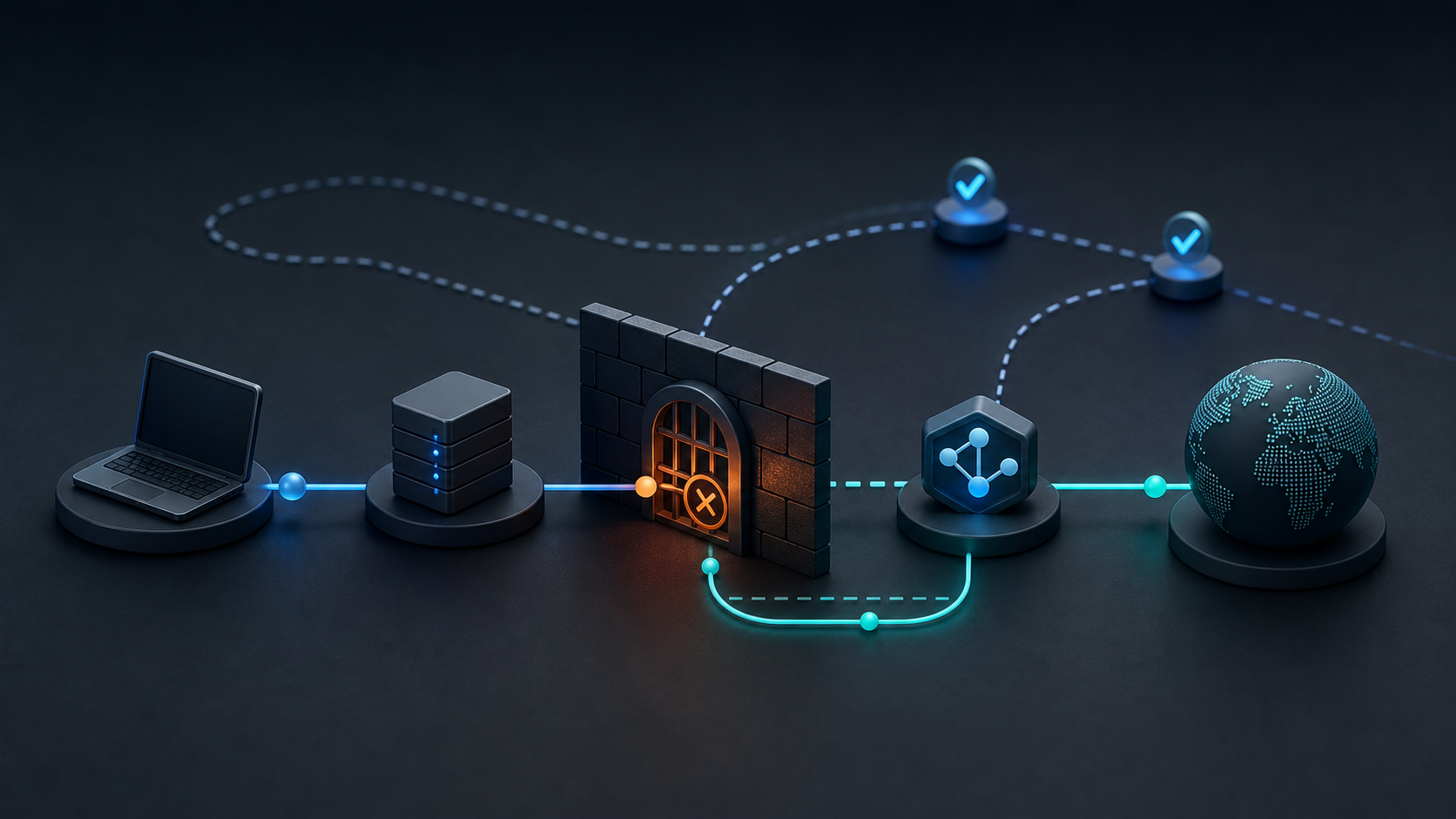
Underneath all of this is one quiet layer: how traffic leaves your network.
That’s what MaskProxy is really selling—not just IPs, but a way to control identity, geography, and behavior at the network edge.
With a mix of rotating residential, rotating datacenter, static residential, static datacenter, and protocol-level access via HTTP and SOCKS5, you can shape that edge into whatever your workflow needs: long-lived identity, disposable bursts of traffic, clean local views, or high-speed automation.
Below are the realities behind each major use case—not just what proxies are, but what they fix, and which MaskProxy products actually fit.
Social Media
Managing multiple social accounts, automating posts, and gathering insights across platforms means you’re effectively running an identity factory:
- Creator profiles, brand pages, ad accounts and business managers in the same team
- Work spread across TikTok, Instagram, Facebook, X, LinkedIn, YouTube, and more
- Mixed environments: office networks, home devices, cloud VMs, mobile emulators

When all of that rides on the same raw IP range, platforms see a single, noisy cluster:
- Accounts get reviewed or restricted in batches.
- Sudden changes in IP or device trigger extra verification.
- Operators become nervous about logging in “too often” from the same place.
To calm that chaos, teams usually split their social stack into stable identities + flexible data collection:
- Long-term identities (core brand pages, ad accounts, business managers) sit on Static Residential Proxies so each “asset group” has a consistent, local, household-style IP.
- Monitoring and lightweight data pulls (public comments, follower counts, hashtag views) go through Rotating Residential Proxies, spreading requests across many real-user IPs.
- Fingerprint browsers, Android emulators, and multi-login tools connect via SOCKS5 Proxies so that “device fingerprint + IP + cookies” stay glued together per profile.
The result isn’t just “higher anonymity.” It’s a social media setup where each profile behaves like a real person, instead of everything leaking from one shared office IP.
For a deeper breakdown of social media routing, see our full guide on
Stable Social Media Proxy Routing: Everything You Need to Know
E-Commerce
Global e-commerce operations live and die by their relationship with marketplaces:
- Multiple storefronts on Amazon, eBay, Shopify, WooCommerce, Shopee, Lazada, etc.
- Supplier and logistics accounts tied to the same operators
- Cross-border teams logging in from countries that don’t match the target market
From the platform’s point of view, if too many of these identities share IPs and device traits, they’re part of the same risk bubble. One review or policy change can pull the whole bubble into trouble.

Teams that survive long term usually treat IPs as part of store hygiene:
- Core seller accounts and “do not lose” logins live behind Static Residential Proxies, with one IP (or a small, tight range) bound per store or store group.
- High-frequency tasks such as price monitoring, catalog scraping, and promo tracking are offloaded to Rotating Datacenter Proxies when the target site tolerates DC traffic, or to Rotating Residential Proxies when it doesn’t.
- Internal tools—repricers, dashboards, QA flows—connect via HTTP Proxies, so switching regions or IP pools is a config change instead of a new tool rollout.
This separation keeps store logins predictable and “human”, while letting your automation layer move fast without dragging everything into the same identity cluster.
For a step-by-step setup, see E-Commerce Proxy Routing
Data Aggregation
Data aggregation isn’t about individual accounts; it’s about jobs finishing without collapsing under bans:
- Continuous price and stock monitoring across SKUs and regions
- Public data collection from news sites, docs, repositories, RSS and APIs
- Ticketing, sneaker, or inventory trackers doing short, intense bursts of access
The typical failure pattern looks like this:
- A few IPs are hammered with high-volume requests.
- Caps, greylisting, and captchas hit harder over time.
- The team adds more threads instead of fixing routing, and everything burns out.

What works better is separating throughput by risk and sensitivity:
- Bulk scraping, SEO tracking, and non-login tasks lean on Rotating Datacenter Proxies for low-cost, high-speed concurrency.
- Sensitive targets with strong anti-bot systems, or those that punish DC ranges, move to Rotating Residential Proxies so requests resemble regular users.
- Extremely long-running, always-on collectors that you don’t want to micromanage can sit on Unlimited Rotating Residential Proxies, where the pricing model matches “we scrape all month, every month”.
Everything is wired through HTTP or SOCKS5 endpoints, so your crawlers and headless browsers don’t care how often you change pools; they just respect the routing policy you set.
Ad Verification
Ad operations people don’t want to argue with dashboards.
They want to see what real users actually see:
- Is the creative live in the target country?
- Does the landing page render correctly on local networks?
- Are bad actors injecting cloaked pages, fake offers, or hijacked redirects?
If you only check from one office IP—or a handful of easily tagged datacenter IPs—you get a distorted picture. You might be treated as a test environment, a QA partner, or simply blocked.

A good verification setup uses proxies as local vantage points:
- Regional panels of Static Residential Proxies act like “fixed observers” inside each market. They’re perfect for daily or hourly snapshots of placements, landers, and tracking flows.
- Larger, one-off sweeps across many publishers or campaigns ride on Rotating Residential Proxies, giving you breadth without burning a few IPs to the ground.
- Your internal verification tools plug into HTTP Proxies, so analysts can script checks instead of manually clicking through a VPN.
Now when something looks wrong in a given country, you can replay it from multiple realistic IPs and collect evidence, instead of guessing from afar.
Artificial Intelligence
AI and LLM teams care about what data models are actually trained and evaluated on:
- Crawling public content that looks different by region
- Hitting endpoints with aggressive rate limits or geo-restrictions
- Building evaluation sets that reflect real-world user experiences, not just one country’s view
With a single IP range, crawls skew towards a few “easy” regions, and evaluations don’t tell you how models behave elsewhere.

Proxies give you a way to treat geography and access patterns as deliberate choices:
- Training data collection that must mimic everyday users runs over Rotating Residential Proxies, selecting countries and cities that match your deployment markets.
- Long evaluation runs, benchmarks, and regression tests that you repeat week after week can be pinned to specific exit markets using Static Residential Proxies, so results are comparable over time.
- Everything is wired through SOCKS5 or HTTP, which most crawler frameworks and evaluation harnesses already understand.
Instead of “the crawl failed again,” you get a controllable network layer you can version, document, and tune like any other part of the AI stack.
Market Research
Market research and competitive intelligence are about seeing the market the way your customers see it, not the way your corporate network sees it:
- SERP snapshots for target keywords in many countries
- Pricing and promotion tracking across brands and channels
- Funnel walkthroughs from ad click to checkout, repeated over time

If everything comes from your HQ IP, personalization and history distort reality:
- Search results lean towards your own brand and past clicks.
- Tests show “clean” experiences that real users don’t get.
- Competitors may even treat your IP differently once they recognize it.
Teams that need clean views normally combine local realism + repeatability:
- One-off or broad SERP and price checks across many markets run on Rotating Residential Proxies, pulling from user-like IPs in each target country.
- Time-series tracking—“how did this funnel change over the quarter?”—uses stable Static Residential Proxies in key regions, so your snapshots are taken from the same perspective every time.
- Dashboards, BI scripts, and notebooks connect via HTTP Proxies, so analysts can change markets by changing configs, not devices.
You end up with research that is both geographically honest and structurally repeatable, instead of one-off screenshots nobody can reproduce.
Integration Tools
None of these use cases exist on their own.
They all run through tools:
- Fingerprint browsers and multi-login setups
- Headless browsers like Puppeteer and Playwright
- Selenium scripts, RPA flows, Android emulators and mobile test rigs
- In-house bots, cron jobs, schedulers, and SDKs
If proxies live as a separate “thing to remember” that people toggle on and off manually, routing turns into guesswork.

MaskProxy is designed to be wired straight into your stack:
- SOCKS5 Proxies take care of deep integration with fingerprint browsers, desktop clients, Android emulators, and any tooling that wants raw socket-level tunneling.
- HTTP Proxies give web tools, SaaS integrations, and headless browsers a simple way to move between pools and regions.
- Above the protocol level, you decide whether a workflow needs fixed identity via Static Residential or Static Datacenter Proxies, or elastic throughput via Rotating Residential, Rotating Datacenter, or Unlimited Rotating Residential Proxies.
Proxies stop being a browser extension you toggle, and become configuration in your codebase—documented, versioned, and shared across the team.
Turning use cases into a routing plan
All of these scenarios boil down to a few questions:
- Do you care more about identity stability or traffic volume here?
- Does this workflow need to look like a local user or is a datacenter fine?
- Should this route be long-term and predictable, or short-lived and disposable?
MaskProxy’s product pages give the raw capabilities:
- Rotating Residential Proxies
- Rotating Datacenter Proxies
- Static Residential Proxies
- Static Datacenter Proxies
- Unlimited Rotating Residential Proxies
- SOCKS5 Proxies
- HTTP Proxies
The real value comes when you map those capabilities onto the realities above:
which brand, which store, which scraper, which AI job, which research flow sits on which pool, and for how long.
Once that mapping is clear, the proxy layer fades into the background—and what your team feels is simply that logins are calmer, data is cleaner, and experiments survive long enough to matter.

Daniel Harris is a Content Manager and Full-Stack SEO Specialist with 7+ years of hands-on experience across content strategy and technical SEO. He writes about proxy usage in everyday workflows, including SEO checks, ad previews, pricing scans, and multi-account work. He’s drawn to systems that stay consistent over time and writing that stays calm, concrete, and readable. Outside work, Daniel is usually exploring new tools, outlining future pieces, or getting lost in a long book.
FAQ: Proxy IPs in real workflows
Do I always need residential proxy IPs for these use cases?
No. You only need residential IPs where platforms care about looking like a normal user or where datacenter ranges are heavily throttled.
Bulk SEO checks, generic scraping and some internal tools can often sit on rotating datacenter proxies first.
Once you see bans, greylisting or strong bot controls, that’s when it makes sense to move those flows onto rotating or static residential pools.
When are datacenter proxies “good enough”?
Datacenter proxies are usually fine when:
– You are not logging into sensitive accounts.
– The target site doesn’t aggressively punish DC ranges.
– You care more about cheap throughput than about mimicking a real household user.
That includes a lot of SEO tracking, basic catalog scraping, uptime checks and internal dashboards.
If you start seeing captchas, blocks tied to ASN, or obvious bot handling, that’s your signal to test the same workflow on residential routes.
How many IPs should a small team start with?
A useful rule of thumb is to think in asset groups, not headcount:
– Each core store, brand cluster or ad account group deserves its own static identity (often 1–3 static residential IPs).
– Bulk jobs and one-off data pulls can share larger rotating pools, because they don’t depend on a single long-term identity.
For many teams, that means a small bundle of static residential IPs for do-not-lose assets, plus one rotating residential or rotating datacenter plan for everything disposable. You can always scale pools once workflows prove their value.
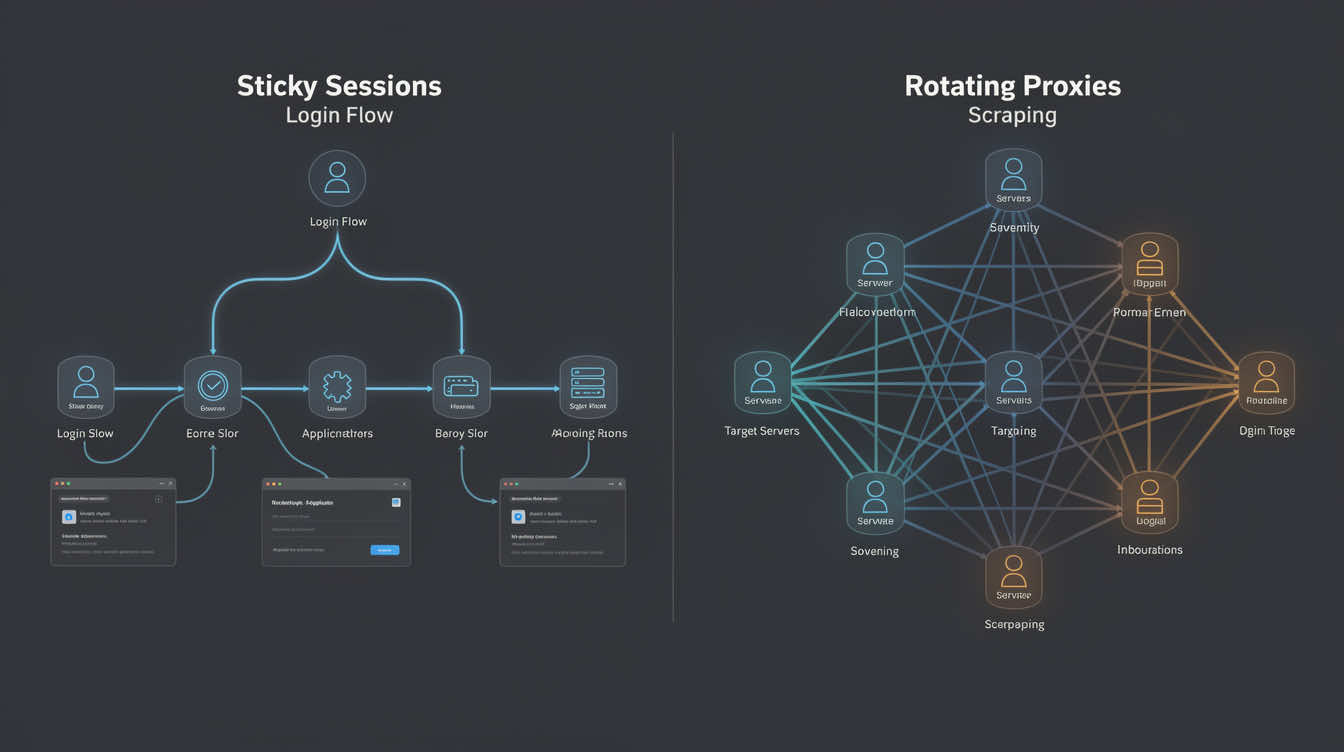
Static vs rotating residential proxies?
Static residential proxies keep the same residential IP (or a very small range) over time.
They’re better for long-term identities: core social accounts, seller accounts and important logins.
Rotating residential proxies change IPs automatically, by request or by session.
They’re better for breadth and survival: scraping, monitoring, ad sweeps and other noisy tasks.
How should I assign workflows to proxy pools?
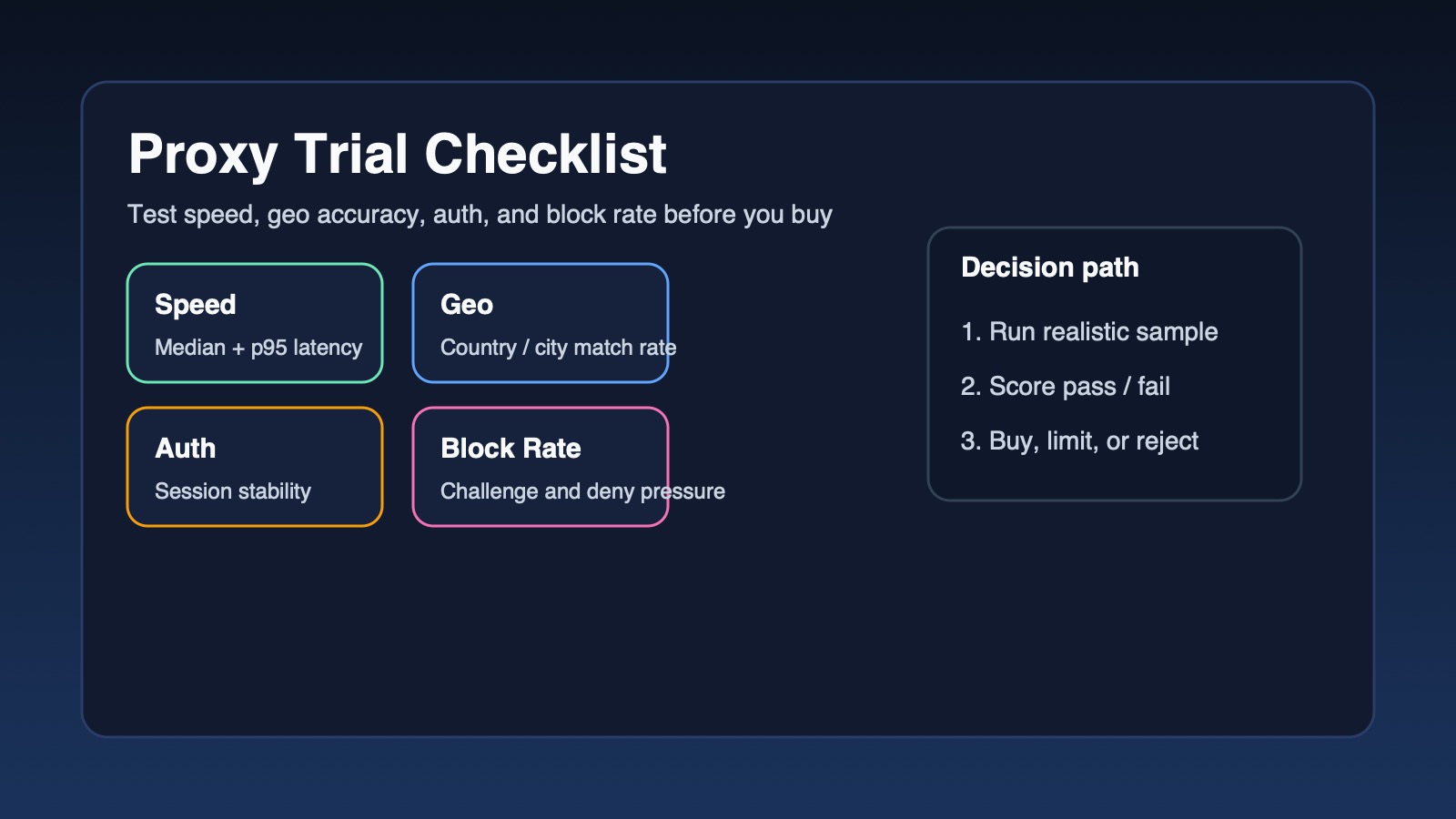
Start by tagging each workflow with three simple labels:
1) Identity vs volume: Is this protecting a valuable account, or just pushing traffic?
2) User realism: Does this need to look like a real local user, or is DC traffic fine?
3) Lifespan: Is this route meant to live for months, or can it be disposable?
From there:
– Long-lived, identity-heavy, user-like flows → static residential (sometimes static datacenter).
– Noisy, high-volume, disposable flows → rotating datacenter first.
– Sensitive, geo-strict or anti-bot-heavy targets → rotating residential or unlimited rotating residential.
Once those rules are written down, routing becomes configuration, not guesswork.
Why not just use a VPN instead of proxy IPs?
VPNs are built around interactive users and whole-device tunnels; they’re fine for occasional manual checks.
But they don’t scale well when you need:
– Dozens or hundreds of concurrent sessions
– Different routes per browser profile, bot, VM or emulator
– Clean separation between identity IPs and scraping IPs
Proxies let you wire that logic directly into browsers, tools and code via HTTP and SOCKS5 endpoints, so routing stays under your control instead of living in someone’s VPN client UI.