1337x Proxy List 2025: Safety Checks for Mirrors and Legit Alternatives
1337x is a well-known torrent indexing site that many people look up for movies, TV shows, games, software, and other digital files.
Because of its popularity, it frequently runs into access restrictions and instability across different countries and networks—sometimes due to ISP blocks, sometimes due to DNS filtering, and sometimes because browsers/security tools flag related pages as risky.
That’s why users often search for 1337x proxy sites and mirror sites: alternative access points that either relay requests through an intermediary or serve similar pages from another domain.
The catch is simple: not every “proxy” or “mirror” is safe.
Clone sites, redirect funnels, and malvertising traps are common, and they often look convincing until they start pushing forced notifications, fake downloads, or shady extensions.
For legitimate monitoring and verification workflows, MaskProxy is used to keep routing predictable rather than chasing random public mirrors.
What Is a 1337x Torrent Proxy?
A 1337x proxy is an alternative access route that sits between your device and the 1337x website.
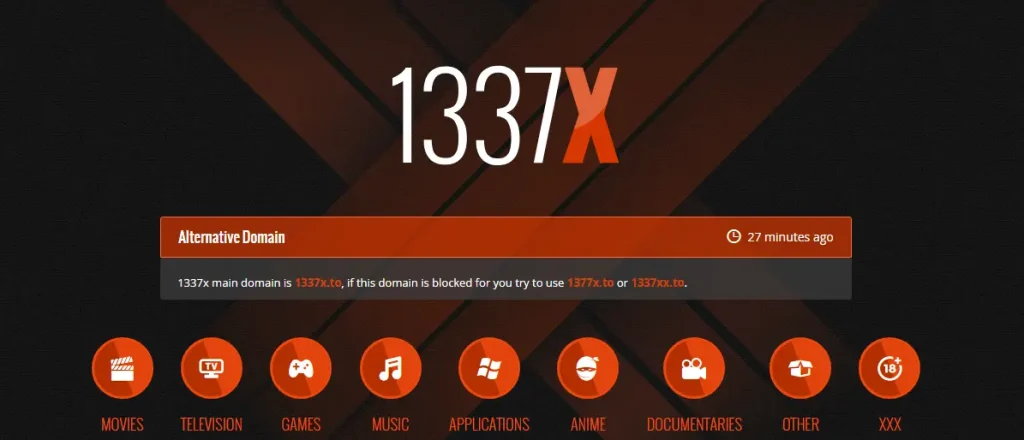
In practice, “1337x proxy” usually refers to two different things:
1) Proxy relay pages
Some proxy sites act as intermediaries that forward your web requests and return the destination page content to you—similar to how basic HTTP proxies route browser traffic. This changes the network path your request takes, which is why people sometimes see different reachability across regions and networks.
Quick check: If the URL you open is not 1337x but the page content looks like it, you’re likely on a proxy relay page (a middle site fetching the content for you).
2) Mirror sites
Other “proxies” are actually mirror websites—replicas of the original site hosted on different domains or servers. A mirror aims to reproduce the same layout and functionality, offering another entry point when the primary domain is unstable or restricted.
Quick check: If the site has its own domain and behaves like a full copy of the original, it’s a mirror (a replica hosted elsewhere).
One important catch: not every “proxy” or “mirror” is trustworthy. Clones, redirect funnels, and malvertising traps are common, so it’s critical to treat “it loads” as a starting point, not proof of safety.
Why Are 1337x Torrent Sites Blocked?
As a high-traffic torrent indexing site, 1337x is often restricted because it’s tied to unauthorized distribution of copyrighted material. In many regions, rights holders pursue court orders and ISPs apply network-level blocks to comply. The UK is a common example: multiple file-sharing and torrent-related sites (including 1337x) have been subject to ISP blocks under court-driven anti-piracy enforcement, as reflected in reporting by Wired and ISP court-order block lists such as Virgin Media’s published list.
Security risk is the other major driver. Even when the “brand name” is familiar, look-alike domains, redirect funnels, and malvertising chains are common—and security vendors will blacklist domains when they’re observed distributing malicious payloads. For instance, Malwarebytes’ detection entry notes that the domain 1337x.org was blocked due to association with a Trojan and used to spread Trojans.
In practice, 1337x blocks usually come from a mix of factors:
- Copyright enforcement: court actions targeting piracy access.
- Government/ISP filtering: national policy or ISP compliance programs restricting specific domains.
- Security blacklists: browser/endpoint tools blocking domains tied to malvertising, phishing clones, or malware.
- Clone ecosystem: mirrors and redirect funnels that create both instability and higher exposure risk (often why users get burned even when a page “loads”).
Tip: If your goal is legitimate web access workflows—testing, monitoring, geo QA, research—use proxies to keep routing predictable rather than random. For browser-only routing, HTTP proxies may be enough; for broader tool/app traffic, SOCKS5 proxies are commonly used. (This is about controlled routing for legitimate use cases, not accessing infringing content.)
Common Legit Use Cases: Monitoring, Verification, Aggregation
If you landed on “1337x proxy” pages because you’re doing legitimate web work—SEO checks, ad verification, geo QA, or data aggregation—don’t rely on random public relays. Use task-fit routing: browser-style traffic usually maps to HTTP proxies, while tool-based stacks often prefer SOCKS5 proxies for broader compatibility.
What you want is predictable routing, not “a working mirror.” Use this quick selection rule:
- Login/session stability (accounts, dashboards, long-lived checks) → static residential proxies
- High-volume monitoring/collection (many URLs, frequent refresh, aggregation) → rotating datacenter proxies (a controlled pool)
MaskProxy groups proxy options by protocol and rotation model, which makes it easier to keep one workflow on one routing policy—and avoid cross-task contamination.
1337x Proxy & Mirror Verification List
Note: This section is provided for security verification and monitoring purposes only. We do not promote copyright infringement, and we recommend using official/authorized sources whenever possible.
Below is a non-endorsement reference table of commonly-seen mirror patterns, intended only to demonstrate how to verify status and risk signals.
| URL | Type | Status | Last Checked |
| https://1337x.to | Official | Blocked in many regions | Dec 2025 |
| https://1337x.st | Mirror | Working | Dec 2025 |
| https://1337x.is | Mirror | Working | Dec 2025 |
| https://1337x.unblockit | Proxy | Limited | Dec 2025 |
| https://1337x.proxy-site | Proxy | Working | Dec 2025 |
Verification checklist: 1337x Access That Actually Holds Up: A Step-by-Step Reality Check.
How to Use Proxy or Mirror Pages More Safely
If you’re landing on proxy or mirror pages, treat them as high-risk surfaces. Convenience is never worth a compromised device or accounts. The goal is simple: reduce exposure to clones, redirect funnels, and malvertising.

- Keep your browsing environment “clean”
Use an up-to-date browser, block popups, and disable auto-downloads. If possible, use a separate browser profile for risky browsing so your daily accounts stay isolated.
Never log in or enter credentials on an unverified mirror/proxy page. - Understand what kind of proxy you’re actually using
Many “web proxy” pages behave like basic HTTP proxies (browser request relays). Some tools and apps instead route traffic via SOCKS5 proxies for broader compatibility. Protocol choice affects how traffic is routed—not whether the operator is trustworthy. - Verify site authenticity before interacting
Leave immediately if you see forced notifications, extension installs, aggressive redirects, or fake “download” buttons. “It loads” is not proof it’s safe. - Avoid suspicious downloads and bait files
Don’t run unknown executables. Be skeptical of anything that tries to force a “helper app,” “codec,” or “installer” to continue. - Keep security tools updated
Regularly update your OS and endpoint protection. Many blocks happen because security tools have already observed malicious behavior on look-alike domains.
Related: For legitimate web workflows (monitoring, research, geo QA), safety improves when routing is predictable—stable sessions often align with static residential proxies, while bulk checks commonly run on static datacenter proxies.
Alternatives to 1337x in 2025
If access remains unstable, the safest move is to change the goal from “find another mirror” to “solve the real job you came to do.”
If your goal is content access (legitimate)
Choose sources that are authorized and stable:
- Official platforms and publisher sites (best reliability, lowest risk)
- Public domain / Creative Commons libraries (legal free content)
- Library lending services (ebooks, audiobooks, and films in many regions)
- Open-source repositories and vendor downloads (for software and tools)

If your goal is repeatable web access for legitimate tasks
For SEO checks, ad verification, geo QA, and data aggregation, don’t use random proxy pages. Use task-fit routing with a predictable policy:
- Controlled churn on sensitive targets → measured residential rotation
- Large-scale, ongoing collection → high-throughput residential rotation
The point is to keep routing consistent per workflow—so your results are comparable and your risk surface stays contained.
1337x access issues usually come down to ISP/DNS filtering, domain churn, and security blocks—plus a large ecosystem of clones that turn “working links” into risk funnels. A proxy/mirror list may look like the fastest fix, but the safer approach is to treat any “alternative access point” as untrusted until proven otherwise.

Daniel Harris is a Content Manager and Full-Stack SEO Specialist with 7+ years of hands-on experience across content strategy and technical SEO. He writes about proxy usage in everyday workflows, including SEO checks, ad previews, pricing scans, and multi-account work. He’s drawn to systems that stay consistent over time and writing that stays calm, concrete, and readable. Outside work, Daniel is usually exploring new tools, outlining future pieces, or getting lost in a long book.
FAQ
Why does “it loads” not mean it’s safe?
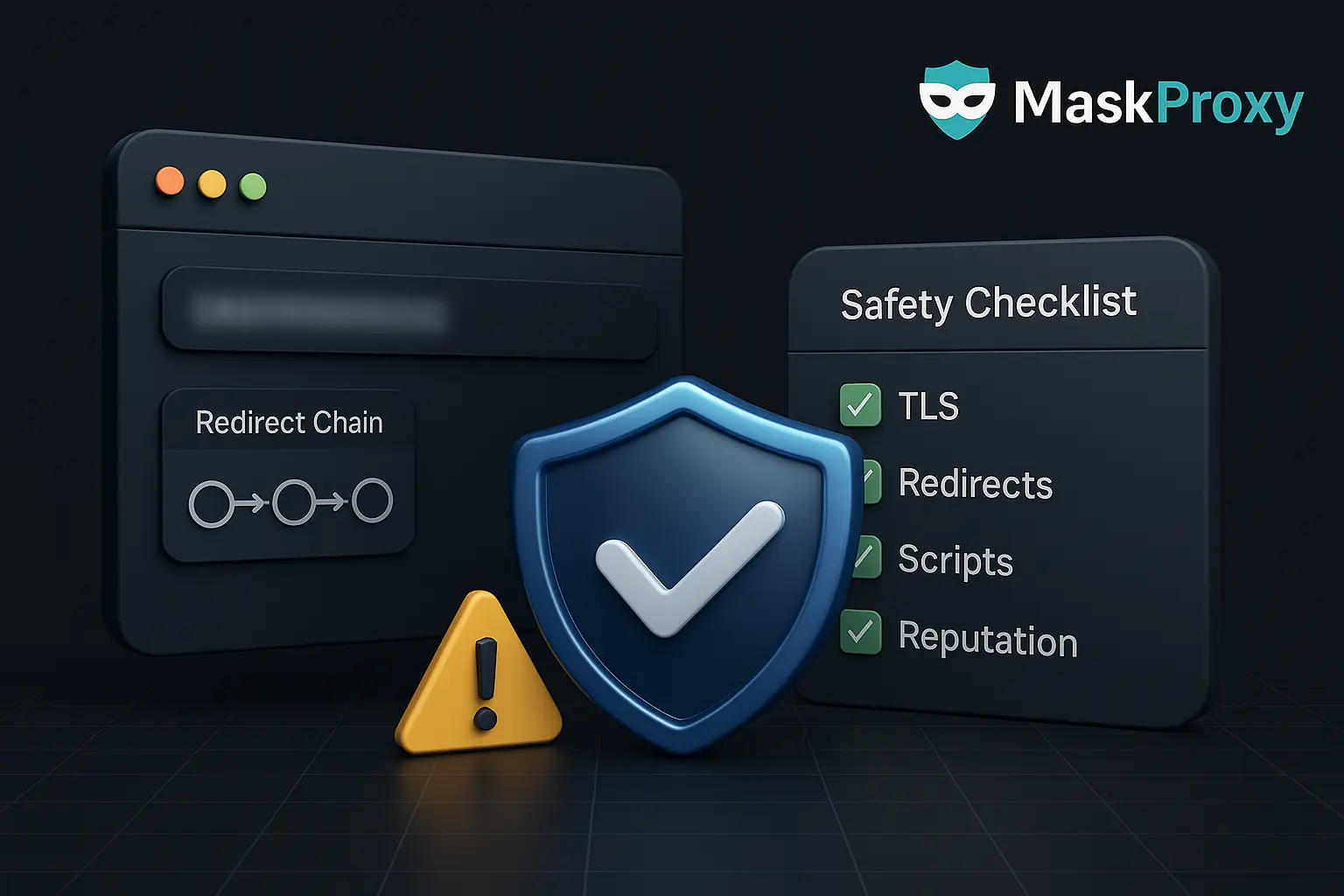
Because a page can render normally while still running risky behavior in the background—ad/script injection, redirect chains, fingerprinting, or download prompts. Treat “it loads” as a starting signal, then verify TLS/redirects, page integrity, and reputation before you click deeper or download anything.
Mirror vs proxy page: what’s the difference?
A mirror is a copy hosted on a different domain that serves content directly. A proxy page is a middle site that fetches the target on your behalf and returns the content to you. Proxy pages add an extra hop and often introduce more injection risk; mirrors add ownership ambiguity and clone risk.
What signals suggest a redirect funnel or malvertising trap?
Common signs include multiple rapid redirects, URL parameters that look like tracking (subid=, clickid=, utm= in odd places), pop-ups that appear before any real content, forced notification prompts, fake “Update/Download” buttons, and a different domain showing in the address bar than what you expected.
What should I check before interacting with any mirror/proxy page?
At minimum: confirm HTTPS/TLS, watch the full redirect chain, compare the page’s structure/scripts against what you expect, scan links before clicking, and avoid downloads. If the page asks for credentials, permissions, or installer files—stop and reassess.
When is a static residential proxy a better choice for verification work?
When you need session stability and repeatable results—logins, dashboards, long-lived checks, or workflows that are sensitive to identity changes. Static routes reduce “identity drift” and keep verification behavior consistent over days, not minutes.
Do I need residential proxies for everything?
Not necessarily. For high-volume monitoring and collection where identity persistence is less critical, a controlled rotating datacenter pool can be cleaner and more cost-effective. Use residential routing when the target is sensitive to network identity, geolocation, or session continuity.