Best YouTube Proxies for Real-World Operations in 2026
Teams usually search “YouTube proxy” when they need control over where YouTube sees traffic coming from, or when the current network path triggers throttling, CAPTCHAs, geo restrictions, or repeated verification loops. In real operations, a proxy only adds value when it is tied to a specific workflow, with explicit boundaries for what it can and cannot mitigate.
This document separates YouTube proxy use into distinct intents—content access, enterprise viewing, automation, multi-channel isolation, ad verification, and data collection—and maps each intent to routing patterns that remain stable under modern platform risk control.
Decision Fast Track
Use this to avoid “proxy shopping” before the workflow is defined.
| Your primary goal | Logged-in? | What usually works | What usually backfires |
|---|---|---|---|
| Watch region-locked content | No/Optional | Sticky residential (stable region) | Free web proxy sites; aggressive rotation |
| Access YouTube on corporate networks | No/Optional | ISP static or sticky residential | Shared VPN exits; congested datacenter |
| Upload / Creator Studio actions | Yes | ISP static (per account/profile) | Rotating pools during sessions |
| Run multiple channels (matrix ops) | Yes | Profile isolation + per-identity dedicated route | Shared pools across accounts; profile reuse |
| Geo ad checks / ad verification | Optional | Stable geo, repeatable exits (often ISP/static) | Location drift; low-rep exits skewing delivery |
| Public data collection at scale | No | Datacenter dedicated or controlled residential | Mixing scraping with logged-in ops on same routes |
If the workflow is authenticated, treat session continuity + profile isolation as first-order requirements. IP type is secondary.
USA YouTube Proxy: When a US Route Helps, and When It Creates More Risk
A “USA YouTube proxy” is usually purchased for one of three reasons: US-only availability, US ad/geo checks, or stable US routing for teams working from outside the US. The key is that a US exit is a location control, not a guarantee of fewer checks or better account safety.
For public viewing and region-based access, a stable US route can reduce geo friction. (for the underlying reasons YouTube restricts content by region, see YouTube Help: “Video isn’t available in my country/region”).
For ad verification, repeatable US exits can improve consistency across checks. For authenticated workflows (Creator Studio, uploads, channel management), a US proxy only helps if it remains stable per identity—random rotation and shared pools often increase verification loops.
If your goal is “just use a US IP and everything works,” the failure pattern is predictable: CAPTCHAs rise, sessions break, and accounts get flagged due to discontinuity rather than location. A US route performs best when it is treated as a pinned routing assignment for a defined workflow, with strict separation between logged-in operations and public-only monitoring.
For a decision-grade breakdown (proxy types, failure matrix, and pilot metrics), use the main guide: YouTube Proxies in Real Operations.
What Is a YouTube Proxy? A Routing Layer, Not a “YouTube Tool”
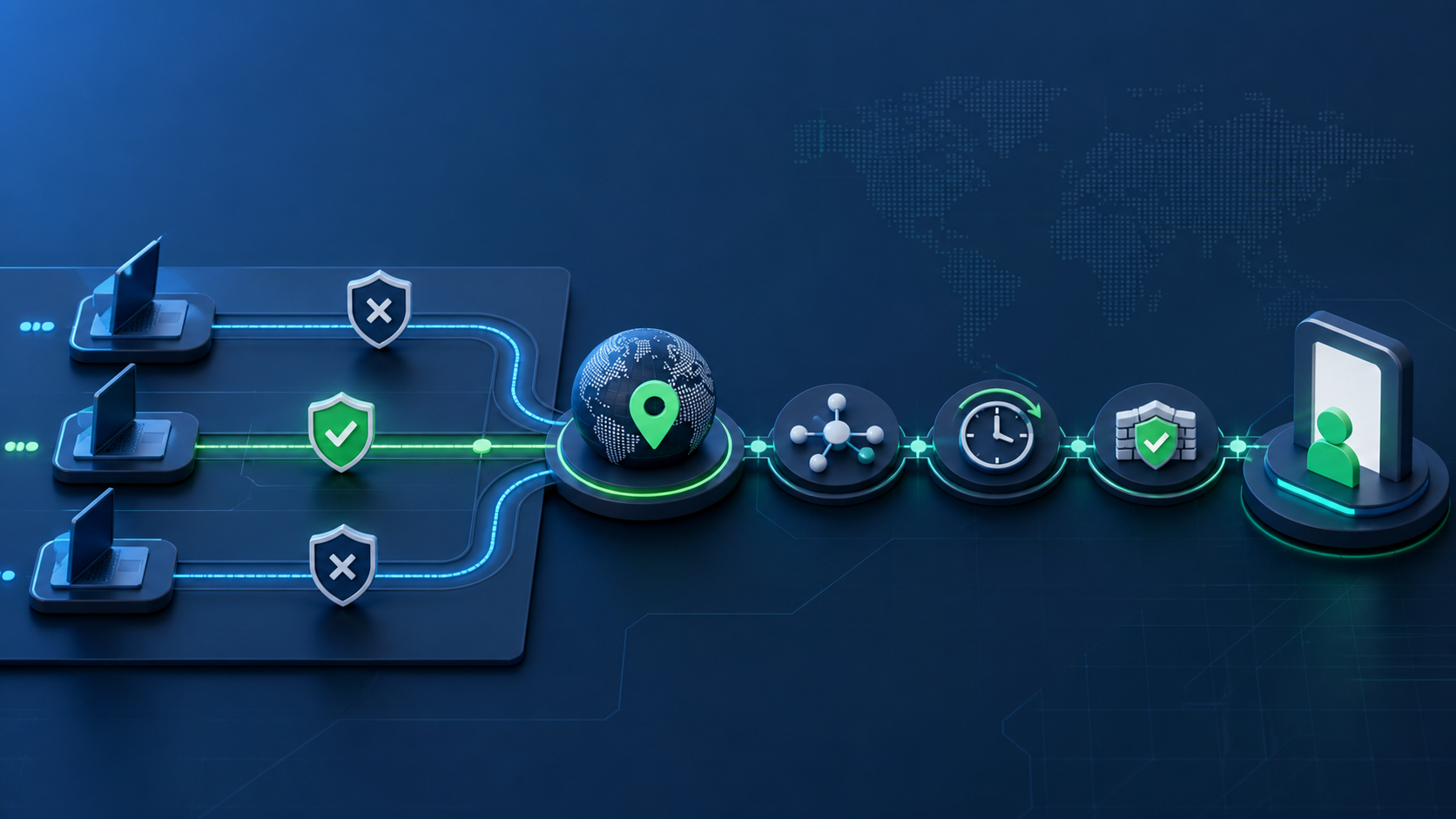
A YouTube proxy is not a YouTube-specific product. It is a routing layer that changes the network path between your device (or automation stack) and YouTube, so requests appear to originate from a different IP address, ASN, and geographic region.
This distinction is procurement-relevant because a proxy is not a universal bypass. It can improve location accuracy, route consistency, and traffic separation, but it does not automatically make a workflow “safe,” “stable,” or “undetectable.”
What a YouTube proxy actually changes
A proxy changes network-level origin signals:
- Apparent location (country/city targeting when supported)
- Exit network identity (IP reputation, ISP/ASN, datacenter vs residential traits)
- Traffic path (useful in restricted or unstable corporate routing)
- Separation of flows (route one workflow through one exit, another workflow through another)
For most operations teams, the value is control: controlling traffic origin by workflow, account group, or verification region, rather than pushing everything through a single office IP, shared VPN exit, or mixed pool.
What a YouTube proxy does not change
A proxy does not change the signals that typically drive higher-confidence enforcement decisions:
- Account trust and history
- Session continuity (cookies, login persistence)
- Browser/device fingerprinting
- Behavioral patterns (watch/upload cadence, abnormal navigation)
- Tooling patterns (automation fingerprints, repetitive endpoints, concurrency)
A proxy influences the network layer. Modern stability depends on whether the other layers remain aligned.
The hidden intents behind “YouTube proxy”
The query compresses multiple incompatible goals. Configuration quality depends on separating them:
- Geo-based access (content availability differences)
- Enterprise access (routing stability and policy constraints)
- Automation (session control + pacing discipline)
- Multi-channel ops (identity isolation, correlation control)
- Ad verification (location accuracy and repeatability)
- Data collection (throughput and block resistance, usually public-only)
A single “proxy list” cannot serve all of these without producing unsafe generalizations.
What YouTube Actually Detects Beyond IP
IP is one signal among many. Operational failures usually occur when teams treat IP as the primary control and ignore consistency and correlation.

A Practical Detection Model for Decisions
- Network layer
IP reputation, ASN type, proxy/VPN likelihood, unusual routing patterns. - Session layer
Cookie stability, login persistence, session reuse, sudden session resets. - Device/profile layer
Fingerprint continuity, profile isolation, OS/browser consistency. - Behavior layer
Watch time, seek/skip patterns, upload cadence, repetitive actions, concurrency. - Account layer
Account age, historical enforcement, trust signals, channel history.
A proxy mainly affects the network layer. Modern stability depends on whether the other layers remain aligned.
Why “good IPs” still fail
High-quality IPs still fail under common misconfigurations:
- IP rotation during logged-in sessions
- Multiple accounts sharing the same device/profile signals
- Automation behaving like a machine (timing, repetition, concurrency)
- Corporate networks forcing unstable routes or TLS interception
- Conflicting location signals (IP vs timezone/language/browser context)
Stability is achieved through alignment, not substitution.
Use Case Breakdown
Each use case has different success metrics and different failure modes. A setup optimized for one can be counterproductive for another.
Region-based access and content viewing
Appropriate when: Geo-based access is the primary requirement.
Primary success drivers: Stable location + stable session + non-suspicious exit identity.
Common failure modes: Frequent IP switching, mismatched timezone/language, shared/public web proxy sites.
Enterprise Viewing in Corporate Networks
Appropriate when: Office networks block YouTube, throttle video, or introduce unstable routing.
Primary success drivers: Route stability and a consistent exit.
Common failure modes: Shared VPN exits, congested datacenter exits, mid-day routing changes.
Automation Workflows for Uploads and Checks
Appropriate when: Uploading, channel checks, scheduled publishing, tool-driven verification.
Primary success drivers: Session continuity + predictable pacing + isolation between jobs.
Common failure modes: High concurrency bursts, repetitive endpoints, rotating IPs during authenticated actions.
Multi Channel Operations for Channel Matrices
Appropriate when: Multiple identities must remain isolated and correlation risk must be controlled.
Primary success drivers: Profile isolation + per-identity routing + long-lived sessions.
Common failure modes: Shared pools across identities, profile reuse, “rotation as safety” mindset.
Ad verification and geo ad checks
Appropriate when: Repeatable location-based validation is required.
Primary success drivers: Location precision + repeatability.
Common failure modes: Pools that drift in location, low-reputation exits altering delivery.
If checks involve sensitive ad account actions, “Confirm it’s you” challenges are explicitly part of the Google Ads security flow—see Google Ads Help: Confirm it’s you
Data Collection for Scraping and Monitoring
Appropriate when: Public metadata monitoring at scale.
Primary success drivers: Throughput, block resistance, rate discipline.
Common failure modes: Mixing scraping routes with logged-in channel operations.
Proxy Types and Where They Break
Provider selection is not the first decision. The first decision is whether the workflow is authenticated or public-only, and whether the requirement is stability, geo fidelity, or throughput.
Proxy type vs use case decision table
| Proxy type / mode | Region access & viewing | Enterprise viewing | Automation & uploads | Multi-channel ops | Ad verification | Data collection |
|---|---|---|---|---|---|---|
| Datacenter (shared) | Sometimes works, often throttled | Sometimes OK | Risky for login-heavy tasks | Not recommended | Unreliable geo | Strong for scale if public-only |
| Datacenter (dedicated) | Better, still detectable | Good if stable | Still risky for auth | Weak for correlation control | Weak geo fidelity | Strong throughput |
| Residential (rotating) | Good for access | OK if controlled | Risky if rotates during sessions | Bad if shared pool | Can drift; inconsistent | Good for blocks with rate discipline |
| Residential (sticky/session) | Strong when stable | Strong | Better for tool workflows | OK if per-identity | Good if stable location | Strong but manage cost |
| ISP proxy (static) | Strong | Strong | Strongest for auth consistency | Strong if per-profile | Strong repeatability | Overkill unless targeted |
| Mobile (rotating) | Situational | Rarely needed | High risk for auth; complex | Not ideal for ops | Sometimes needed for app-only checks | Useful in niche anti-bot contexts |
| Web proxy sites | Unreliable | Not suitable | Not suitable | Not suitable | Not suitable | Not suitable |
Failure Boundaries for Each Proxy Type
Datacenter breaks when:
- Long-lived viewing stability is required (throttling risk)
- Auth workflows require continuity (verification loops)
- Geo-accurate ad delivery is required
Rotating residential breaks when:
- Rotation happens during logged-in sessions
- Multiple identities share the same pool
- Rotation is used as a “safety model” rather than as a throughput tool
Sticky residential / ISP static break when:
- The same route is reused across multiple accounts
- Profile isolation is not enforced
- Automation cadence is too aggressive
Web proxy sites break when:
- Any serious requirement exists (stability, control, reputation predictability)
Configuration Patterns That Survive
The patterns below are designed for repeatability. They prioritize routing consistency and workflow separation over “maximum bypass.”
Pattern 1: Ordinary viewing / enterprise access
Use when: You need stable access in corporate or restricted networks, without automation scale.
Route preference: ISP static or sticky residential (single region, stable exit)
Execution steps
- Choose one target region and keep it stable.
- Assign a dedicated exit to this workflow (do not mix with other tasks).
- Align environment signals (timezone/language consistency where practical).
- Keep sessions long-lived (no mid-session rotation; avoid frequent cookie purges).
- Maintain normal playback behavior (avoid repetitive refresh/seek loops).
Pass criteria
- CAPTCHA rate drops to near-zero in normal browsing
- Playback remains stable across multiple days
- Verification prompts are not recurring for routine access
If your workflow uses YouTube APIs rather than browser automation, align your implementation with the YouTube API Services Policies
Pattern 2: Automation / multi-account / tool-assisted operations
Use when: Uploads, studio actions, scheduled publishing, or multi-identity operations.
Route preference: Per-identity dedicated route (ISP static or sticky residential). For authenticated work, long-lived routes such as static residential proxies are usually the safest baseline; use static datacenter proxies only when the workflow is public-only or strictly non-login.
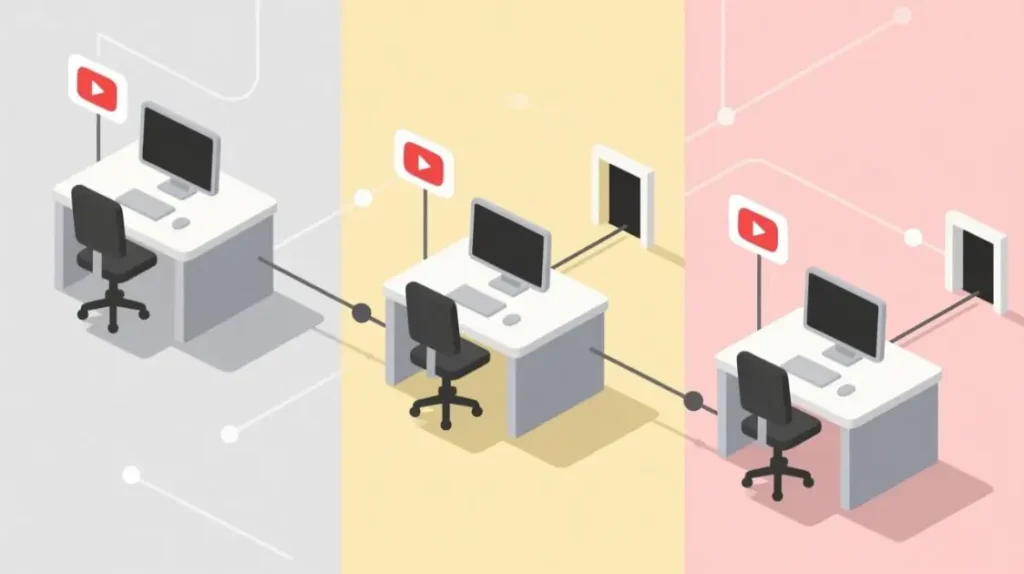
Execution steps
- One account = one isolated browser profile.
- One profile = one consistent route.
- Separate action categories: authenticated actions remain on stable routes; public-only tasks move to separate routes.
- Enforce pacing discipline (avoid bursts; limit concurrency).
- Maintain continuity rules (no mid-session rotation; avoid daily cookie wipes by default).
- Set guardrails for verification events (pause, keep route stable, reduce action intensity).
Pass criteria
- Session persistence across 7–14 days without repeated verification
- Upload/check actions complete without re-auth loops
- No cross-account anomalies from shared exits or shared profiles
Failure Matrix: Symptoms → Likely Causes → Corrective Actions
Use this for incident response instead of “IP chasing.”
| Symptom | Likely cause | Corrective action | Avoid doing |
|---|---|---|---|
| CAPTCHA spikes during normal viewing | Exit reputation + abnormal cadence + unstable routing | Pin to sticky/ISP static; reduce region changes; normalize behavior | Rapidly rotating IPs to “escape” |
| Playback throttling / buffering increases | Congested exit path or flagged network segment | Change ASN/ISP segment; keep region stable | Increasing IP count without changing route quality |
| Repeated “confirm it’s you” prompts | Session discontinuity + region mismatch | Keep same route; stop cookie wipes; align timezone/language | Clearing cookies daily; switching countries |
| Sudden login failures across accounts | Correlation (shared pool/profile reuse) | Immediate separation: per-account routes + isolated profiles | Using one pool for multiple accounts |
| Upload / studio actions trigger checks | Auth workflow too “noisy” (cadence/concurrency) | Reduce action intensity; stabilize route; pause on verification | Speeding up or scaling while unstable |
| Geo ad checks show inconsistent results | Location drift or low-fidelity geo | Use stable geo exits; repeatable IPs; validate city-level only if supported | Using rotating pools that move cities/regions |
| Scraping blocks escalate quickly | Rate limits + repetitive endpoints | Rate discipline; distribute load; separate from logged-in ops | Scraping and channel ops on same route |
| A “good” proxy works briefly then degrades | Pattern detection over time | Tighten workflow boundaries; extend sessions; reduce anomalies | Treating short-term success as proof of stability |
Risk, Compliance, and When Not to Use Proxies
This section prevents “proxy list” logic from becoming an enforcement accelerator.
Operational Risk Reminders
- Rotation during authenticated sessions increases identity discontinuity risk.
- Cross-region shifts with stable cookies look anomalous quickly.
- Free web proxies are reputational liabilities (shared abuse history, unstable exits).
- Residential does not guarantee safety; reputation and patterns still matter.
- Automation risk is behavior-led; better IPs rarely fix noisy tooling.
- Mixing workflows on the same routes is a common correlation path.
If a sign-in flow starts prompting device challenges more often, treat it as a signal that something changed in your sign-in context, as documented in Google Account Help: Fix sign-in challenges
When proxies are the wrong control layer
- If the requirement is “guaranteed ban prevention,” proxies are not that layer.
- If enterprise routing or authorized access can solve the problem, address that first.
- If the workflow requires frequent country changes while logged in, expect instability.
- If the team cannot enforce profile isolation discipline, proxies will amplify inconsistency.
Procurement Checklist (10 items)
Use this to evaluate vendors and to scope pilots.
- Workflow clarity: Does the vendor support your exact use case (auth vs public-only)?
- Route stability: Can you pin sessions (sticky) or get true static exits for authenticated workflows?
- Geo fidelity: Can they guarantee country-level consistency? City-level only if documented and testable.
- ASN/ISP transparency: Can you select/validate ISP/ASN segments, or at least avoid obvious datacenter fingerprints when needed?
- Pool isolation: Can you keep dedicated routes per identity/team, or are you forced into shared pools?
- Concurrency guidance: Do they provide safe concurrency recommendations per exit type?
- Abuse history controls: Do they publish how they handle reputation and recycled IP quality?
- Logging and privacy posture: What metadata is logged, and what’s the retention policy?
- Operational support: Do they provide incident response guidance (CAPTCHA spikes, throttling, verification loops)?
- Pilot readiness: Can they support a 7–14 day pilot with consistent segments and repeatable test conditions? (MaskProxy is commonly assessed here on segment stability and repeatability across the pilot window.)
Pilot Evaluation Template
A proxy rollout should start as a controlled pilot, not a provider switch.
Pilot scope (choose one primary workflow)
- Workflow: (e.g., enterprise viewing / uploads / multi-channel ops / ad checks / public monitoring)
- Region: (country)
- Access mode: (authenticated vs public-only)
- Route type: (ISP static / sticky residential / dedicated datacenter)
Pass/Fail metrics (track daily)
- CAPTCHA rate (per session/day)
- Session persistence (days without re-auth loops)
- Playback stability (buffering incidents, throttling)
- Geo repeatability (same region across checks)
- Cross-account anomalies (only for matrix ops)
- Incident count requiring corrective action
Stop conditions
- Verification loops increase after routing changes
- Multiple accounts trigger checks simultaneously (correlation risk)
- Geo drift makes verification results unreliable
Decision rule
- If metrics are stable for 7–14 days under normal usage, expand slowly by workflow.
- If instability persists, fix continuity and separation before purchasing more capacity.
Top 5 Recommended YouTube Proxy Providers for Real-World Operations
When routing YouTube workflows—geo-access, stable HD/4K playback, multi-profile operations, or reducing verification friction—three things matter most: session stability, geo accuracy, and consistent throughput. In practice, residential and ISP proxies tend to work best for YouTube-facing routing because they resemble everyday user traffic patterns more closely than typical datacenter routes.
How this list was evaluated
This shortlist is based on operational fit across real teams and repeatable criteria:
- Playback stability: fewer buffering spikes under sustained viewing
- Session control: rotating vs sticky sessions, predictable persistence
- Geo targeting: country and city-level options where relevant
- Pool depth and reliability: capacity consistency during peak usage
- Operator usability: dashboard controls, documentation, support responsiveness
- Value alignment: cost-to-performance for the intended workflow
Quick mapping
| Workflow need | What to prioritize | Typical proxy type |
|---|---|---|
| Geo-restricted viewing | Geo accuracy, low throttling | Residential or ISP |
| Smooth HD/4K playback | Throughput consistency, stable sessions | ISP or high-quality residential |
| Multi-account viewing ops | One-profile-one-route consistency | ISP or sticky residential |
| Automation-adjacent actions | Session control, low verification friction | Residential with controlled rotation |
| Monitoring and checks | Location coverage, repeatability | Residential with light rotation |
1. Oxylabs
Why it’s here: Premium enterprise-grade option with broad coverage and strong targeting controls, commonly chosen for heavy or large-scale workflows.
Pros
- Top-tier stability and mature tooling
- Strong geo targeting for demanding routing requirements
Cons
- Higher pricing, especially at scale
Best for
- Enterprise-scale operations, frequent geo-switching, high-volume routing where reliability is the primary constraint
Not ideal for
- Cost-sensitive teams that don’t need enterprise depth or advanced targeting
2. Decodo
Why it’s here: A strong value-oriented “all-rounder” that balances location coverage, speed, and usability.
Pros
- Competitive value for broad residential coverage
- Practical setup options and operator-friendly tooling
Cons
- Not always the best fit if you need the absolute highest-end enterprise controls
Best for
- Most teams doing geo-access plus steady playback, plus light multi-profile operations
Not ideal for
- Workflows requiring the most granular enterprise controls or custom arrangements
3. 
Why it’s here: Price-friendly option built around practical reliability—useful when you need consistent routing behavior without premium pricing.
Pros
- Strong cost-to-performance for real operations
- Good fit for geo-accuracy and reducing geo-mismatch friction
- Practical for teams that want predictable performance without overbuying
Cons
- Smaller brand recognition compared to the largest incumbents
Best for
- Teams running repeatable YouTube workflows with a budget lens: stable viewing routes, geo-flexibility, multi-profile viewing matrices
Not ideal for
- Organizations that must purchase from an existing global enterprise vendor list.
4. SOAX
Why it’s here: Large network orientation with advanced filtering and flexible session control, often favored when environments are stricter and you need more routing precision.
Pros
- Strong filtering controls and flexible rotation patterns
- Good fit for longer sessions and stricter routing conditions
Cons
- Pricing can lean higher depending on the mix, especially for mobile-heavy needs
Best for
- Operators who need fine-grained control and consistent sessions under stricter conditions
Not ideal for
- Pure budget use cases where simpler routing is sufficient
5. IPRoyal
Why it’s here: Budget-friendly entry point with straightforward residential options and simple integration.
Pros
- Accessible pricing and simple onboarding
- Solid for lighter workloads and basic geo-access needs
Cons
- Advertised pool size and performance can vary by product and routing region; heavy workloads may require more careful testing
Best for
- Casual geo-access, light routing, entry-level workflows
Not ideal for
- Intensive, high-frequency operations where you need maximum consistency under load
Practical recommendation for most operators
If the goal is “real-world YouTube routing” (stable playback, geo flexibility, fewer verification interruptions), start with a provider that offers city-level control when you need it, plus sticky session options. Run a short pilot and track:
- buffering incidents during sustained playback
- geo consistency across repeated checks
- session persistence for your profiles
- frequency of verification friction events
Pick the provider that stays stable in your exact workflow, not the one with the biggest headline numbers.

Daniel Harris is a Content Manager and Full-Stack SEO Specialist with 7+ years of hands-on experience across content strategy and technical SEO. He writes about proxy usage in everyday workflows, including SEO checks, ad previews, pricing scans, and multi-account work. He’s drawn to systems that stay consistent over time and writing that stays calm, concrete, and readable. Outside work, Daniel is usually exploring new tools, outlining future pieces, or getting lost in a long book.
FAQ
1. Do proxies still work for YouTube in 2025?
They can work for defined workflows (access, verification, separated ops). They fail as a blanket bypass, especially when session continuity is broken.
2. Why does YouTube block or throttle residential IPs?
Residential does not guarantee reputation. Exit patterns, abuse history, and behavioral signals can trigger throttling or checks.
3. What proxy type is most stable for logged-in YouTube operations?
ISP static or sticky residential, assigned per profile/identity. Stability generally outperforms volume.
4. Is rotating residential good for YouTube automation?
Not for authenticated actions. It may help public-only collection, but it tends to harm logins, uploads, and studio actions.
5. Can a proxy prevent YouTube bans or strikes?
No. Strikes are content/policy enforcement; bans can be behavior/account-driven. Proxies primarily affect network-layer signals.
6. Why am I getting CAPTCHAs even with “good” proxies?
Usually a combination of IP reputation, inconsistent sessions, and suspicious cadence. Continuity and behavior discipline matter first.
7. Are “online proxy sites” usable for YouTube?
Not for serious operations. They lack stable control, predictable reputation, and enterprise suitability.
8. How should teams separate YouTube workflows safely?
Keep authenticated workflows on stable dedicated routes; run public data collection on separate infrastructure. Avoid mixing.