ChatGPT Proxies 2026: Unblock Access, Avoid Limits, Isolate Accounts

When people say “ChatGPT doesn’t work,” the root cause is rarely mysterious. Most failures fall into two buckets:
- The network path is blocked (country restrictions, campus Wi-Fi, corporate firewall, DNS filtering, TLS inspection).
- The account/session looks risky (shared egress, noisy neighbors, rapid identity changes, high-frequency patterns).
Solving it gets easier once routing becomes consistent instead of reactive.
30-Second Self-Check: Blocked Network or Risk/Rate Limits?
Signs of a network block
- The site won’t load, times out, or fails right after a secure connection begins.
- You see “not available in your country” or a policy-based restriction page.
- It works on mobile data but fails on office Wi-Fi, or works at home but fails on campus networks.
- DNS lookups fail, or the connection dies under TLS inspection.
A quick comparison test helps: try the same account from a different network path. If it works instantly elsewhere, the issue is usually network filtering rather than account risk.
Signs of risk limits / behavior flags
- You can load the site, but hit “Too many requests,” “daily usage limit reached,” or repeated “try again later.”
- You see warnings like suspicious activity detected or get stuck in verification loops.
- Sessions keep resetting: frequent logouts, repeated 2FA prompts, or friction right after switching networks.
The first fix is almost always less switching: stabilize the exit route, stop mixing accounts, and keep one account per profile.
If the message looks like a platform-side error rather than a network issue, OpenAI’s own guide on Troubleshooting ChatGPT error messages is a strong reference point before changing anything else.
Why ChatGPT Access Fails in Real Life (Not Just “Try a VPN”)
Network restrictions (country, campus, corporate)
Corporate security gateways and campus networks often rely on DNS filtering, SNI/TLS inspection, or policy proxies. This can block domains, break encrypted handshakes, or trigger “infinite loading” behavior. In those cases, the routing question isn’t about speed—it’s about reaching the service through a permitted path.
If you ever see an explicit “access denied” page on a protected network, a common example is Cloudflare’s Error 1020: Access denied, which helps you separate “blocked by the network edge” from “account is risky.”
Shared egress + noisy neighbors
Many users hit limits because they’re sharing an exit IP with hundreds of other users: public VPN endpoints, crowded shared pools, or NAT-heavy office networks. If other users trigger abuse signals, the IP reputation degrades, and your sessions inherit that friction.
High-frequency patterns and rapid identity changes
Modern web apps don’t only watch IP. They also observe behavioral shape: bursty retries, repeated logins, switching account → switching IP → switching timezone, and inconsistent browser signals. Rapid changes often look automated even when the user is simply troubleshooting.
Region availability and edge routing differences
Some regions have different availability and routing edges. Even when an account is valid, a mismatched or unstable region route can increase verification prompts.

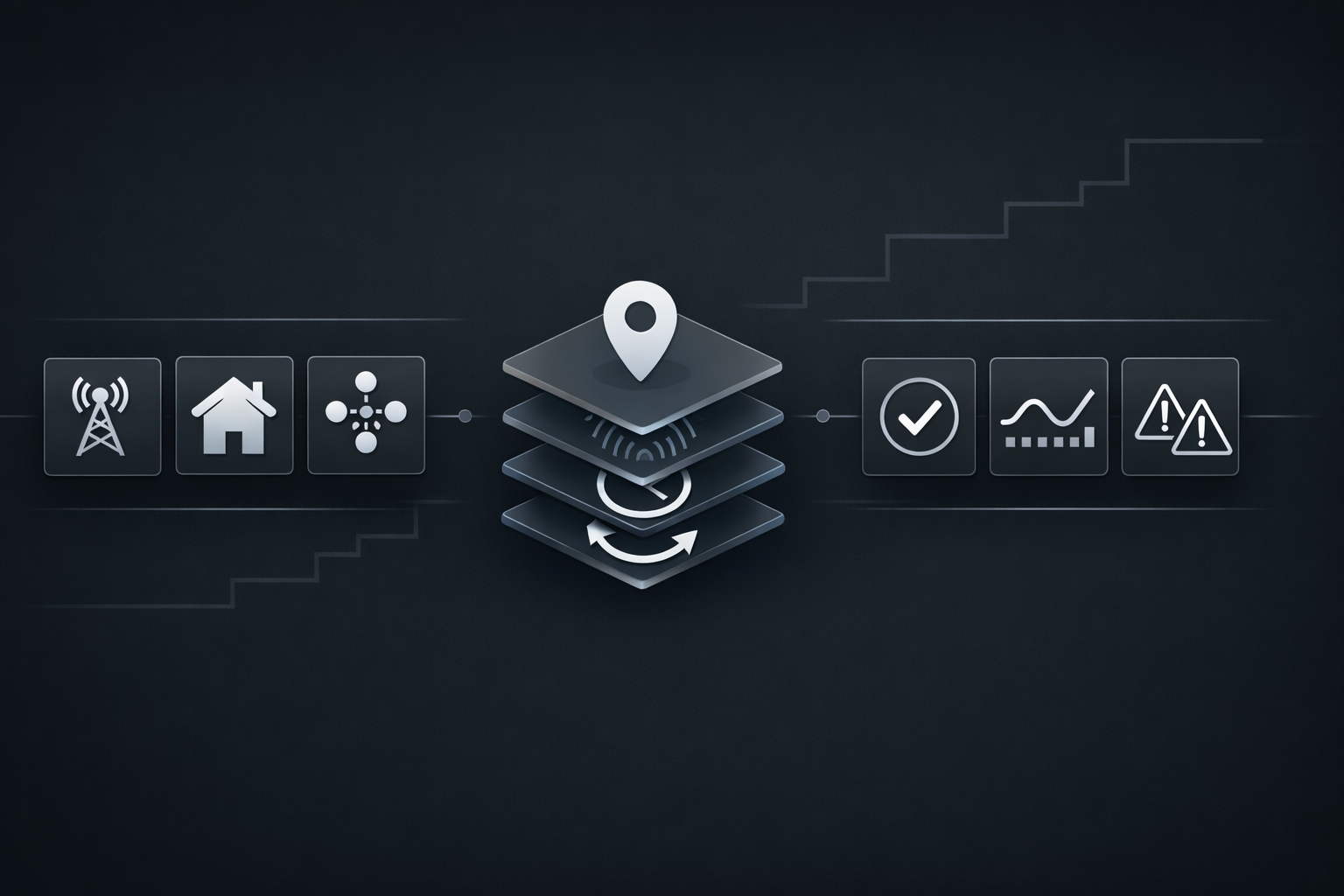
The Decision Tree: Choose VPN, Proxy, Residential, ISP, Datacenter, or Anti-Detect
Step 1 — Define your scenario
Pick the closest match:
- Network is blocked (country, campus Wi-Fi, corporate firewall)
- Usage limits (daily usage limit reached / too many requests)
- Session instability (repeated verification / frequent 2FA)
- Multi-account workflows (avoid account linking, profile isolation)
- High-volume workflows (integrations or task bursts that look automated)
Step 2 — Pick the routing type
- VPN: good for straightforward network blocks and personal use, but less predictable at scale if you share crowded endpoints.
- Proxy (datacenter): fast and cost-effective; can work well when dedicated and stable, but shared pools may carry higher reputation risk.
- Residential: often smoother for session-heavy workflows where continuity matters more than raw throughput.
- ISP proxies: a middle ground—often stable like residential, with performance closer to datacenter.
- Anti-detect browser profiles: not a “bypass tool,” but useful for clean separation across accounts (cookies, storage, environment consistency).
Step 3 — Set boundaries (what NOT to do)
- Don’t rotate IPs aggressively while expecting long sessions to stay trusted.
- Don’t run multiple accounts inside one browser profile.
- Don’t mismatch timezone/language/geo while trying to look region-consistent.
- Don’t treat proxies as a universal unlock key—policy blocks and compliance still apply.
VPN vs Proxy vs Residential vs ISP vs Datacenter vs Anti-Detect (Comparison Table)
| Option | Typical speed | Session stability | Block/flag risk | Cost | Multi-account fit |
|---|---|---|---|---|---|
| VPN | Medium–High | Medium | Medium (shared exits) | Low–Medium | Medium |
| Datacenter proxy | High | Medium | Higher on shared pools | Low | Medium (high if dedicated) |
| Residential proxy | Medium | High | Often lower when stable | Medium–High | High |
| ISP proxy | High | High | Often lower than shared DC | Medium–High | High |
| Anti-detect profiles | N/A | High (separation) | Depends on route | Medium | Very High (paired with per-profile routes) |
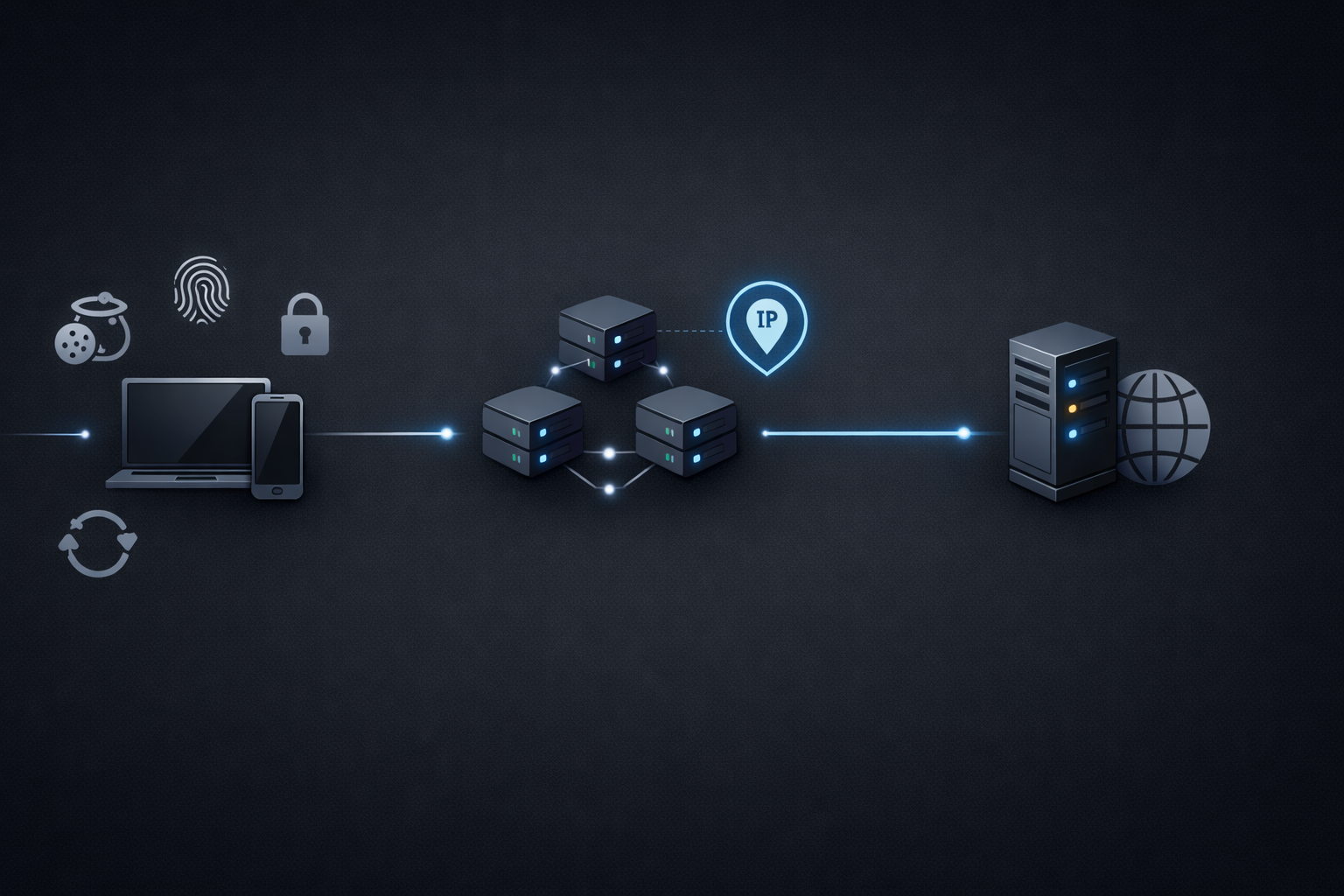
“Stable identity” means one account experiences a consistent story: the same profile storage, consistent region signals, predictable routing, and fewer sudden flips.
Residential vs Datacenter: Practical Differences That Affect Stability
Datacenter IPs are fast and common for infrastructure, but also widely used for automation at scale. That reality shapes reputation and friction.
Where the difference shows up:
- Login and session continuity: session-heavy apps often become sensitive to abrupt location changes or shared-IP reputation.
- Reputation pressure: crowded pools degrade quickly because of unrelated activity.
- Regional realism: residential/ISP routing often aligns better with normal consumer access patterns.
This doesn’t mean residential is magic. If the workflow keeps switching routes, hammering retries, or mixing identities, verification friction can still rise.
Datacenter can be “good enough” when:
- Single account, normal usage.
- A dedicated endpoint (not a crowded shared pool).
- Stable region with minimal route switching.
- The workflow doesn’t require long-lived login trust.
Static vs Rotating: Stop Fighting Your Own Login Session
Static and rotating are not competing ideologies. They are patterns that fit different tasks.
For teams deciding between Static Proxies and Rotating Proxies, the simplest rule is: stable identity work prefers static, while short-lived tasks can tolerate measured rotation.
Static for login + long sessions
If the goal is fewer verifications and fewer resets, static routing usually wins. It preserves the story: same exit, same region, same account.
Static fits:
- Daily work sessions
- Research and writing workflows
- Subscription pages and account settings
- Tools that rely on persistent cookies
Measured rotation for tasks that tolerate change
Rotation can help when tasks are short-lived and don’t depend on persistent sessions. The key word is measured.
Rotation fits:
- Short tasks that don’t require long login persistence
- Controlled concurrency across separate routes
- Workflows that can reset safely without losing state
Rotation principles (no made-up thresholds)
- Rotate only when the workflow can tolerate it, not because a timer says so.
- Keep one session → one IP until the session naturally ends.
- Use sticky sessions where possible to preserve continuity.
- Separate “login identity” routes from “batch task” routes.
Troubleshooting Matrix: Symptom → Likely Cause → Fix
| Symptom | Likely causes | What to do first | If it persists |
|---|---|---|---|
| Site won’t load / timeouts | Network block, DNS/TLS filtering | Switch network; test a clean path | Use a stable route + reliable DNS |
| “Not available in my country” | Region restriction | Route through allowed region | Keep region signals consistent |
| “Too many requests” | Bursty retries, shared IP reputation | Slow down; stop rapid refresh | Move to dedicated/static route |
| “Daily usage limit reached” | High volume, shared egress, repeated sessions | Stabilize session and profile | Separate routes and accounts; dedicated endpoints |
| Repeated verification loops | Identity inconsistency, mixed profiles | One account per profile | Align timezone/language/geo; use static |
| Frequent 2FA prompts | Account sees “new environment” repeatedly | Stop IP changes mid-session | Dedicated route + consistent profile |
| Random logouts | Cookie/session storage instability | Fix only the affected profile | New clean profile + stable route |
A lot of “proxy problems” are actually profile problems: mixed cookies, shared local storage, or conflicting accounts in one environment.
If you’re seeing language like “unusual login activity,” OpenAI’s explanation on suspicious login behavior helps clarify why stability and consistency matter.
Step-by-Step Setup: Make Your Route Look Consistent
Browser/system checks
Before switching providers or buying more endpoints, tighten the environment:
- Separate profiles: one account per browser profile. No sharing.
- Storage discipline: don’t wipe everything daily; it recreates “new device” signals.
- DNS: avoid networks that hijack DNS queries; use a reliable resolver where appropriate.
- WebRTC: confirm WebRTC isn’t leaking local IP in proxy setups.
- Timezone & language: align with the exit region; don’t jump timezones hourly.
- Extensions: reduce automation-like extensions that create noisy request patterns.
Proxy parameters that matter
Protocol, session control, and concurrency matter more than raw speed.
When choosing between protocols, a stable Proxy Protocols setup often comes down to what your stack supports cleanly, and whether you can keep session continuity without leaks.
- Protocol: HTTPS or SOCKS5 are common. If you specifically need a SOCKS5 Proxies route, keep it consistent with the profile and region.
- Sticky session support: essential if one session must remain on one exit.
- Concurrency: keep concurrency low for session-heavy usage.
- Rotation strategy: rotate per session, not per minute.
- Dedicated vs shared: dedicated reduces noisy-neighbor risk.
If you’re primarily comparing endpoint types, residential proxies are often chosen for session-heavy stability, while datacenter proxies remain strong for performance when reputation risk is controlled.
Multi-account isolation: the minimum viable model
The simplest model that scales without chaos:
1 account = 1 browser profile = 1 dedicated/static exit route

That’s not overkill. It prevents cross-account contamination (cookies, storage, drift) and reduces the chance that two accounts inherit the same reputation shock.
Teams that standardize this model often maintain a dedicated “policy page” internally; for example, some operators reference ChatGPT(OpenAI) Proxies as a routing baseline to keep profiles, routes, and responsibilities consistent.
Configuration Blueprints: Personal, Small Team, 10+ Accounts
Blueprint A — Minimal cost stable setup (personal)
- One primary account
- One clean profile
- One stable exit route (VPN or dedicated/static proxy)
- No rotation unless a session ends or the path is blocked
- Region consistency for timezone/language
Why it works: minimal identity churn.
Blueprint B — Small team (3–10 accounts)
- Each account gets its own profile + static route
- A shared backup route only for emergencies
- A simple rule: route changes only when a session ends
Why it works: less collateral damage when one route becomes noisy.
Blueprint C — 10+ accounts (operations)
- Account buckets with dedicated routes
- Separate “login routes” from “batch routes”
- Logging: which account used which exit, and why it changed
- Clear ownership: one person controls rotations and profile hygiene

Teams usually keep sessions stable by pinning each account to one profile and one region-bound route. If you’re sourcing dedicated residential/ISP endpoints, providers like MaskProxy are one of the options that can support that setup.
Buying / Vetting Checklist (10 Items)
- Can you get static or long-sticky sessions for session work?
- Is dedicated available, or is it a shared pool?
- Do you have region/city targeting aligned to your needs?
- How often does a “static” route actually change?
- Do they support HTTPS and/or SOCKS5 reliably?
- Can you control concurrency and track usage per endpoint?
- Do they provide clear setup docs and fast troubleshooting?
- Is there a trial/refund path for validation?
- Do they set realistic uptime/support expectations?
- Are acceptable-use boundaries transparent?
Red flags: “unlimited everything” without session controls, no sticky options, unclear targeting, no trial, vague support.
Compliance & Security Boundaries
- Respect local laws and the service’s rules. Routing tools don’t change legal obligations.
- Use 2FA and strong password hygiene.
- Avoid entering sensitive data in untrusted environments.
- If you manage many accounts, implement access controls and audit trails.
For teams that operate multiple accounts, OpenAI’s OpenAI account sharing policy is worth reading carefully, since “shared usage patterns” can trigger unexpected friction even when intentions are benign.

Daniel Harris is a Content Manager and Full-Stack SEO Specialist with 7+ years of hands-on experience across content strategy and technical SEO. He writes about proxy usage in everyday workflows, including SEO checks, ad previews, pricing scans, and multi-account work. He’s drawn to systems that stay consistent over time and writing that stays calm, concrete, and readable. Outside work, Daniel is usually exploring new tools, outlining future pieces, or getting lost in a long book.
FAQ
1) Do I always need residential proxies?
No. Normal single-account use can be stable; residential/ISP matters when sessions or multi-accounts need trust.
2) Fastest fix for repeated verification?
Stop mixing accounts and stop changing IPs mid-session.
3) VPN vs proxy—what’s the difference?
VPN fixes access blocks; proxies give finer control for multi-account routing.
4) Static or rotating for ChatGPT?
Static for logins and long sessions; rotate only when the task allows it.
5) Why “Too many requests” without automation?
Shared IPs and rapid retries look automated to the platform.
6) Are datacenter proxies always bad?
No. Dedicated datacenter IPs can work; shared pools are the real issue.
7) How to avoid account linking?
One account per browser profile, one profile per exit IP.
8) Should timezone/language match the proxy region?
Yes. Inconsistency increases verification friction.
9) Works on mobile data but not Wi-Fi—why?
Usually campus/corporate filtering or shared Wi-Fi IP reputation.
10) How many IPs should a small team start with?
One stable IP per active account, then scale cautiously.