E-Commerce Proxy Routing: Keep Storefront Logins Isolated Without Slowing Ops

Running multiple storefronts isn’t just a workflow problem. It’s an identity-correlation problem.
Marketplaces and related services (payments, logistics, ads, support portals) continuously connect dots across logins. If too many identities share the same IP ranges, devices, time patterns, or “operator fingerprints,” they collapse into one risk bubble. For a broader map of where IPs matter across workflows, see Where Proxy IPs Matter in Modern Workflows.
Do this first (3 steps that work for most teams)
- Bind core seller logins to one stable route per store (or tight store group). No rotation for “do not lose” accounts.
- Move all high-frequency work to a separate rotating pool. Monitoring and repeated browsing must never share the login route.
- Write a binding map and enforce it. Store → operator → browser profile/device → route ID. No exceptions for “quick checks.”
What usually gets accounts linked in e-commerce ops
Most teams assume “account linking” happens only when they reuse an IP. In practice, linking tends to come from overlap across multiple signals:
- Repeated logins for different stores from the same IP block (or a small set of blocks).
- Multiple stores sharing the same browser profile or device fingerprint.
- A mismatch between target market activity and operator location patterns (time zone, language, working hours).
- Two classes of work sharing the same route: core logins and automation.
The fastest way to reduce correlation is to stop routing “everything” the same way. Separate identity-critical sessions from high-frequency tasks, then lock the identity layer down.
The routing principle: protect the identity layer, isolate the noisy layer
Think of your operation as three lanes:
- Core seller identity lane
Storefront owner logins, payment/recovery, policy center, appeals, ads manager—anything that would hurt to lose or re-verify frequently. - Operational noise lane
Price monitoring, catalog checks, promo tracking, competitor lookups, inventory polling—high-frequency work that creates repeatable patterns. - Tooling and internal lane
Dashboards, repricers, QA panels, admin tools—where you want routing to be a configuration choice, not a rebuild.
The goal is not “more IPs.” The goal is consistent, isolated identity per store (or store group), and separate, replaceable pools for noisy tasks.

Proxy types mapped to e-commerce realities
You can build a clean separation with a small set of proxy categories:
Core seller logins: static, region-bound, and boring
For storefront logins and high-stakes portals, you want stability. The safest default is to bind each store (or store group) to one stable IP or a tight IP range and keep it that way.
That’s what Static Residential Proxies are for: stable, long-lived routes that don’t reshuffle underneath critical sessions.
Default rule: if a login is “do not lose,” it should not be on a rotating route.
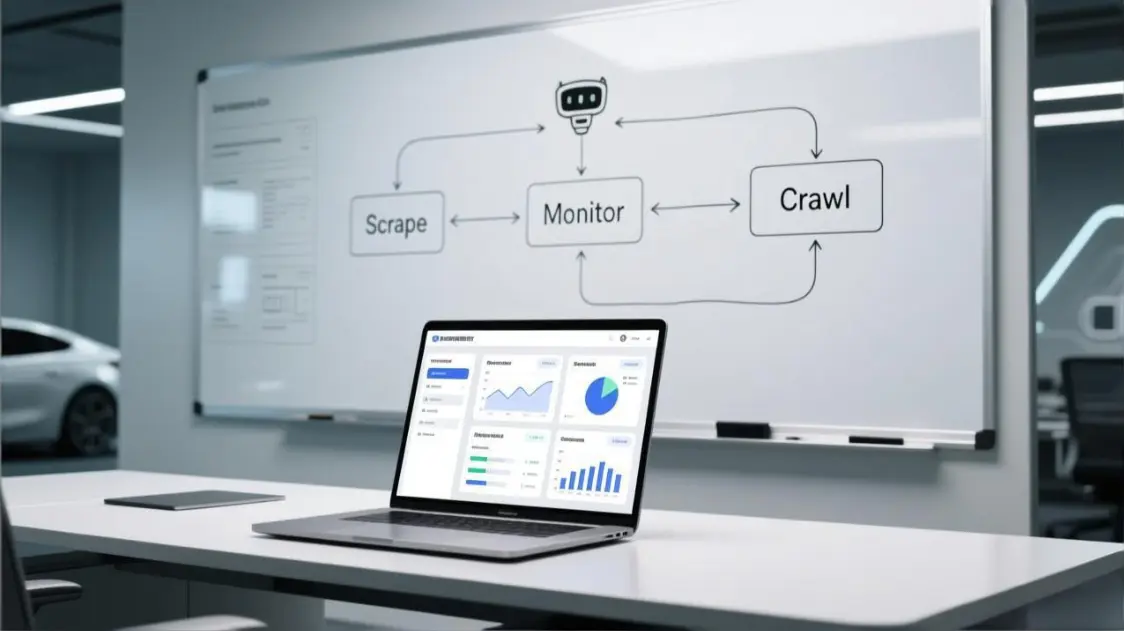
Monitoring & scraping-like checks: rotate only where it’s tolerated
Price and catalog monitoring creates volume. Volume creates patterns. That’s fine—as long as those patterns are not attached to your core logins.
When target sites tolerate datacenter traffic, Rotating Datacenter Proxies are usually the most practical lane for repeated checks because they’re designed for scale and churn.
When a site is sensitive to DC traffic, move that task (and only that task) to rotating residential, but keep it isolated from storefront logins.
Tool routing: make it a config switch
Internal panels and operational tools often need “same workflow, different region” routing. You don’t want separate tool installs just to run a different route.
Using HTTP Proxies for internal tools keeps routing a simple configuration change, especially when different teams need different regions or pools under the same tooling.
A simple, executable setup (works for most teams)
If you do nothing else, implement this exact structure:

Step 1: classify every account into one of three buckets
Make a list of all logins your team touches and label each one:
- Bucket A — Core seller identity (bind and preserve)
Seller portal, payments, recovery email, policy center, appeal tools, store owner accounts. - Bucket B — Shared ops accounts (isolate from stores)
Supplier portals, shipping carriers, 3PL dashboards, ERPs, shared support systems. - Bucket C — High-frequency tasks (separate and scalable)
Monitoring, research, competitor checks, repeated browsing, catalog validation, promo tracking.
Do not “wing it” per operator. Write it down. This list becomes your routing truth.
Step 2: create a binding map: store → operator → device/profile → route
Your binding map can be a simple spreadsheet with these columns:
- Store / Store Group
- Primary Operator
- Browser Profile ID (or device)
- Route ID (proxy pool + region)
- Allowed tasks (A / B / C)
Minimum rule set:
- Bucket A logins can only use their assigned static route.
- Bucket C tasks can never use Bucket A routes.
- Bucket B accounts get their own routes and never share store login routes.
This prevents the most common failure mode: mixing high-frequency patterns with core identity.
Example binding map (3 stores, 2 operators, 1 shared logistics account)
| Identity unit | Operator | Browser profile / Device | Route ID | Proxy type | Allowed tasks |
|---|---|---|---|---|---|
| Store A (US) | Operator 1 | Profile-A / Device-1 | ROUTE-A-US-STATIC | Static Residential | A only (core logins) |
| Store B (US) | Operator 2 | Profile-B / Device-2 | ROUTE-B-US-STATIC | Static Residential | A only (core logins) |
| Store C (EU) | Operator 1 | Profile-C / Device-1 | ROUTE-C-EU-STATIC | Static Residential | A only (core logins) |
| Monitoring pool (US) | Both | Automation runner | POOL-US-ROT | Rotating Datacenter | C only (monitoring/research) |
| Shared logistics (3PL) | Both | Profile-LOG / Device-3 | ROUTE-LOG-STATIC | Static Datacenter | B only (shared ops) |
| Internal tools | Both | Tool server | TOOLS-HTTP-GW | HTTP Proxy | Tooling only |
Notes:
- The monitoring pool never touches seller portals.
- The shared logistics account is isolated from storefront logins and monitoring.
- Operators can work on multiple stores, but only through the store’s bound profile + route.
- The monitoring runner never uses the same browser profile as any storefront login, even in emergencies.
Step 3: assign routes with “one stable route per store group”
You don’t need one IP per store in every situation. A workable starting model is:
- 1 store = 1 stable route (ideal)
- Small group of tightly related stores = 1 stable route (acceptable if operations truly overlap)
- Anything unrelated should not share a stable route
If you group stores, group them intentionally (same operator, same catalog strategy, same working hours) rather than “because we ran out of IPs.”
Step 4: split monitoring into its own pool (and keep it disposable)
Create a separate pool for monitoring. Route all repeated checks through that pool and keep it away from the login lane.
Lock it down operationally: the monitoring runner must use a dedicated browser profile/device, and it must never log into seller portals “just to check something.” One accidental login from the monitoring lane is enough to leak patterns back into the identity lane.
If the site tolerates DC: use rotating DC for the monitoring pool.
If it doesn’t: use rotating residential for the monitoring pool.
The important part is not which one you pick first; it’s that the monitoring pool is never the same as the login pool.
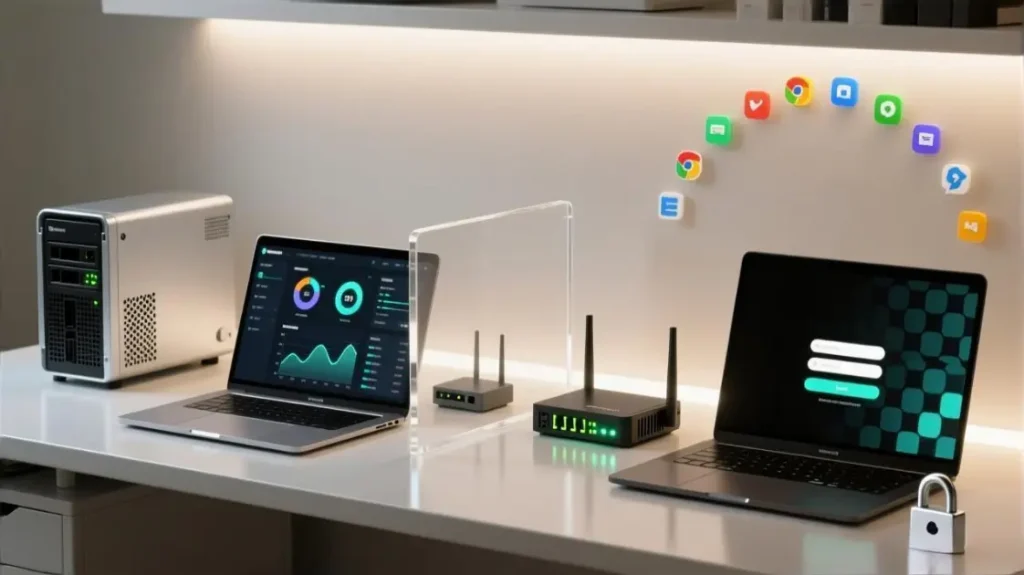
The task-to-route matrix e-commerce teams actually need
Use this table as your default policy. If you implement only this, you’ll eliminate most accidental linking.
A) Storefront owner / seller portal
- Login, settings, bank/tax, recovery actions, policy/appeal, ads console
→ Static route, bound per store/store group (no rotation)
B) Shared supplier / logistics / internal admin
- Carrier portals, 3PL dashboards, supplier sites, ERP admin
→ Separate stable route per shared account group (not the same as storefront logins)
C) Monitoring / research / repeated browsing
- Price checks, promo tracking, competitor scans, catalog auditing
→ Separate rotating pool (DC when tolerated, residential when sensitive)
D) Tools & automation control planes
- Dashboards, repricers, QA panels, internal admin tools
→ Configurable tool route that can switch region/pool without changing the tool install
When rotating residential is the right tool (and when it isn’t)
Rotating residential is valuable when a target site reacts poorly to datacenter traffic, or when you need broader distribution for repeated browsing tasks.
It becomes risky when teams use it for core logins because rotation introduces variability into identity signals. That variability tends to trigger additional checks right when you want things calm and repeatable.
Use Rotating Residential Proxies as a dedicated lane for tasks that benefit from distribution, not as a band-aid for unstable login strategy.
Practical guardrail: if a workflow involves password entry, 2FA, policy actions, or financial settings, it should not depend on rotation to “work today.”
How to tell your setup is working (verifiable signals)
You don’t need guesswork. Watch for measurable changes over 7–14 days:
- Fewer verification events on routine actions
Logins that used to trigger repeated checks settle down when the route stops changing. - Longer uninterrupted sessions
Core portals stay logged in longer, and routine actions stop forcing re-auth. - Less “unusual activity” noise across multiple stores
If issues stop appearing in clusters (multiple stores flagged near the same time), your isolation is improving. - Cleaner operator handoffs
When a second team member runs a task inside the same store group, the platform behavior stays consistent instead of spiking checks.
Track these per store group, not “overall.” Averages hide failures.
The five mistakes that quietly destroy isolation
- Using one pool for everything
It’s convenient and it works—until you get a linkage event that spreads. - Letting monitoring share the login route
High-frequency patterns should never attach to the identity lane. - Binding per person instead of per store
Stores are the identity units marketplaces evaluate. Route assignments should reflect that. - Treating shared accounts as “free to share”
Supplier/logistics accounts can link teams just as easily as storefront accounts if routed carelessly. - Changing multiple signals at once
If you adjust route, device, profile, and working pattern simultaneously, you lose the ability to attribute what caused new checks.
If problems show up, change this first (a safe troubleshooting order)
When you troubleshoot, use concrete triggers so you don’t overreact to normal variance. As a baseline, treat these as “stop and fix” signals for a store group:
- Verification spike: 2FA / SMS / email checks appear 2+ times in one working day for routine logins, or jump from “rare” to “daily.”
- Cluster behavior: 2 or more stores show unusual-access warnings, forced logouts, or review-like friction within 24–48 hours.
- Session instability: core seller sessions drop unexpectedly multiple times per day (not just once) or tools disconnect repeatedly during normal traffic.
If any trigger is hit, pause nonessential actions on that store group and apply the fixes in the order below.

Verification prompts suddenly spike
- Freeze the core login route: confirm the store’s static route didn’t change (IP/range consistency).
- Freeze the browser profile: ensure the same profile/device is used for that store’s login lane.
- Reduce concurrency: stop two operators logging into the same store within short windows.
- Separate noisy tasks again: verify monitoring didn’t accidentally share the login route.
Multiple stores get flagged around the same time (cluster / “one bubble” behavior)
- Audit route reuse: check whether two storefronts share the same login route or IP block unintentionally.
- Audit shared accounts: confirm supplier/logistics/ERP routes are isolated and not used for storefront logins.
- Audit profile reuse: one browser profile accidentally used across stores is a common hidden link.
- Audit monitoring pool boundaries: repeated browsing may be running through a login route.
Frequent disconnects or sessions won’t stay stable
- Check protocol fit: for tool flows that require specific protocols, use SOCKS5 Proxies where appropriate.
- Keep core logins on stable routes: rotating pools can add variability that looks like instability.
- Stop “mid-session” switching: don’t change routes during active seller sessions—finish, log out, then switch.
- Move sensitive tasks off DC: if a target site degrades on DC traffic, isolate that task to a residential rotating lane.
A safe starting blueprint for a small cross-border team
Here’s a conservative baseline that keeps things simple:
- For each active store group: one stable static route assigned and kept consistent.
- For monitoring: one separate rotating pool, used by automation and repeated checks only.
- For shared supplier/logistics accounts: one separate stable route per shared account cluster.
- For tools: route via HTTP proxy configuration so different regions can be applied without new deployments.
Providers like MaskProxy can supply the building blocks (static routes for core identities plus separate rotating pools for high-frequency lanes), but the stability comes from the separation rules, not from any single feature.
Next actions: implement in 60 minutes
- List every login your team touches and label it A / B / C.
- Create the binding map (store → operator → profile/device → route).
- Assign one stable static route per store group for A-lane work.
- Create one separate monitoring pool and move all repeated tasks into it.
- Give shared accounts their own routes and forbid them from using store login routes.
- Track verification frequency and session stability per store group for two weeks.
If you want an operational “definition of done,” it’s this: no task that creates high-frequency patterns can share routes with the accounts you cannot afford to re-verify or lose.
FAQ
Q1: Can two storefronts share one static IP?
It can work if the two stores are intentionally treated as one “identity unit” (same operator pattern, same devices/profiles, same working hours). If they are unrelated, sharing a static route increases the chance of cross-store correlation and cluster flags. When in doubt, separate them.
Q2: Should core seller logins ever use rotating proxies?
Avoid it. Rotation introduces variability into identity signals and tends to increase verification prompts. Keep core logins stable and move high-frequency tasks to rotating pools.
Q3: When are datacenter proxies “good enough” for monitoring tasks?
They’re usually fine for repeated checks when the target site tolerates DC traffic. If monitoring starts triggering blocks, captchas, or unusually high friction, keep the monitoring lane isolated and shift that monitoring task to a residential rotating lane.
Q4: Why do shared supplier/logistics accounts cause “hidden linking”?
Because they’re used by multiple operators across many stores. If those shared accounts reuse the same route or browser profile as storefront logins, they become a bridge that connects identities that should stay separate. Treat shared accounts as their own isolated lane.
Q5: How do I prevent monitoring from contaminating storefront logins?
Use a dedicated monitoring pool and a strict rule: monitoring routes never touch seller portals. Also separate browser profiles/devices for monitoring runners so the pattern doesn’t leak into core sessions.
Q6: What should I track to confirm isolation is improving?
Track verification frequency, session duration, and whether flags happen in clusters across multiple stores. Measure per store group, not overall averages.
Q7: How many IPs do I need for 5 stores?
A safe starting point is one stable static route per store for core logins, plus one separate rotating pool for monitoring. If you must group, only group stores that are intentionally treated as one identity unit and keep the monitoring lane separate.