Facebook Proxy Guide 2026: Stable Logins, Ads Accounts, and Team Ops

Managing Facebook for ads, pages, and multi-account workflows is less about “hiding an IP” and more about keeping a consistent network identity. Facebook flags volatility: a clean account that suddenly logs in from a different country, a new device fingerprint, and a jittery session pattern can look like takeover risk.
If the goal is stable logins and long-lived sessions, start with a simple principle: one workflow should produce one consistent “story” — Facebook proxy IP, device profile, location signals, and behavior rhythm should align. Teams that standardize this early usually do better with dedicated Facebook proxies (separate from general-purpose pools), because mixing login traffic into a shared exit list is where association risk quietly accumulates.
TL;DR — pick a Facebook proxy in 30 seconds
- Ads account + Business Manager admin: static residential or ISP; same IP for days/weeks; never rotate during login, billing, role changes.
- Multi-account page ops: one proxy per isolated profile; stable timezone/locale; consistent active hours.
- Geo checks + ad preview / ad verification: ISP or geo-targeted residential; sticky window per geo; avoid cross-geo hopping.
- Public scraping + monitoring: datacenter can be “good enough” with throttling; upgrade to residential if CAPTCHAs spike.
- Recovery loops + stubborn checkpoints: mobile can help, but only with stable sessions and conservative pacing.
- Avoid: free web proxies, shared pools reused across many operators, rotation measured in minutes for login-based work.
What Facebook risk systems actually look at
You don’t need a conspiracy model. Facebook mostly reacts to mismatch and volatility.
IP reputation and network class
Facebook can infer whether an IP looks like consumer access (residential/mobile) or hosting (datacenter). Datacenter ranges are easier to cluster and label as automation-heavy, which is why they’re risky for sensitive logins.
Session continuity signals
A stable user keeps the same (or similar) network exit, the same cookie jar, the same device fingerprint surface, and consistent local-time behavior. Rotation is useful for scraping, but it’s a liability when Facebook expects continuity (login, BM admin, payment changes).
Device fingerprint and profile isolation
Even strong IPs don’t help if multiple accounts share the same browser context. Isolation means separate cookies, local storage, and fingerprint surface per account — not just “different tabs”.
Behavior pace and action risk
Restrictions usually come from patterns: too many accounts touched in a short window, repeated login attempts, sudden admin actions (BM roles, payment edits), or aggressive automation without realistic pacing.
Geo consistency
Geo is not just “country IP”. Timezone, UI language, active hours, and city/ASN should tell the same story.
Best proxy for Facebook in 2026: match the proxy to the task
A “best proxy for Facebook” choice only makes sense when tied to a workflow. Use this ladder.
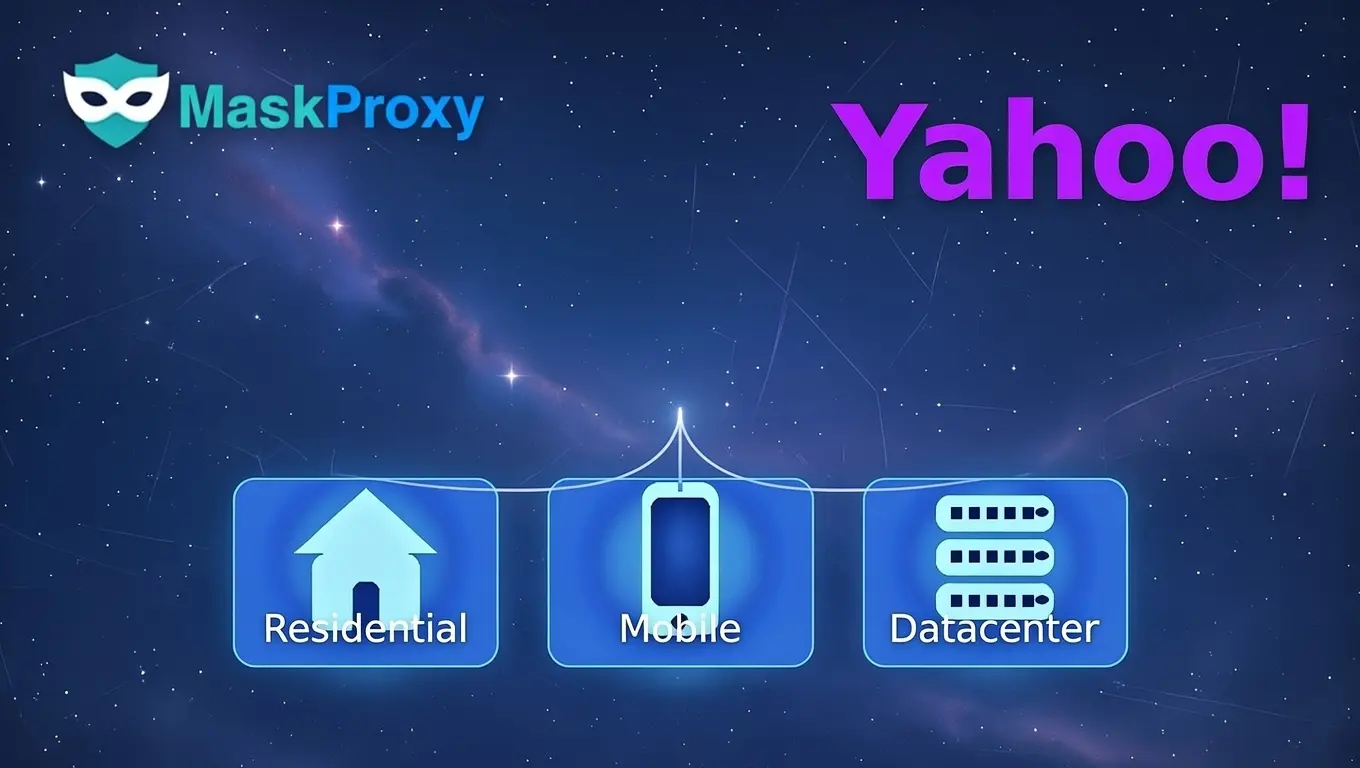
Residential proxies
Best fit: logins, page ops, multi-account workflows that require human-like continuity.
What matters:
- Static / sticky session support
- Low reuse, clean pool, steady latency
- Region targeting when the workflow needs it
For Facebook logins, the key is not “more IPs”, it’s clean consumer exits held long enough — which is why many teams treat residential Facebook proxies as the default identity lane and keep rotation separate.
ISP proxies
Best fit: ad preview/verification at scale, page ops where speed matters, team setups that want stable identity with lower jitter.
Mobile proxies
Best fit: stubborn checkpoint loops where other types keep failing, and mobile-first behaviors that need carrier-like networks. Mobile is not a shortcut; it still fails if fingerprint and behavior are chaotic.
Datacenter proxies
Datacenter is fast and cheap, so it’s useful for public-only tooling. Treat it as a research lane, not an identity lane.
Good enough when:
- Scraping public pages (no login)
- Lightweight monitoring with strict throttling
- Creative/link checks that don’t require authenticated sessions
Dangerous when:
- Logging into accounts
- Touching BM roles, payments, or ads accounts
- Running many profiles from similar hosting exits
Decision table: task → proxy type → session strategy
| Task / intent | Recommended proxy type | Session strategy | Risk if misconfigured |
|---|---|---|---|
| Ads account + BM admin | Static residential or ISP | Same IP for days/weeks; never rotate during login/admin | 2FA loops, BM restriction, payment verification |
| Multi-account page ops | Static residential | One proxy per profile; stable timezone/locale | Accounts linked, checkpoints after switching |
| Geo ad preview / ad verification | ISP or geo residential | Sticky window per geo; keep profile signals aligned | Wrong geo signals, suspicious prompts |
| Cross-border team ops | Static residential / ISP | Assign by operator bucket; limit privileged actions | Cluster risk from shared exits |
| Public scraping / monitoring | Datacenter (start), resi if blocked | Rotate for requests; throttle hard | CAPTCHAs, blocks, wasted spend |
| Recovery loops | Mobile (selectively) | Stable window; no rapid switching | Cost blow-up, repeated checkpoints |
Multi-account safety model: One account → One profile → One proxy
This model is the core of predictable identity for Facebook proxies:
- One Facebook account
- One isolated browser profile (separate cookies, storage, fingerprint surface)
- One dedicated proxy endpoint (static residential or ISP for login-based work)

Practical exceptions (when sharing can be okay)
- Public-only scraping/monitoring that never logs in
- Read-only geo previews where you don’t authenticate or touch admin surfaces
Sharing is for public traffic, not identity-bearing sessions.
Team model that scales without chaos
- Split work into buckets (ads ops, page ops, research/scrape)
- Each bucket has its own proxy pool and profile set
- Keep privileged actions (BM roles, payments) on the most stable routes only
A common pattern is to reserve long-lived identity routes for logins and admin tasks, then use a separate rotating lane for monitoring. Treat that rotating lane as a standalone budget item (costs vary by pool size and rotation policy) — rotating residential proxies pricing — and keep it isolated from login traffic.
Hands-on setup: proxy strings, session keep, and match checks
This section is tool-agnostic. The mechanics are consistent across anti-detect browsers and team stacks.
Proxy formats you’ll actually paste
Most tools accept one of these patterns:
- host:port:user:pass
- user:pass@host:port
- http://user:pass@host:port
- socks5://user:pass@host:port
If your environment supports both protocols, keep SOCKS5 endpoints in a distinct inventory so operators don’t accidentally paste an HTTP line into a SOCKS-only field; this reduces configuration errors and keeps troubleshooting predictable.
Field checklist inside anti-detect browsers
When a profile asks for proxy settings, confirm:
- Protocol: HTTP/HTTPS or SOCKS5
- Host/IP + Port
- Username + Password (if required)
- “Test connection” succeeds
Then run two quick leak checks before the first login:
- WebRTC exposure check: WebRTC Leak Test
- WebRTC behavior context: WebRTC connectivity
Finally, verify your profile-level signals line up with the proxy geo:
- DNS doesn’t “escape” to a different resolver path: What Is a DNS Leak?
- Timezone and language are consistent with the proxy country/region
Session policy quick table
| Workflow lane | Rotation allowed? | Recommended policy |
|---|---|---|
| Login + account maintenance | No | Static IP or sticky sessions measured in days |
| Ads + BM admin (roles, billing, payments) | No | Pin the same exit for 7–14 days where possible |
| Page ops (posting, inbox, moderation) | No | Keep exits stable for several days; avoid rapid switching |
| Geo preview / ad verification | Limited | Sticky per geo; rotate only between sessions |
| Public scraping / monitoring (no login) | Yes | Rotate per request; throttle hard; isolate from identity lanes |
Mobile setup in plain terms
For mobile workflows, you typically have two proxy paths: system-level proxy (device routes traffic through the proxy at the OS level) and app-level proxy (only a specific app is routed). System-level proxying is simpler to reason about because all relevant Facebook traffic follows the same route, but it affects more apps. App-level routing can be cleaner when you only want Facebook routed, but it’s easier to accidentally create mixed signals if some Facebook-related traffic still exits normally.
For account stability, treat mobile like desktop: keep geo consistent and avoid country switching mid-session. Don’t change the proxy country during login, 2FA, or account recovery flows. If you’re testing multiple geos, separate them into distinct device profiles or separate devices and rotate only between sessions.
Automation boundary: keep it realistic
Automation fails because patterns look non-human. Keep the cadence conservative: fewer accounts per hour, fewer privileged actions per session, and more stable intervals between edits. Avoid bursty admin changes like rapid BM role swaps, bulk permission edits, and repeated payment updates in short windows. If you schedule actions, align them with local active hours for the proxy geo and keep the same exit during the entire work window.
Pre-flight “match checks” before you log in
- IP geo = intended country/region
- Timezone matches geo
- Language/locale consistent with geo
- WebRTC leak test shows the expected route
- DNS behavior aligns with the route (no unexpected resolver path)
- Profile is isolated (no shared cookies or storage)
When you standardize these checks across a team, proxy issues become predictable. Many operators using MaskProxy treat this as a launch checklist per profile, not an occasional fix.
Common failures and a fast troubleshooting flow
Debugging by swapping IPs is the fastest way to escalate suspicion. Start by identifying which layer is failing: IP quality, session continuity, fingerprint isolation, or behavior pace.
Troubleshooting table: symptom → likely cause → what to do first
| Symptom | Most likely cause | Check first | Fix path |
|---|---|---|---|
| CAPTCHA appears immediately | IP reputation / overused pool | Test IP on a clean profile | Move to cleaner static resi/ISP; stop rapid switching |
| Proxy works but Facebook says “suspicious login” | Geo mismatch or volatile session | Timezone/language vs IP geo | Align geo signals; pin IP; reduce login attempts |
| Checkpoint after switching accounts | Shared fingerprint/cookies | Profile isolation integrity | One account per profile; no shared storage |
| Frequent 2FA prompts | Session volatility | Rotation during login/admin | Stop rotation; keep IP stable; slow down actions |
| Ads rejected / spending limit drops suddenly | Trust reset signals | Change log + geo consistency | Stabilize route; avoid rapid edits; keep cadence steady |
| Ads account restricted | Risky admin actions + weak trust | Recent payment/role edits | Do admin work on stable lane; reduce change frequency |
| BM restricted / verification loop | Multi-admin geo chaos | Admin logins across regions | Assign stable operator routes; minimize role churn |
If the event looks like a genuine takeover signal, treat it like an account-security flow and follow Meta’s official support path rather than cycling proxies: Troubleshoot locked work.meta.com accounts.
A simple debug order (don’t skip steps)
- Stop rotating for login-based work.
- Confirm one account ↔ one profile ↔ one proxy.
- Verify geo consistency (IP/timezone/language).
- Reduce action frequency for 24–72 hours.
- Only then upgrade proxy type (resi → ISP → mobile) if loops persist.
Operational checkpoints that signal your setup is working
- Fewer verification prompts: 2FA frequency drops after you hold a stable exit for several days.
- Stable device–IP pairing: the same profile uses the same geo-bound exit for 7–14 days without sudden session resets.
- Admin actions stop triggering re-auth: role changes and billing views no longer force repeated logins during normal hours.
Procurement and cost: minimum viable setup
The cheapest setup is the one that avoids churn. Over-rotation and shared pools create invisible costs: account loss, re-verification time, and campaign downtime.
Minimum viable starting points
- Solo operator managing 3–10 assets: 3–10 static endpoints (one per profile).
- Small team (2–5 operators): per-operator buckets + a small buffer pool.
- Ads-heavy ops: prioritize stability over volume; fewer IPs, longer-lived assignments.
Upgrade triggers
Upgrade when the pattern looks like volatility-driven prompts:
- Residential static → ISP when speed + consistency matters for verification/preview workloads.
- ISP/residential → mobile only when loops persist despite isolation, stable windows, and conservative pacing.
Cost traps to avoid
- Buying massive rotating pools for login work
- Country hopping because it’s “available”
- Reusing the same proxy on many profiles to save money
- Mixing research rotation into the ads/BM lane
Risk boundaries: patterns that get accounts burned
Use these as hard rules:
- Shared proxy pools across multiple logged-in accounts (especially ads/BM)
- Country hopping across sessions (IP in one country, timezone/language in another)
- Rotation during login or admin flows (roles, payments, identity checks)
- Multiple accounts in one browser context without real profile isolation
- Automation bursts that compress “human time”
- Fixing a checkpoint by repeatedly swapping IPs
Closing: stability is a consistency system
Facebook is tolerant of normal variation and intolerant of systematic inconsistency. Treat Facebook proxies as one layer in an identity system — profile isolation, stable sessions, and role-based team routing — and you’ll spend more time operating and less time recovering.
If you’re standardizing this across operators, document one default pool for logins and a separate lane for research traffic. Many teams keep the login lane on MaskProxy while isolating any rotation and monitoring work from day one.

Daniel Harris is a Content Manager and Full-Stack SEO Specialist with 7+ years of hands-on experience across content strategy and technical SEO. He writes about proxy usage in everyday workflows, including SEO checks, ad previews, pricing scans, and multi-account work. He’s drawn to systems that stay consistent over time and writing that stays calm, concrete, and readable. Outside work, Daniel is usually exploring new tools, outlining future pieces, or getting lost in a long book.
FAQ
Q1: What proxy type is safest for Facebook Ads Manager and Business Manager logins?
Static residential or ISP. Keep the same IP for long windows and don’t rotate during login or BM admin actions.
Q2: How many proxies do I need for multiple Facebook accounts?
One static endpoint per active account/profile. Add 1–2 spare IPs for recovery and testing.
Q3: Why do I get a 2FA loop or repeated verification prompts with a “good” proxy?
Session inconsistency: rotating on login, timezone/language mismatch, or shared profile/cookies. Fix isolation first.
Q4: What does “one account, one profile, one proxy” prevent?
Account linkage from shared cookies/fingerprints and overlapping network identity.
Q5: Should I rotate IPs to avoid checkpoints?
Not for login workflows (Ads/BM). Rotate only for public scraping/monitoring lanes; keep authenticated lanes static.
Q6: Is SOCKS5 better than HTTP proxies for Facebook?
Not always. Clean IPs and stable sessions matter more than protocol choice.
Q7: Fastest way to diagnose a checkpoint loop?
Stop rotation → confirm profile isolation → verify geo (IP/timezone/language) → slow actions for 24–72 hours.
Q8: When should a team upgrade to mobile proxies for Facebook?
Only after clean isolation + stable IP windows + conservative pacing still fails—mobile is last-mile, not default.