Rotating Datacenter Proxies: Sticky Sessions, Rotation Modes
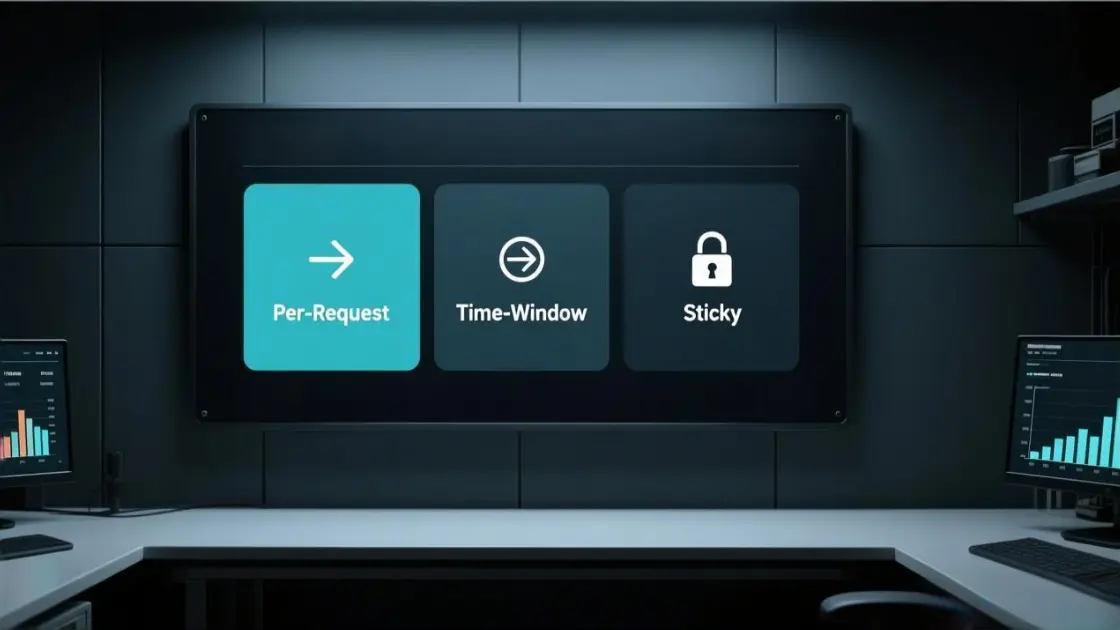
Rotating datacenter proxies are datacenter IPs that change per request, per time window, or per session (sticky). They are fast and cost-efficient, but stability depends on matching the rotation mode to the task and keeping request pacing predictable. For a rotation-capable baseline, start with rotation-ready datacenter pools and then tune behavior to match the target site’s tolerance.
Fast answer
| Workflow | Rotation mode | Bucket rule | Cookies | Concurrency (per domain) |
|---|---|---|---|---|
| Public pages / broad discovery | per-request or time-window (5–10 min) | 1 bucket per worker | Off (or isolate per worker if required) | 2–5 |
| Login / multi-step flows | sticky | 1 bucket per account/profile | 1 cookie jar per bucket, never shared | 1–3 |
If you see 429 / CAPTCHA spikes: cut concurrency first, keep the same mode during the test window, then extend session life only after recovery.
MaskProxy supports stable session control and measurable rotation modes for team workflows.
What “rotating datacenter proxies” really means
“Datacenter” means the IPs originate from hosting providers and ASN ranges that are easier for sites to categorize. ASN/subnet is basically an IP “neighborhood” or origin block; when traffic is too concentrated in one neighborhood, blocks tend to spread. “Rotating” means the outbound IP changes on a schedule (per request, per time window, or per session). The rotation can be delivered as a gateway endpoint (one host/port that rotates behind the scenes) or as a list you rotate yourself.
The practical difference is control. A gateway is simpler and often faster to integrate; a self-rotated list gives stricter mapping between tasks and IPs.
Pick the right rotation mode in 30 seconds
Use this quick mapping and commit to one mode before writing code:
- Per-request rotation: best for broad crawling where each request can be stateless.
- Time-window rotation (e.g., every N minutes): best when a small batch should share an IP briefly, but long continuity is not required.
- Sticky session rotation: best for flows that behave like “one identity,” such as login, carts, multi-step forms, or any sequence that expects continuity.
Flows that depend on cookies, CSRF tokens, or multi-step navigation tend to do better with sticky sessions than with aggressive per-request rotation.
As a default: public pages → 10-minute time-window; anything stateful → sticky sessions.
Day-1 setup checklist
- Define buckets: decide what “one identity” means (account / profile / worker / project).
- Choose a mode: sticky for stateful flows; per-request for stateless fetches; time-window for small batches.
- Bind one cookie jar per bucket: no sharing across buckets. A cookie jar is simply a separate place to store cookies, like one browser profile per identity.
- Set pacing defaults: start low (2–5 concurrency per domain, small delays).
- Add backoff for 429/503: exponential backoff with jitter, max 3 retries.
- Log the right keys:
bucket_id,session_key,domain,status,latency_ms,retry_count. - Run a 60-minute baseline: do not change multiple variables during the first hour.
- Tune using the failure table: fix pacing/session isolation before increasing pool size.
Gateway rotation vs self-managed list rotation
Gateway rotation (one endpoint that rotates) works well when:
- You want fast integration and don’t need to pick exact IPs.
- You can accept “good enough” distribution across subnets.
- You care more about throughput and simplicity than deterministic IP mapping.
A gateway/backconnect endpoint is one fixed proxy address; it automatically rotates the exit IP behind the scenes.
Self-managed list rotation works well when:
- You must pin a workflow to a stable IP for hours/days.
- You want strict separation between task buckets (accounts, regions, projects).
- You need repeatability for debugging.
A common pattern is gateway rotation for discovery and self-managed IP pinning for sensitive steps that must stay consistent.
Protocol choice that avoids avoidable failures
Many blocks blamed on “bad proxies” are really mismatched protocol + request design. For browser-like HTTP traffic, align headers, TLS behavior (as much as your client allows), and authentication method. For baseline patterns and auth formats, use HTTP proxy connection patterns as the reference point, then keep the rest of the request shape stable.
Avoid switching protocols mid-job. Keep one protocol per workflow unless there’s a concrete reason to change.
Sticky sessions that actually stay sticky
Sticky session is not a marketing word; it’s a contract: requests that share a session key should keep the same exit IP for the session duration.
A session key is a routing label used by the proxy layer to keep requests on the same exit IP; it is not the website’s login session.
A stable sticky setup usually needs all three:
- A session key
If your proxy endpoint supports a session parameter, generate one per task bucket (e.g., per account, per scraper worker, per browser profile). - A cookie jar per session
Cookies must persist within the same session key. Mixing cookie jars across session keys causes identity collisions. - A consistent request fingerprint
Keep headers stable (User-Agent, Accept-Language, timezone signals if relevant), and avoid sudden concurrency spikes from the same session. Fingerprint here mainly means the request “looks” consistent; focus on stability before anything fancy.

If tooling requires SOCKS-based transport, keep the same isolation rules while using SOCKS5 proxy routing.
MaskProxy setups are usually most stable when session keys map 1:1 to workflow buckets and live long enough to finish a logical unit of work.
A safe starting configuration
These are conservative defaults designed to reduce blocks while you measure behavior:
- Concurrency per domain: start at 2–5 workers per domain, not 50.
- Requests per session key: start at 20–100, then adjust based on block rate.
- Delay between requests: 0.5–2.0 seconds if the target is sensitive; lower only after stable runs.
- Retry policy:
- 429 / 503: exponential backoff (e.g., 2s → 4s → 8s), max 3 retries
Cloudflare: HTTP 429 and Retry-After behavior - Captcha pages: treat as a failure signal; don’t brute-force retries
- 429 / 503: exponential backoff (e.g., 2s → 4s → 8s), max 3 retries
- Timeouts:
- Connect timeout: 5–10s
- Read timeout: 20–40s (depends on page weight)
The key is consistency. A “fast” setup that triggers bans is slower than a measured setup that runs uninterrupted.
Failure patterns and the fastest fixes
Rate limiting is often applied with explicit rules and thresholds.
Cloudflare: Rate limiting rules
If you hit 429 or CAPTCHA, change one variable per test, in this order:
1) Cut domain concurrency by 30–50% immediately.
2) Hold the same rotation mode for 10–20 minutes (no switching modes mid-test).
3) Add jitter + exponential backoff (max 3 retries for 429/503).
4) Only after recovery: extend session life (sticky duration or time-window length).
5) If it still fails: reduce parallelism per bucket, then consider changing proxy type.
| Symptom | Most likely cause | First fix | Second fix |
|---|---|---|---|
| 429 / rate limit | bursts, domain concurrency too high | cut concurrency 30–50% | add jitter + longer backoff |
| 403 soon after start | churn + repeated fingerprint | switch to sticky sessions | slow down + extend sessions |
| Captcha loops | trust score collapsing | cool down + reduce request rate | isolate buckets + extend session life |
| Session drops mid-flow | cookies/session key not consistent | 1 bucket = 1 cookie jar | increase sticky duration |
| Wide “subnet” blocks | concentrated traffic patterns | spread load across buckets | reduce parallelism per bucket |
Minimal, stable rotation algorithm
Use deterministic scheduling so debugging is possible. If you don’t write code, follow the checklist and the failure table; the logic is the same.
Inputs: bucket_id, mode, window_minutes, request_id
Output: session_key

if mode == "sticky":
    session_key = hash(bucket_id)

elif mode == "time_window":
    window_id = floor(now() / (window_minutes * 60))
    session_key = hash(bucket_id + ":" + window_id)

elif mode == "per_request":
    session_key = hash(bucket_id + ":" + request_id)

Domain pacing
wait_until(next_allowed_time(domain))
send_request(session_key)

Backoff (429/503: Retry-After if present, otherwise exponential + jitter; max 3 retries)
if status in [429, 503]:
    backoff = retry_after_seconds_or(2^retry) + random_jitter()
    sleep(backoff)
Keep logs keyed by bucket_id + session_key + domain so patterns show up quickly.
Logging example
ts=2025-12-16T01:12:09Z bucket_id=acct_07 session_key=stk_9f3a domain=example.com mode=sticky conc=3
status=429 latency_ms=812 retry=1 backoff_ms=4000
Group by bucket + domain first, then compare failure bursts against conc, retry, and latency_ms.
When datacenter rotation is likely to struggle
Datacenter rotation tends to underperform when the target requires deep session continuity or applies strict identity scoring.
- Login + device binding: repeated verification, “unusual activity” prompts, or forced re-auth even with sticky sessions
- High-value actions: checkout, payment, security settings, admin panels that demand stable identity signals
- Aggressive defenses: behavior scoring that penalizes fingerprint drift, route changes, and bursty concurrency
Common signals: failures persist even after lowering concurrency; CAPTCHA/403 appear at low request rates; issues cluster around account-bound endpoints.
What to do first: tighten bucket/session isolation and slow down pacing. Change only one variable per test (concurrency → delay → backoff), and keep the same rotation mode during measurement windows.
“Free rotating datacenter proxies” expectations
Free access can be useful for functional tests and small experiments, but stability limits often show up as shared congestion, short-lived stickiness, or tight rate ceilings.
Use a single pass/fail line during early tests: block-like responses (403/429/captcha pages) should stay under 3% over a 60-minute run.
Quick validation
- One session key completes a multi-step flow 10 times in a row without verification loops
- 60-minute run keeps block-like responses under 3%
- 429 appears → concurrency drops and recovery happens within 10–20 minutes
- Switching buckets does not cross-contaminate cookies or headers
Success should be measured in hours of stable runs, not a short smoke test.
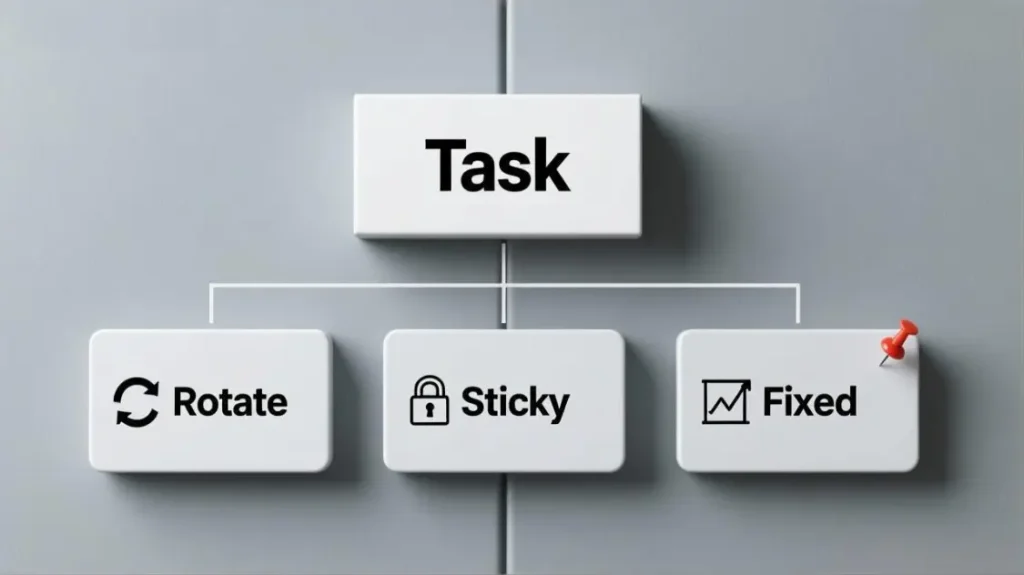
Where a fixed datacenter route helps. Some workflows need rotation for scale, and others need one stable route for continuity. A practical operating model keeps both tools available: rotating datacenter proxies for breadth, and fixed routes for identity-heavy steps. When a job demands stable identity over time, fixed-route datacenter IPs can complement rotation without turning every request into an IP shuffle.
MaskProxy works best when routing is treated as identity control: each bucket gets its own pace, its own session, and its own continuity rules.

Daniel Harris is a Content Manager and Full-Stack SEO Specialist with 7+ years of hands-on experience across content strategy and technical SEO. He writes about proxy usage in everyday workflows, including SEO checks, ad previews, pricing scans, and multi-account work. He’s drawn to systems that stay consistent over time and writing that stays calm, concrete, and readable. Outside work, Daniel is usually exploring new tools, outlining future pieces, or getting lost in a long book.
FAQ
How long should a sticky session last?
Long enough to finish one logical unit of work. A safe starting point is 20–100 requests per session key, then adjust using block rate and session drop signals.
What time-window rotation should start with?
Start at 10 minutes for sensitive targets and 5 minutes for lighter public pages, then increase only after stable runs.
How many concurrent workers per domain are safe?
Start at 2–5. If 429 or captcha appears, cut concurrency first before changing anything else.
What should happen immediately after a 429 burst?
Drop domain concurrency, apply exponential backoff with jitter, and hold the mode steady for at least 10–20 minutes before re-testing.