SOCKS5 Proxies Explained: How They Work, What They Do Not Guarantee, and How to Verify Them
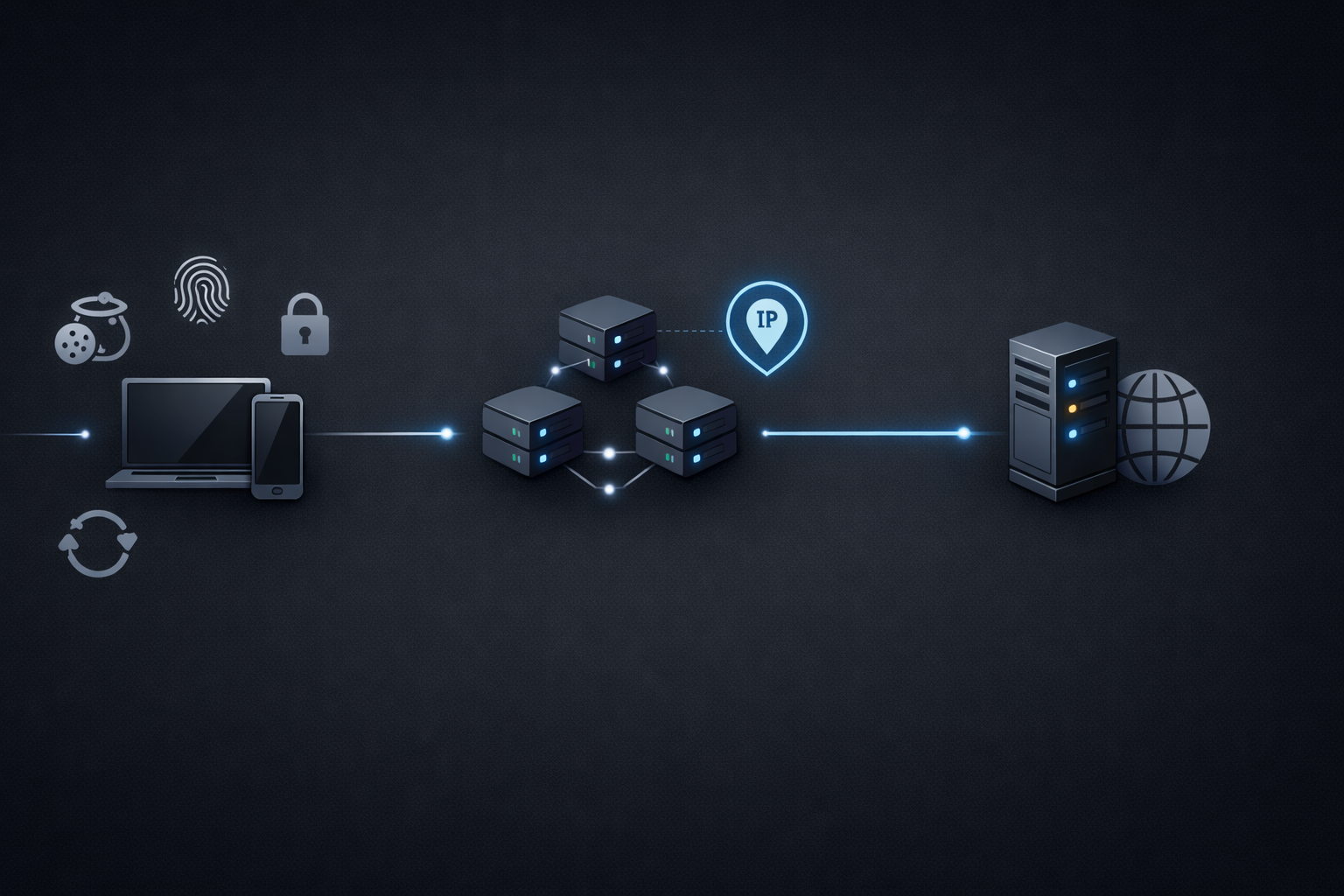
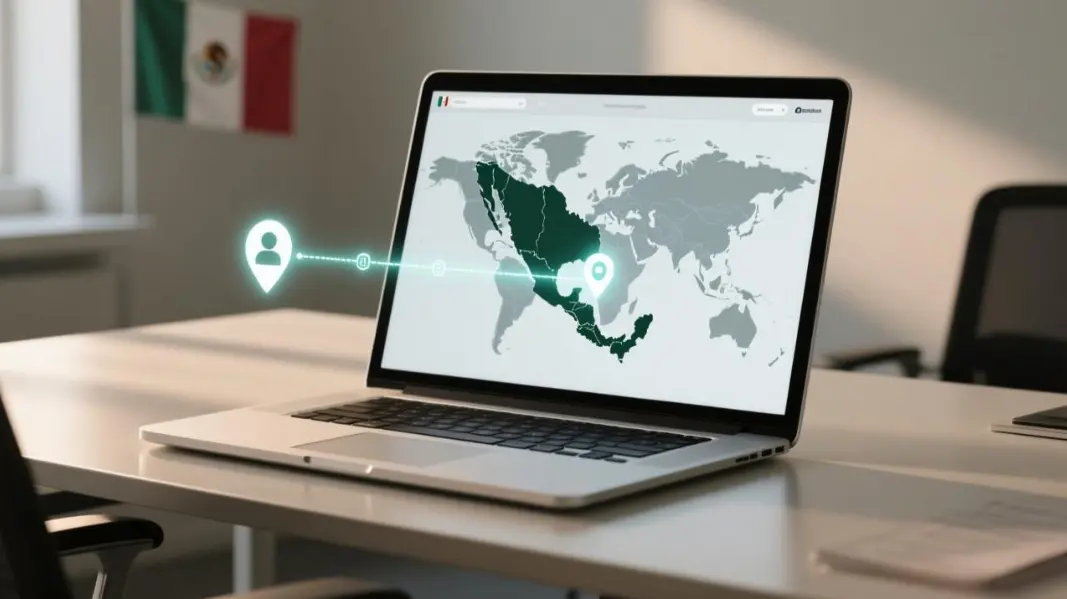
A SOCKS5 proxy is easiest to describe as a traffic router: your app sends traffic to a proxy server, and the proxy forwards it to the destination so the destination sees the proxy’s IP, not yours. That sounds simple, but “IP changes” is not the same thing as “identity is safe” or “traffic is private.”
If you are building scraping pipelines, running multi-client automation, or troubleshooting flaky access, you need a definition that is operational, not just conceptual. This guide explains the SOCKS5 handshake, what authentication really protects, and how to prove your proxy is in the path using small, repeatable checks. For a quick reference page you can keep alongside this guide, see SOCKS5 proxies.
What SOCKS5 is in practical terms
SOCKS5 is a proxy protocol designed to relay network traffic between a client and a destination. Unlike HTTP proxies that are tightly coupled to HTTP semantics, SOCKS is meant to be application-agnostic: it carries traffic without needing to interpret the higher-level protocol.
That “agnostic” nature is why SOCKS5 shows up in real operator workflows:
- Mixed clients where some tools are not HTTP-native
- Traffic that is not strictly web browsing
- Scenarios where you want routing without header rewriting
- Environments where you need a consistent proxy interface across tools
But here is the key mental model: SOCKS5 changes routing, not trust. It can hide your origin IP from the destination, but it does not automatically encrypt payloads, and it does not erase higher-level identity signals.
How SOCKS5 works under the hood
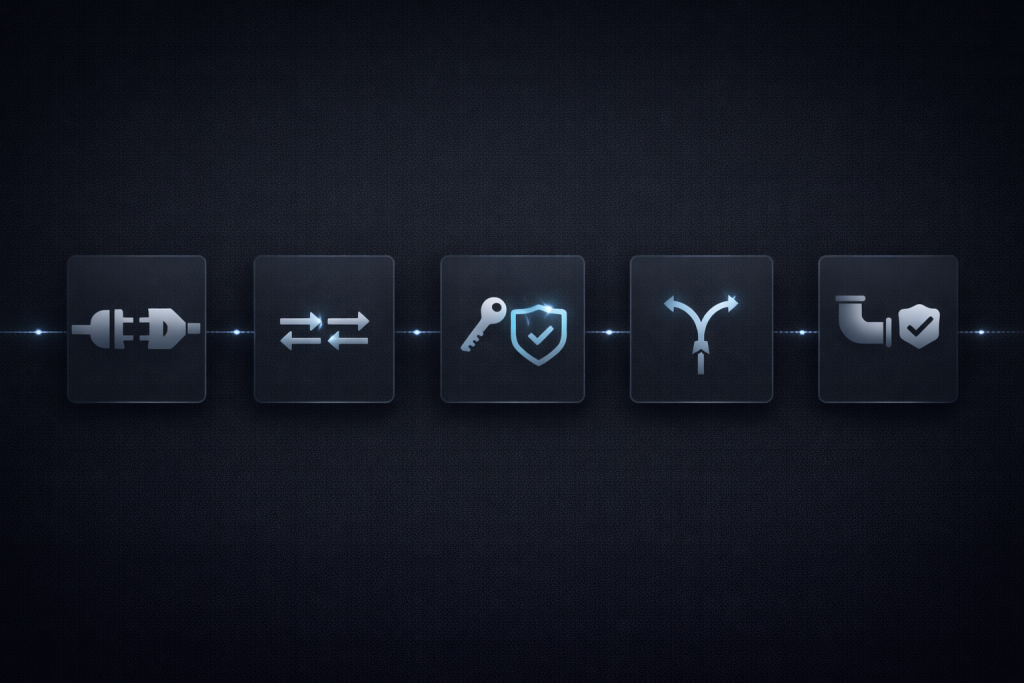
The SOCKS5 specification describes a negotiation between the client and the SOCKS server, followed by a request to establish a relay for a specific target. The core protocol is defined in RFC 1928.
The handshake in plain English
A typical SOCKS5 flow looks like this:
- Client connects to the SOCKS server
- Client proposes authentication methods
- Server selects a method
- Optional authentication subnegotiation occurs
- Client requests a relay action
- Server replies with success or failure and begins relaying traffic
SOCKS5 supports multiple command types. The one most people use is TCP CONNECT, but the protocol also defines UDP ASSOC.
Authentication is access control, not encryption
One of the most misunderstood details is “SOCKS5 supports username and password so it is secure.”
Username and password authentication for SOCKS5 is defined in RFC 1929. It is a mechanism to control who may use the proxy, not a guarantee that traffic is encrypted end to end.
If your traffic is plain HTTP, an on-path observer can still read it. If your traffic is HTTPS, the TLS layer is doing the confidentiality work, not SOCKS itself.
Why port 1080 keeps appearing
SOCKS services are commonly associated with TCP port 1080. You will see it in configuration examples and defaults because IANA registers the socks service on 1080.
That said, port numbers are conventions. In real infrastructures, your SOCKS endpoint may run on other ports, particularly when it is behind gateways or policy controls.
Threat model you can actually use
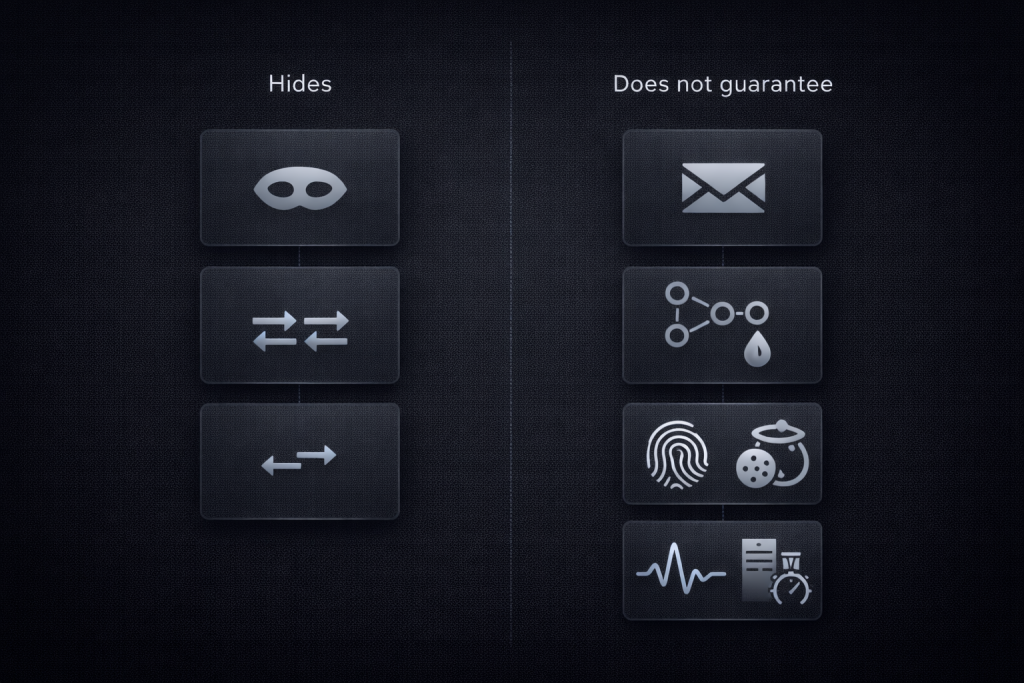
If you want fewer surprises, separate “what a SOCKS5 proxy can hide” from “what it cannot hide.”
What SOCKS5 can hide from the destination
- Your origin IP address as seen by the destination server
- Your network path in the sense that traffic appears to come from the proxy
- Basic location inference that depends on IP geolocation
This is why SOCKS5 proxies are used for geo-sensitive testing, routing, and operational separation.
What SOCKS5 does not guarantee
It does not guarantee encryption.
If the application layer is not encrypted, SOCKS5 will not magically make it private. NordVPN’s overview emphasizes that proxies generally do not encrypt traffic the way VPN tunnels do.
It does not guarantee DNS privacy.
DNS behavior depends on the client and configuration. Some clients resolve hostnames locally and only proxy the resulting IP connection. Others can request that the proxy resolve the hostname. This difference matters when you want to avoid DNS “leak-like” behavior in local networks.
It does not erase fingerprint signals.
Browser and device fingerprints, TLS characteristics, account state, cookies, and application-level identifiers remain. A proxy changes routing. It does not rewrite your client identity.
It does not guarantee “works at scale.”
A single successful request can be a false positive. Real workloads produce retries, bursts, and stateful behaviors that expose weak links in routing, authentication, and stability.
SOCKS5 vs HTTP proxy vs VPN by scenario
Choosing the wrong tool is the most common reason teams “validate” a proxy and then see failures in production. Think in terms of constraints.
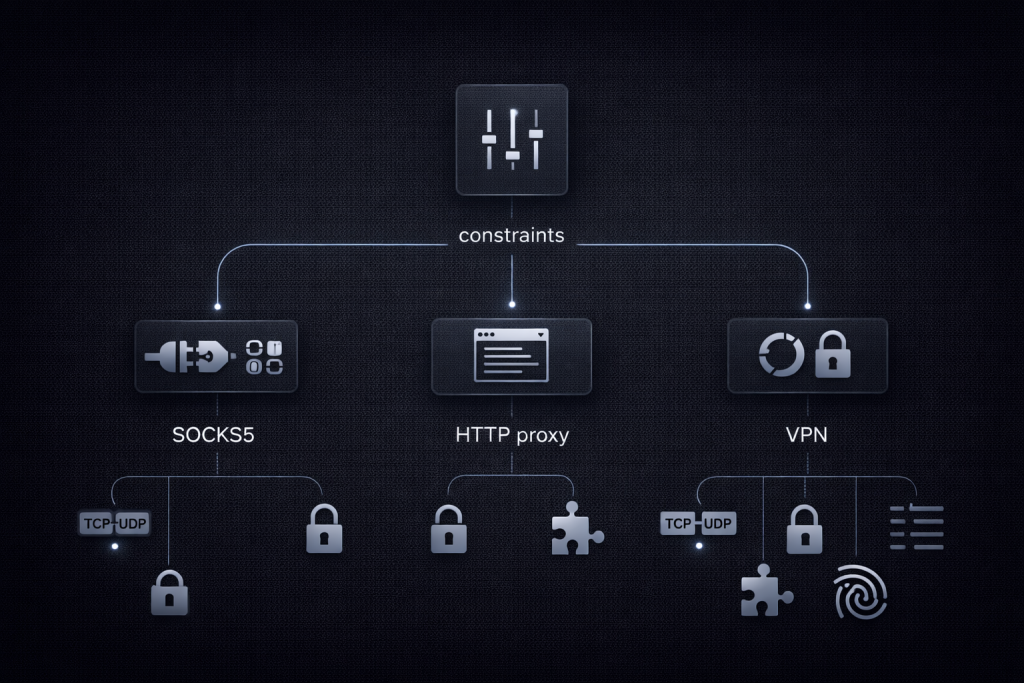
Choose SOCKS5 when you need protocol flexibility
SOCKS5 can be attractive when you have:
- Multiple tools and languages in the same workflow
- Non-HTTP traffic mixed with HTTP
- A desire to avoid application-layer rewriting
Rayobyte also highlights SOCKS5 being used with TCP and UDP and relaying traffic without interpreting it.
Choose HTTP or HTTPS proxies when you want web-first control
HTTP proxies can be easier when you want features that live at the HTTP layer:
- Header manipulation and visibility
- Fine-grained routing for web requests
- Easier integration in web-only stacks
In practical terms, if your workload is mostly HTTP requests and you want predictable behavior at the application layer, you may prefer HTTP proxies for that workflow.
Choose a VPN when you need a tunnel for all traffic with encryption expectations
VPNs are not the same as proxies. A VPN is typically used to create an encrypted tunnel at a lower layer, affecting more of the device or system traffic. When the requirement is “encrypt the pipe,” a VPN is usually the correct primitive, while SOCKS5 is usually the correct primitive for “route this application traffic through that egress.”
Decision framework for scraping teams
Use this decision system to pick SOCKS5 for the right reasons and avoid it for the wrong ones.
SOCKS5 is the right choice when
- You need a proxy layer that can work across diverse clients and tools
- You need to route traffic in a way that does not depend on HTTP semantics
- You require a path that can support workloads beyond simple web requests
- You are prepared to validate DNS behavior and client support explicitly
In production scraping systems, teams often combine SOCKS5 routing with controlled session strategy and IP lifecycle policies. MaskProxy users typically treat SOCKS5 as a routing layer that must be validated with evidence, not a magic shield.
If your workload depends heavily on IP churn, consider using SOCKS5 with a rotation strategy that matches your request shape, such as rotating proxies.
SOCKS5 is the wrong choice when
- You assume it provides encryption regardless of application protocol
- You cannot ensure how the client resolves DNS and handles hostnames
- Your application cannot reliably be forced to use the proxy
- You need HTTP-layer observability, rewriting, or policy enforcement
If any of those conditions are true, switching proxy types can be cheaper than trying to debug around the wrong abstraction.
Verification checklist you can actually run
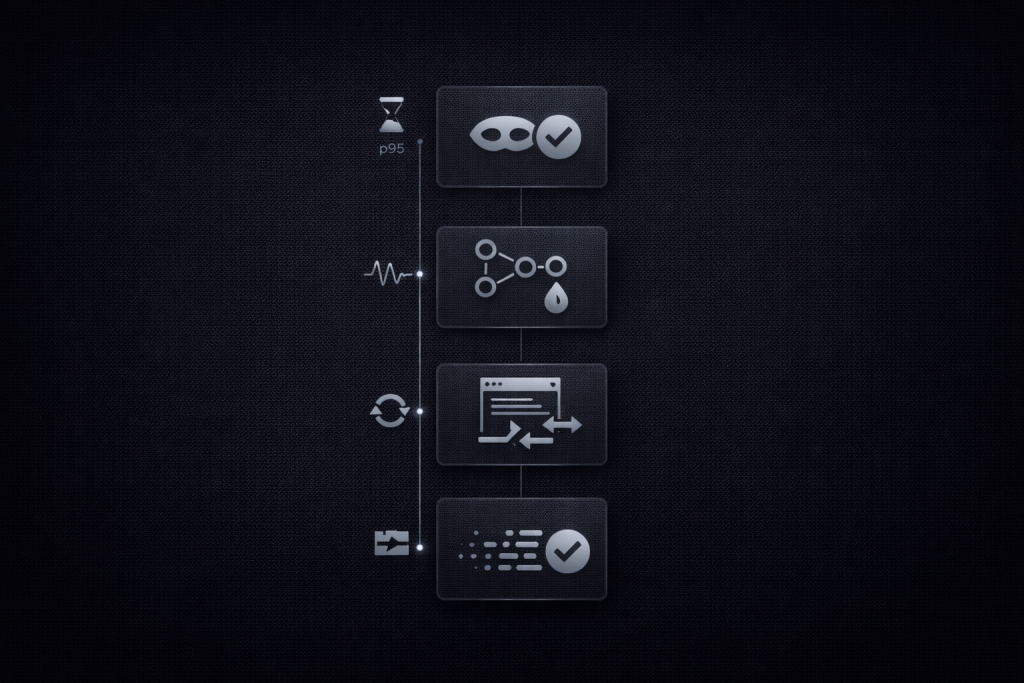
The goal of verification is not “it worked once.” The goal is “I can prove routing behavior, DNS behavior, and client behavior.”
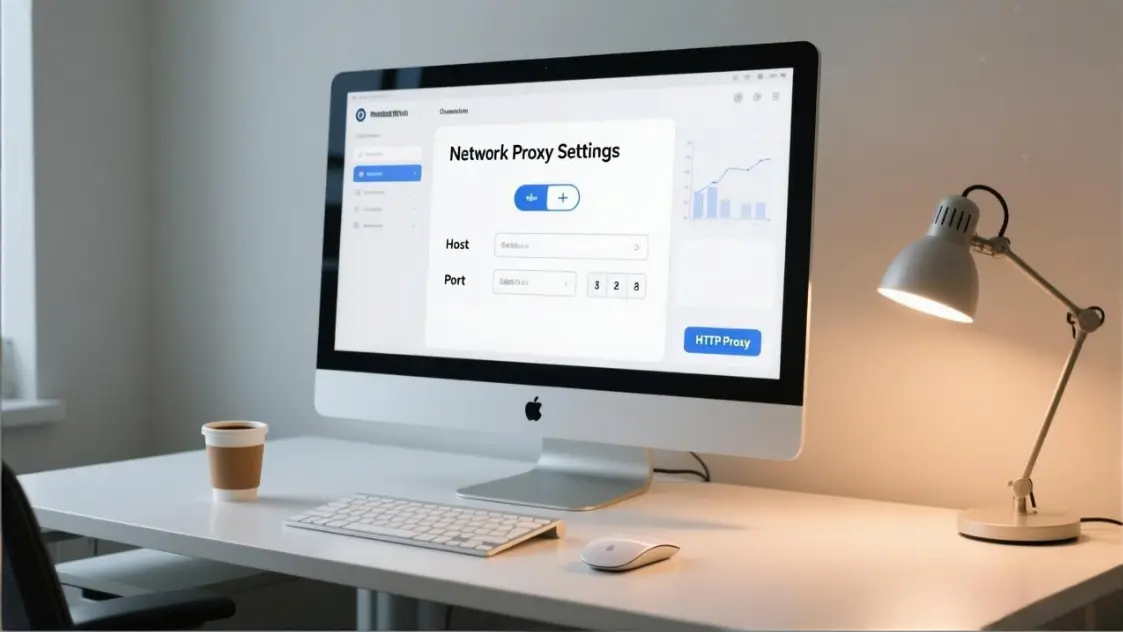
Before you test, confirm what proxy modes you are using and how your stack represents them. A simple reference page like proxy protocols can help keep naming consistent across a team.
Check 1: IP proof
Use a known IP echo endpoint and compare outputs with and without the proxy.
# Remote DNS resolution through the proxy is often preferred in SOCKS usage
curl -x socks5h://HOST:PORT https://api.ipify.org
The curl project documents SOCKS proxy usage and SOCKS4 and SOCKS5 support, including scheme selection.
Check 2: DNS path proof
If your client resolves locally, you may still leak DNS resolution to your local resolver even when the TCP connection is proxied.
A practical rule of thumb in curl is that socks5h or hostname-resolving variants are used to have the proxy resolve hostnames, depending on the option.
Run the same request in two modes and compare resolver behavior in your telemetry or DNS logs.
Check 3: App-level routing proof
For scraping teams, the failure pattern is often “one tool uses the proxy, another silently bypasses it.”
Pick one tool you suspect may bypass and force it through a system-level wrapper. proxychains is commonly used to force TCP connections made by programs through a proxy, which helps prove whether bypass is happening.
Check 4: UDP needs proof
SOCKS5 defines UDP ASSOC, but client support varies widely. If you believe you need UDP, do not assume the proxy will handle it just because a blog says “SOCKS5 supports UDP.” Validate with a client that explicitly supports UDP proxying and confirm behavior in packet captures or logs.
Troubleshooting flow by symptom
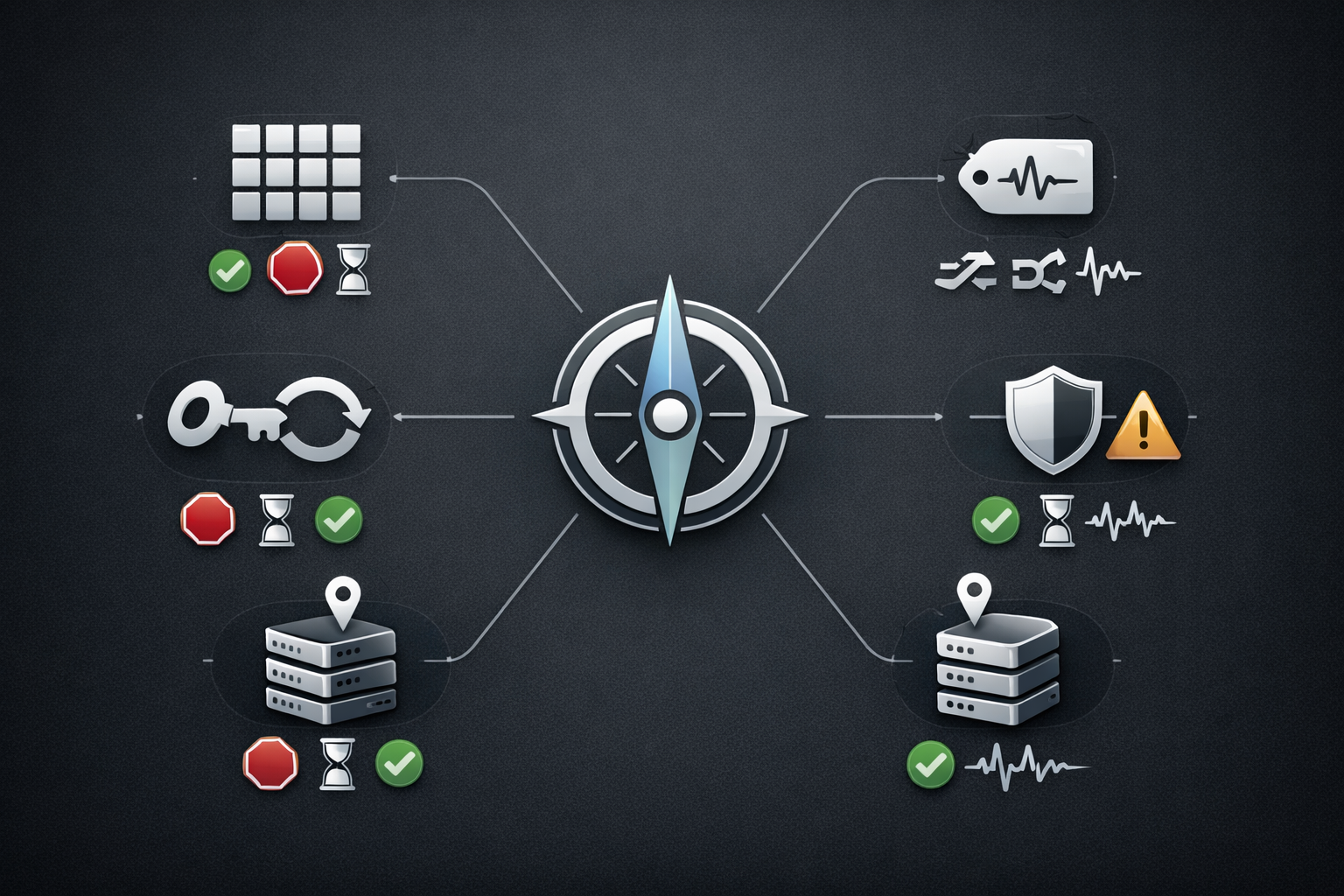
Treat debugging like an incident response workflow. Start from a symptom and work toward the most likely cause.
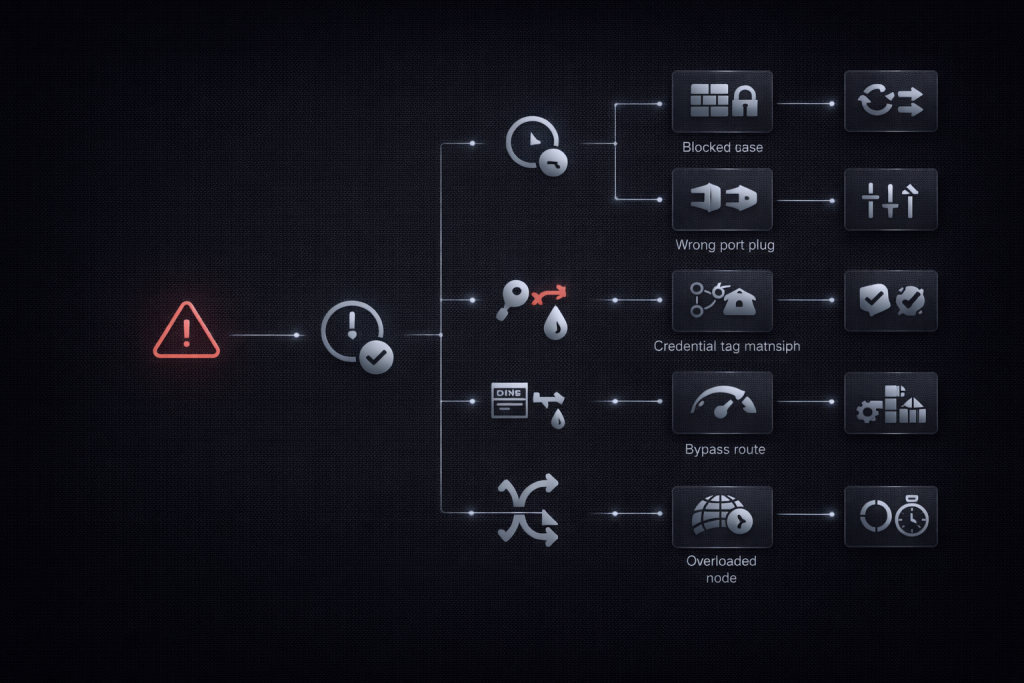
Symptom: timeout
Likely causes:
- Proxy endpoint unreachable or blocked
- Wrong host or port
- Network policy issues
- Client is trying local DNS and stalling before connect
First fixes:
- Confirm proxy reachability with a raw TCP connect test
- Switch to hostname-resolving proxy mode where appropriate
- Reduce timeout and capture logs for the failure boundary
Symptom: authentication failure
Likely causes:
- Wrong credentials
- Proxy expects a different auth method than the client is offering
- Credential encoding issues in the client
First fixes:
- Verify the client supports RFC 1929 username and password auth if that is required by the proxy.
- Test with a second client to isolate whether it is client behavior or proxy policy
Symptom: DNS seems wrong or inconsistent
Likely causes:
- Local DNS resolver differs from proxy-side DNS
- Mixed resolution modes across tools
- Application caches host resolution differently than expected
First fixes:
- Standardize on one resolution mode for a given workflow
- Validate hostname resolution behavior in curl using documented SOCKS options.
Symptom: app bypasses the proxy
Likely causes:
- The app ignores system proxy settings
- The app uses a different network stack or direct sockets
- Incorrect environment variables or config scope
First fixes:
- Force TCP traffic through proxy wrappers such as proxychains where appropriate.
- Add explicit logging to confirm proxy egress IP at runtime
Symptom: speed degradation and instability
Likely causes:
- Congestion on the proxy path
- Overloaded proxy endpoint
- Too much concurrency for the pool size
- Retry amplification creating self-inflicted load
First fixes:
- Reduce concurrency and measure p95 latency and error rates
- Add backpressure on retries
- Run a soak test that matches real request shape, not a single burst
A useful reality check is that real implementations can have edge-case problems even when the protocol is clear. NordVPN documented a SOCKS5 handshake-related issue in curl as an example of how client behavior can matter.
Operational hardening for repeatability
If you want fewer regressions, treat proxy usage like a dependency with a test suite.
- Keep a small “verification script” in your repo
- Log proxy egress IP in CI smoke tests where possible
- Version your proxy settings and client configurations
- Re-test when upgrading curl, Python libraries, or system networking components
MaskProxy is most valuable when you treat it as a controllable routing component with explicit validation gates, rather than a set-and-forget toggle.
Last tested and update policy
- Last tested: 2026-02-02
- Clients tested: curl SOCKS options, proxychains forcing TCP, Python SOCKS via PySocks
- Update policy: re-test quarterly, and immediately after client library upgrades or traffic shape changes
Practical snippets you can copy
Curl with SOCKS5 and remote DNS resolution
curl -x socks5h://USER:PASS@HOST:PORT https://api.ipify.org
curl’s official documentation covers SOCKS usage and scheme variations.
Python with PySocks and requests
PySocks is a common library used to enable SOCKS support in Python stacks.
import requests

proxies = {
    "http":  "socks5h://USER:PASS@HOST:PORT",
    "https": "socks5h://USER:PASS@HOST:PORT",
}

r = requests.get("https://api.ipify.org?format=json", proxies=proxies, timeout=20)
print(r.status_code, r.text)
proxychains forcing TCP through a SOCKS proxy
proxychains is commonly described as forcing TCP connections through SOCKS proxies.
# In proxychains config, set:
# socks5 HOST PORT USER PASS
proxychains -q curl https://api.ipify.org
Conclusion
SOCKS5 is best understood as a routing primitive: powerful when you need protocol flexibility and consistent egress control, risky when you mistake it for encryption or identity protection. If you validate IP, DNS path, app routing, and stability with repeatable checks, SOCKS5 becomes a predictable tool instead of a superstition.
When your workload also depends on higher trust and lower block rates, it is often worth pairing SOCKS5 routing with higher-quality IP sources such as residential proxies so your routing layer and your IP layer both match the risk profile of the target.

Daniel Harris is a Content Manager and Full-Stack SEO Specialist with 7+ years of hands-on experience across content strategy and technical SEO. He writes about proxy usage in everyday workflows, including SEO checks, ad previews, pricing scans, and multi-account work. He’s drawn to systems that stay consistent over time and writing that stays calm, concrete, and readable. Outside work, Daniel is usually exploring new tools, outlining future pieces, or getting lost in a long book.
FAQ
1.Is a SOCKS5 proxy encrypted
No. SOCKS5 routes traffic; encryption comes from HTTPS or another secure tunnel.
2.Does SOCKS5 hide my identity from websites
It hides your origin IP, but not fingerprints, cookies, accounts, or behavioral signals.
3.SOCKS5 vs HTTP proxy what is the difference
HTTP proxies are web-focused and understand HTTP. SOCKS5 is more protocol-agnostic and often works across more client types.
4.SOCKS5 vs VPN which should scraping teams use
Use SOCKS5 for per-app routing control. Use VPN when you need a broader encrypted tunnel.
5.Can SOCKS5 leak DNS
Yes, depending on the client. Some resolve hostnames locally before proxying the connection.
6.Why does my app ignore SOCKS5 settings
Some apps bypass system proxy settings or use direct sockets. You must verify routing per tool.
7.Does SOCKS5 support UDP
The protocol supports UDP association, but tool support varies. Validate with your actual client.
8.What is port 1080 for SOCKS
It is a common default, not a requirement. Your proxy may run on other ports.
9.How do I verify SOCKS5 is in path
Check egress IP changes, confirm DNS behavior, and prove the intended process is routed, not bypassing.
10.Why does SOCKS5 work briefly then become unstable
Real traffic adds concurrency, retries, and session state. Instability often comes from congestion, retries, or inconsistent routing and DNS.