Proxy Protocols: HTTP CONNECT, SOCKS5, and PROXY protocol in production
Search “proxy protocols,” and you’ll find two different meanings blended into one phrase: proxy protocols like HTTP CONNECT and SOCKS5 that define how a client tunnels traffic through a proxy, and PROXY protocol (v1/v2) which is a Layer 4 metadata header injected at the start of a TCP connection to preserve client connection details across a load balancer. Confusing them is how teams ship configs that pass a smoke test and then fail deterministically in production. A quick reference that keeps the two meanings separated is Proxy Protocols.
This guide is written for operators who care about three outcomes: correct routing, correct client identity, and evidence you can verify on the wire.
The terminology mistake that breaks production
Proxy protocols are application-facing tunnel semantics.
- HTTP proxy speaks HTTP and forwards HTTP requests. For HTTPS destinations it typically uses CONNECT to establish a TCP tunnel, then TLS happens end-to-end inside that tunnel. CONNECT semantics are defined in RFC 9110. HTTP CONNECT in RFC 9110
- SOCKS5 is a general-purpose proxy protocol for TCP (and UDP associations) negotiated between client and proxy; it is not limited to HTTP. SOCKS5 is defined in RFC 1928. SOCKS5 in RFC 1928
PROXY protocol is infrastructure-facing client IP preservation.
- A small header sent before the proxied protocol payload on a connection, carrying source and destination addresses and ports. The canonical specification is published by HAProxy and covers v1 and v2. HAProxy PROXY protocol specification
If you enable PROXY protocol on one side but not the other, you rarely get a gentle degradation. You often get immediate connection failures or silent identity corruption.
Decision framework that keeps layer boundaries intact
Use this chooser as your default. It is optimized for production safety, auditability, and avoiding spoofable identity signals.
Use an HTTP proxy when you need HTTP-aware control planes
Choose HTTP proxying when you want any of the following at the proxy hop: per-host policy, header-based routing, HTTP auth mechanisms, request logging by URL, or explicit CONNECT tunneling for HTTPS.
In environments where egress is explicitly HTTP-centric, a dedicated HTTP Proxies shape is often easier to observe and troubleshoot than a generic tunnel.
Long-tail variants covered naturally here include:
- HTTP CONNECT proxy for outbound allowlists and compliance egress
- HTTPS proxy tunnel debugging with
openssl s_client - Proxy authentication failures that look like random network flakiness
Use SOCKS5 when you must tunnel non-HTTP TCP workflows
SOCKS5 is a better fit when the client app is not purely HTTP, or you want a consistent “connect to host:port” abstraction without HTTP semantics.
Operational framing that prevents bad assumptions:
- Use SOCKS5 for generic socket egress.
- Do not expect HTTP routing policy or URL-level observability unless you put an L7 proxy in front of it.
Use PROXY protocol when you must preserve client connection details at Layer 4
Pick PROXY protocol when a TCP load balancer or L4 proxy would otherwise overwrite the client IP and port, and you need the backend to log and enforce policies using the original client coordinates.
This is common with managed L4 load balancers such as AWS Network Load Balancer using Proxy Protocol v2. AWS NLB with Proxy Protocol v2
Prefer X-Forwarded-For when the chain is HTTP-aware end to end
X-Forwarded-For is an HTTP header. It is useful when every hop is HTTP-aware, you can restrict who is allowed to add or overwrite it, and your backend trusts only known proxy hops and parses the chain safely.
If you cannot enforce trust boundaries, X-Forwarded-For becomes a spoofing surface. PROXY protocol does not “solve trust,” but it typically narrows trust to an L4 boundary if you only accept the header from known upstream addresses.
How HTTP CONNECT and SOCKS5 actually fail in real systems
How CONNECT works and why tunnel success is not TLS success
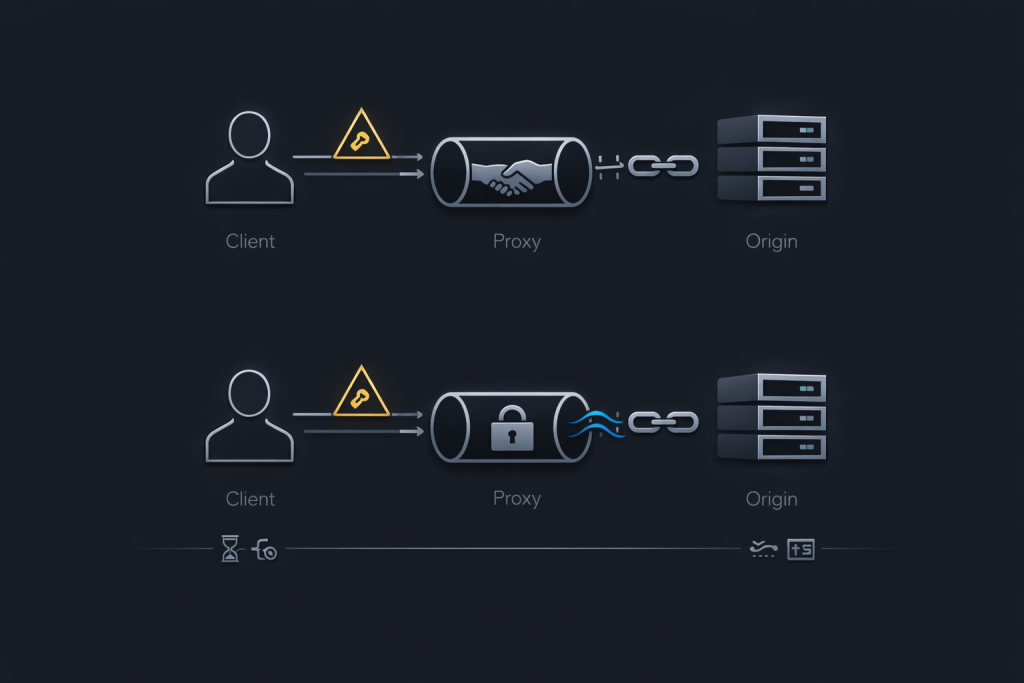
In HTTPS proxying, the proxy does not terminate TLS by default. The client performs:
- CONNECT host:443 with optional proxy authentication
- Proxy returns a 2xx tunnel established response
- Client performs TLS handshake through the tunnel to the origin
This ordering is why debugging must separate “tunnel established” from “TLS established.” A CONNECT success does not mean your TLS handshake will succeed, and a TLS failure does not necessarily mean the tunnel is broken.
Proxy authentication failure modes that masquerade as instability
Common production issues that look like “the proxy is flaky”:
- auth challenges triggering tight client retry loops
- mismatched auth scheme support across clients
- per-credential concurrency caps that only appear under load
If retries climb and p95 latency rises together, treat it as a control-plane failure until proven otherwise.
Rate limiting is a protocol signal, not an error to brute-force
Many defenses and intermediaries express pressure via 429 Too Many Requests and may supply Retry-After guidance. If the client ignores it, a retry storm can collapse delivered capacity and amplify your own outage. Cloudflare’s documentation is a practical baseline for 429 semantics and Retry-After behavior. Cloudflare 429 guidance
When you need consistent SOCKS behavior across mixed clients and runtimes, SOCKS5 Proxies can be a clean operational shape to standardize tunnel semantics without reinventing client libraries.
How PROXY protocol works and how it breaks when you get the order wrong
What PROXY protocol is and what it is not
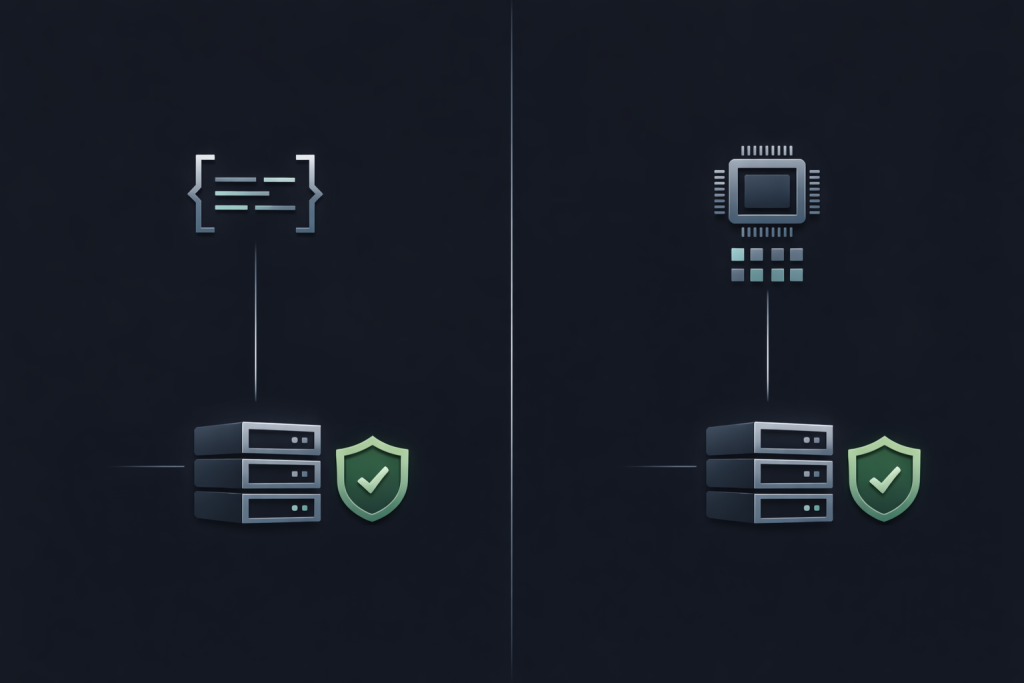
PROXY protocol is not “a proxy protocol like SOCKS5.” It is a metadata envelope injected at the beginning of a TCP connection so the receiver can recover the original source and destination addressing information. Treat it as L4 identity preservation, not an application protocol.
Why v2 is often the default in production
- v1 is human-readable text, easier to eyeball, more brittle and larger.
- v2 is binary, compact, structured, and commonly emitted by managed load balancers.
Both exist to solve the same problem: preserve client identity when L4 infrastructure would otherwise hide it.
The TLS handshake ordering failure that looks like random TLS breakage
The receiver must parse the PROXY header before it expects TLS bytes or application protocol bytes. If you enable PROXY protocol on a listener but the upstream does not send it, the first bytes will not match what the receiver expects. The result is deterministic handshake failure that gets mislabeled as “TLS issues.”
Trust boundaries and why identity signals must be gated
If an untrusted source can connect to a listener that accepts PROXY protocol, it can attempt to spoof client identity. The mitigation is straightforward: only accept PROXY headers from known upstream addresses, and restrict the listener at the network layer so unexpected sources cannot reach it.
For predictable egress and clear identity boundaries in L4-heavy stacks, Datacenter Proxies can simplify the trust model by reducing variability at the edge where identity, rate limits, and logging matter most.
Reference deployment patterns with verifiable signals
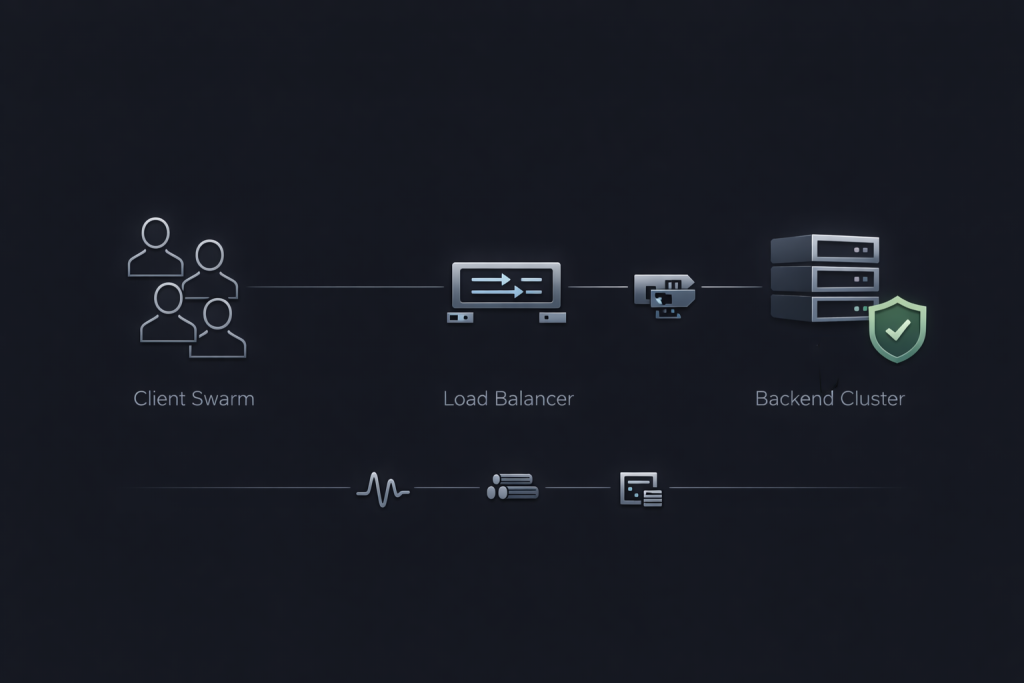
Pattern A: AWS NLB sends Proxy Protocol v2 to an NGINX backend
- Enable Proxy Protocol v2 on the NLB path, following AWS guidance.
- Configure NGINX to accept PROXY protocol on the listener. NGINX PROXY protocol configuration
- Configure logging so you can distinguish:
- client address from PROXY parsing
- last hop address as the load balancer
- Validate with a packet capture and a single request log line, not assumptions.
Pattern B: HAProxy emits PROXY protocol downstream
- Decide which hop is authoritative for client identity.
- Configure HAProxy to emit PROXY headers only to downstreams that explicitly accept them.
- Restrict downstream listeners so only expected upstreams can connect.
MaskProxy fits naturally in environments where you need consistent tunneling behavior across heterogeneous clients but still want identity boundaries and observability to remain explicit.
Validation lab you can reproduce with curl, openssl, and tcpdump
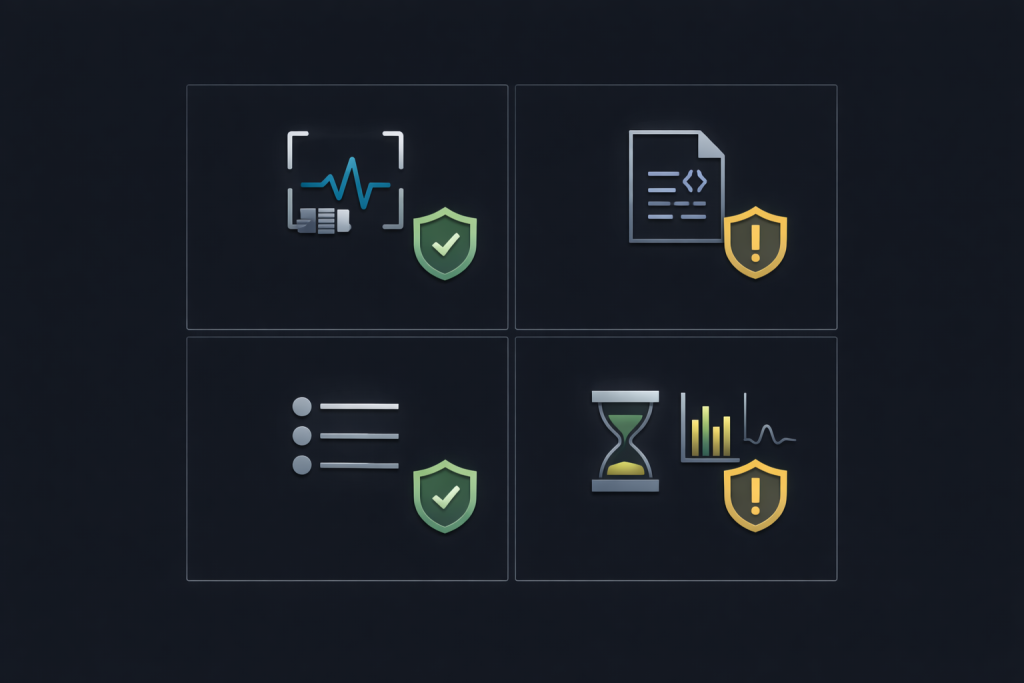
This lab proves four things: CONNECT tunneling works, TLS order is correct, PROXY protocol bytes appear where they should, and logs reflect true client identity.
Lab prerequisites
- A test client with curl, openssl, and tcpdump
- A proxy endpoint for CONNECT testing
- A PROXY protocol path such as NLB to NGINX or HAProxy to NGINX
Test 1: Verify HTTP CONNECT tunnel establishment
curl -v -x http://PROXY_HOST:PROXY_PORT https://example.com/ -o /dev/null
Expected signals:
- CONNECT appears in verbose output.
- A 2xx tunnel established response appears before TLS negotiation.
- If auth is missing, you see an auth challenge pattern and must fix credentials rather than increasing retries.
Test 2: Verify TLS happens after the tunnel is up
openssl s_client -connect example.com:443 -proxy PROXY_HOST:PROXY_PORT -servername example.com </dev/null
Expected signals:
- You reach the origin handshake when the tunnel is correct.
- If TLS fails immediately after enabling PROXY protocol on a listener that is not receiving it, failures correlate with the first bytes on the wire.
Test 3: Confirm PROXY protocol presence at the start of the connection
sudo tcpdump -i any -s 0 -w proxyproto.pcap 'tcp port 443 and host BACKEND_IP'
Expected signals:
- The first payload bytes correspond to a PROXY protocol header signature and structure.
- If you see TLS ClientHello bytes immediately, your upstream is not sending PROXY protocol but the backend expects it.
Test 4: Verify NGINX uses the PROXY-derived address in logs
Confirm logs show the PROXY-derived client address rather than the load balancer address, and validate the listener configuration.
Evidence bundle checklist
- Listener configuration snippet for NGINX or HAProxy
- Packet capture showing the first payload bytes on the backend connection
- One success log line showing client identity and request correlation
- One failure log line for comparison
- p95 latency series during a small concurrency ramp
Troubleshooting matrix for fast incident response
| Symptom | Likely cause | First fix | Artifact to capture |
|---|---|---|---|
| TLS handshake fails immediately after enabling PROXY protocol | Backend expects PROXY header but upstream is not sending it | Disable PROXY acceptance on that listener or enable PROXY sending upstream | Pcap showing first payload bytes compared to PROXY header format |
| Backend logs show the load balancer address, not the client address | PROXY protocol not enabled end to end, or logging does not use PROXY-derived variables | Enable PROXY acceptance and log PROXY-derived identity | NGINX config, one request log line, pcap |
| CONNECT returns tunnel success but requests time out later | Tunnel is established but TLS or upstream constraints break the flow | Validate SNI and DNS model, reduce concurrency | curl verbose output, openssl transcript |
| 429 spikes and Retry-After is ignored | Client retry loop is too aggressive | Add exponential backoff with jitter and honor Retry-After | Response headers, retry timeline |
| Intermittent 400 or 502 after turning on PROXY protocol | Mixed traffic on the same port, some send PROXY headers, some do not | Separate listeners or ports and enforce one contract per socket | Connection logs split by listener |

Closing guidance that prevents repeat incidents
Treat “proxy protocols” and “PROXY protocol” as different layers with different contracts, then prove the contract with a packet capture rather than a dashboard. That discipline keeps client IP preservation, TLS handshake ordering, and rate limiting behavior from turning into recurring outages. When you scale rotation strategies across heterogeneous clients, keep the operational shape explicit with Rotating Proxies.

Daniel Harris is a Content Manager and Full-Stack SEO Specialist with 7+ years of hands-on experience across content strategy and technical SEO. He writes about proxy usage in everyday workflows, including SEO checks, ad previews, pricing scans, and multi-account work. He’s drawn to systems that stay consistent over time and writing that stays calm, concrete, and readable. Outside work, Daniel is usually exploring new tools, outlining future pieces, or getting lost in a long book.
FAQ
1.Proxy protocols vs PROXY protocol
HTTP CONNECT and SOCKS5 define client tunneling behavior. PROXY protocol v1/v2 is an L4 header that preserves original connection metadata for the next hop.
2.X-Forwarded-For vs PROXY protocol for client IP
Use X-Forwarded-For for HTTP-aware chains you control. Use PROXY protocol for L4 load balancers or TCP proxies where the backend must recover client identity from the connection.
3.PROXY protocol with TLS
It works only when the PROXY header arrives before any TLS bytes and the receiver is configured to parse it first.
4.429 and Retry-After handling
Treat 429 as backpressure. Honor Retry-After, add exponential backoff with jitter, and cap retries to avoid retry storms.