Twitch Proxies and Twitch Monetization Guide for 2026
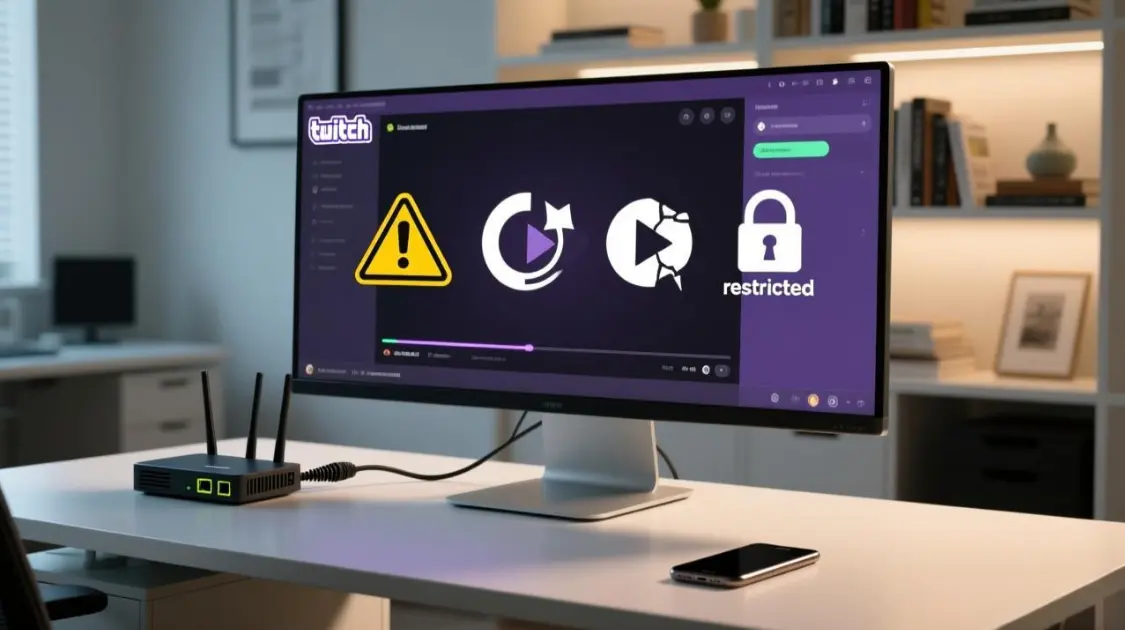
If Twitch playback feels inconsistent—region errors, purple screens, Error 2000, buffering spikes—the cause is usually one of three things: IP and DNS signals don’t match, your session isn’t stable, or your browser profile is fighting the player.
MaskProxy users typically aim for one outcome: a setup that is repeatable and stable across days, not just “works once.” A Twitch-focused routing endpoint is commonly described as Twitch proxies.
Understand the rules before you optimize anything
This guide focuses on legitimate troubleshooting, privacy, and creator growth. Platform rules are the boundary for what’s acceptable, so keep these official references as your baseline:
If sponsorships are involved, disclosure and policy alignment matter more than tactics:

Use a repeatable verification method instead of guessing
Most proxy advice fails because it doesn’t tell you what to measure. You don’t need screenshots to be rigorous—you need a repeatable test loop.
Four signals worth tracking
- Time to first frame: press Play → first video frame in seconds
- Playback success rate: how many starts succeed out of 5 attempts
- Buffering variance: steady / occasional / frequent during a fixed watch window
- Error signature: region not available / purple screen / Error 2000 / endless reloads
The 5-run test you will use throughout this guide
Run the same stream 5 times without changing anything, then record:
- date + target region
- proxy type + session mode (sticky/rotating)
- browser profile (clean/normal) + key extensions (on/off)
- time to first frame, buffering variance, success (Y/N), and any error message
Rule that keeps results honest
Change one variable at a time, re-run five attempts, keep only what reduces variance.
Know what a Twitch proxy can and cannot solve
A Twitch proxy routes Twitch traffic through another network exit so Twitch sees a different public IP and network path. It can help with region availability testing and stability troubleshooting, but it does not guarantee fewer ads, guaranteed access, or perfect playback—because DNS behavior, browser profile conflicts, and session stability can still break the chain.
Fix the full chain that causes random failures
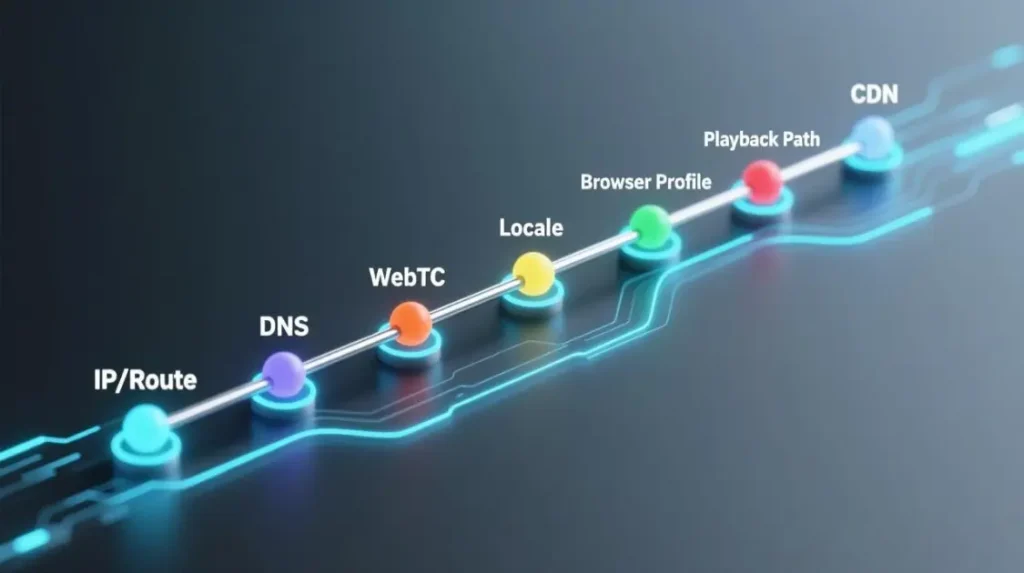
When something works today and fails tomorrow, it’s rarely “the proxy” alone. Playback reliability usually depends on:
IP and network type → DNS behavior → WebRTC exposure → locale consistency → browser profile → playback path → CDN distance
Two mismatches explain most “random” failures:
- Your IP appears in one country while DNS behavior suggests another country.
- Your session changes mid-playback while the stream expects continuity.
For stability-sensitive viewing and login-heavy workflows, teams often compare outcomes against residential proxies because consumer-like network exits can reduce variability compared with noisy ranges.
Pick your goal first, then choose the setup
If you don’t choose the goal, you keep tuning the wrong variable.
- Goal A: smoother watching and fewer start failures
- Goal B: region availability and fewer region loops
- Goal C: creator growth with retention first, then conversions, then sponsorship readiness
Troubleshooting matrix you can use in under a minute
| Symptom | Likely cause | Fast verification | Short fix sequence |
|---|---|---|---|
| Not available in your region | IP/DNS disagreement, wrong target country | compare IP region vs DNS behavior | align DNS → use sticky session → clear site storage → retest |
| Purple screen | unstable session, flagged range, profile conflict | clean profile success rate (5-run) | sticky session → clean profile → change network type |
| Error 2000 | extension conflict, DNS mismatch, profile issues | clean profile + DNS consistency check | disable extensions → fix DNS alignment → alternate playback path |
| Buffering spikes | route/CDN distance, congestion, mid-session changes | TTFF ok but buffering frequent | choose closer region → stop mid-session changes → retest |
| Extra verification prompts | locale mismatch, reused signals | timezone/language vs exit region | align locale → isolate profiles → stabilize sessions |
Set up a proxy with fewer leaks and fewer surprises
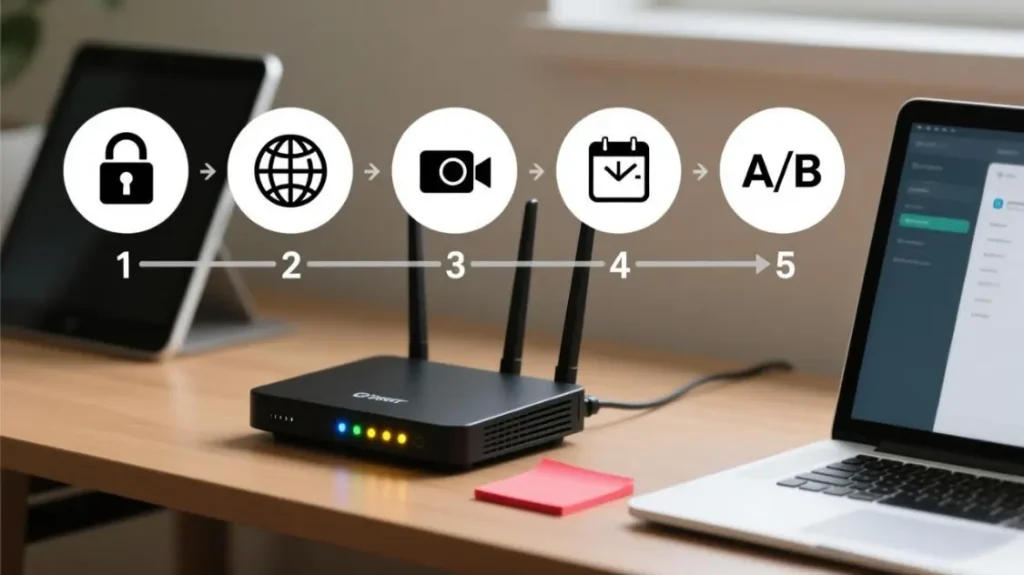
This setup order avoids the most common failure pattern: “IP says one place, your browser behaves like another.”
- Start with session stability
For logged-in playback and long watch sessions, stability usually beats aggressive rotation. - Make DNS behavior consistent
If you test in Firefox, use the official documentation to understand DoH behavior and avoid split signals:
Firefox DNS over HTTPS documentation - Check WebRTC exposure
Verify whether your browser exposes IPs that conflict with your routing outcome:
BrowserLeaks WebRTC leak test - Keep locale signals consistent while troubleshooting
Timezone and language mismatches add noise to your results and can increase friction during repeated logins. - A/B test the playback path
If browser playback is flaky, a player-based path can separate profile issues from routing and CDN issues:
Streamlink proxy support documentation
For repeatable cross-tool setups, many teams standardize on a SOCKS endpoint such as SOCKS5 proxies.
Solve region locked errors without endless IP switching
Region availability issues are usually solved by alignment, not rapid IP changes.
Short path
- Confirm the exit country is exactly the target.
- Align DNS behavior with the same target.
- Use a sticky session and re-run the 5-run test.
If your use case is validating US-only availability patterns under a controlled exit, a dedicated endpoint such as United States proxies is commonly used in a test matrix.
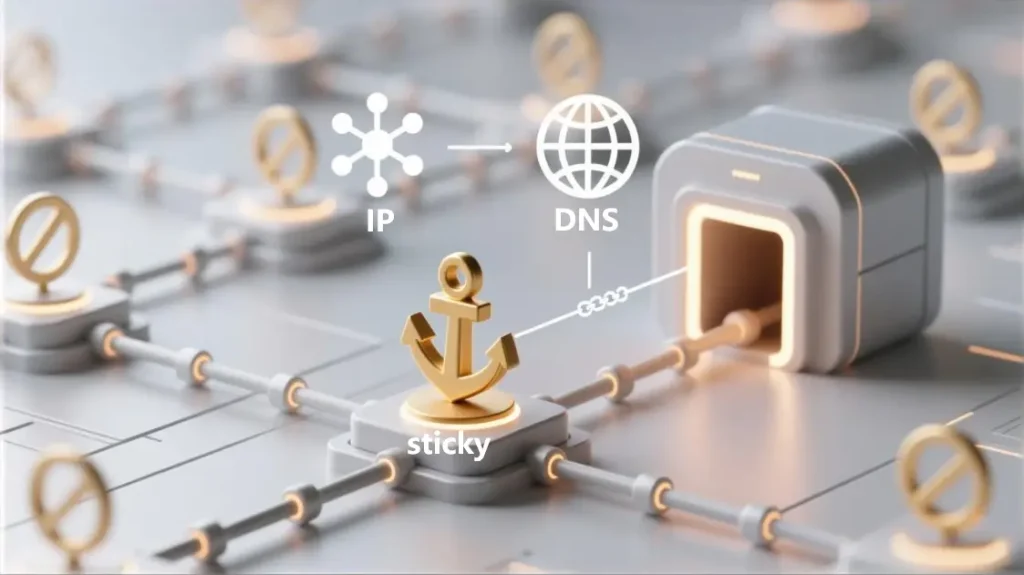
Remove purple screens by reducing variability first
Purple screen often improves when you remove variability before you chase deeper tweaks.
Short path
- Switch to a sticky session for 10–30 minutes.
- Test in a clean profile with no extensions.
- If success rate stays low, change network type and repeat the 5-run test.
Fix Error 2000 with fast isolation tests
Error 2000 is commonly tied to browser-layer conflicts and DNS inconsistencies.
Short path
- Disable extensions and test a clean profile.
- Toggle DNS-over-HTTPS and compare results under the same exit.
- Use an alternate playback path to isolate browser vs route.
For a technical baseline on Chromium-based proxy configuration behavior, this design document is a reliable reference:
Chromium network settings design document

Reduce buffering by optimizing variance, not peak speed
A fast speed test does not guarantee a good route to Twitch. What matters is variance.
What usually helps
- Choose a region closer to the CDN path that your account actually lands on.
- Avoid mid-session changes such as frequent reconnections.
- Prefer stability over peak throughput.
How to interpret results
- Time to first frame is fine but buffering is frequent → congestion or routing variability
- Time to first frame is slow and buffering is frequent → distance plus route quality
Monetization plan that starts with what you control
Most monetization posts list methods. A better plan sequences them by what you can control early: retention, then conversions, then sponsorship readiness.
Affiliate basics you should verify from the official source
Use Twitch’s own requirements page as the reference point for eligibility:
Twitch Affiliate Program requirements
What to optimize first
- schedule consistency
- repeatable format
- the first 60 seconds of every stream
Build retention before you over-tune monetization
Conversion surfaces work better when retention is stable.
Weekly metrics worth tracking
- average viewers trend
- chat messages per minute
- follows per hour
Sponsorship readiness depends on policy and clarity
If you accept brand deals, disclosure and policy compliance matter more than clever tactics. Keep this policy as the baseline:
Twitch Branded Content Policy
A simple monetization calculator that avoids hype
| Revenue source | Simple formula | What actually drives it |
|---|---|---|
| Subs | subs × payout per sub | retention + community identity |
| Bits | bits × creator share | hype moments + engagement spikes |
| Ads | watch hours × CPM factors | region + retention + ad load strategy |
| Sponsorship | deliverables × rate | niche fit + repeatable reach |
| Affiliate | clicks × conversion × commission | trust + match + placement |
For Partner-level positioning and expectations, use the program overview as the baseline:
Twitch Partner Program overview
A Twitch proxy works best when you treat it as one part of the reliability chain: network type, DNS consistency, session stability, browser profile, and playback path. Measure time to first frame and buffering variance with a 5-run test, keep changes that reduce variance, and discard the rest.
When you need controlled region comparisons across multiple runs while keeping measurement clean, rotating residential proxies are often used as part of a test matrix where each run is recorded as its own sample.

Daniel Harris is a Content Manager and Full-Stack SEO Specialist with 7+ years of hands-on experience across content strategy and technical SEO. He writes about proxy usage in everyday workflows, including SEO checks, ad previews, pricing scans, and multi-account work. He’s drawn to systems that stay consistent over time and writing that stays calm, concrete, and readable. Outside work, Daniel is usually exploring new tools, outlining future pieces, or getting lost in a long book.
FAQ
1. Will Twitch ban you for using a proxy?
A proxy is not an automatic ban trigger by itself, but risk increases with policy violations or abusive behavior. Use official rules as the boundary and keep your setup stable and consistent.
2. Why do I still see ads with a proxy?
Ad delivery depends on account state, region, and playback path. Treat ad differences as a measurable outcome rather than an assumption, and validate changes using a consistent 5-run test.
3. What is the fastest way to stop Error 2000?
Run a clean profile test, disable extensions, then re-check DNS consistency and isolate the playback path. If it changes under a clean profile, it’s likely profile or extension related.
4. How do I reduce buffering without changing everything at once?
Freeze your variables, run five attempts, then test one change at a time: region choice, session stability, and playback path. Keep the option that reduces buffering variance.
5. Can you monetize without showing your face?
Yes. Educational streams, commentary, speedruns, and workflow streams can monetize when the format is consistent and the value is clear.