YouTube Proxies in 2026: Choose, Validate, and Stay Stable
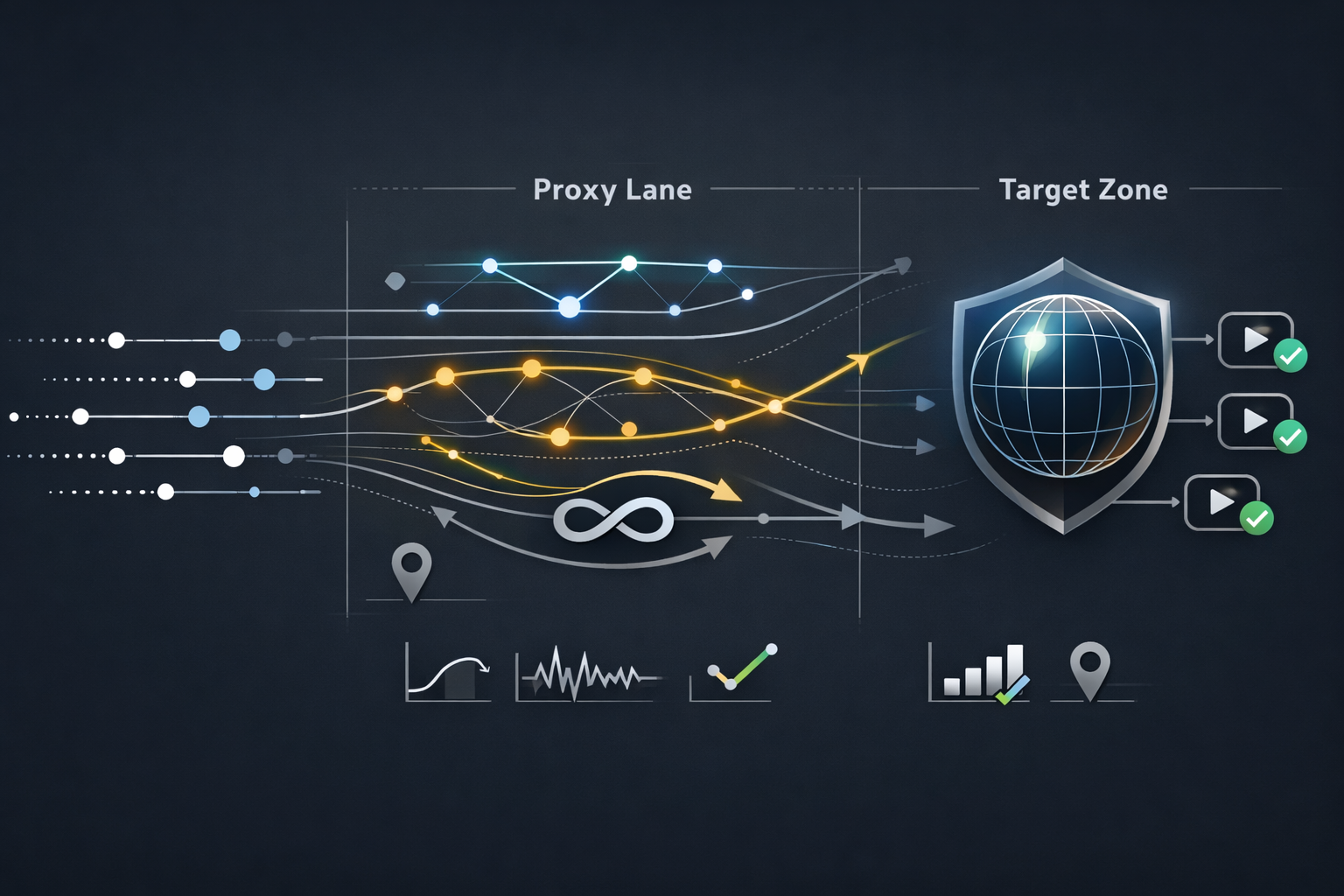
Most “YouTube proxy” guides stop at basic setup. That’s useful, but it’s not enough for operators who need repeatable results: geo access while traveling, ad preview by region, QA/testing, privacy on untrusted networks, or creator workflows that depend on stable sessions.
This playbook treats a proxy as a production dependency: you choose it by intent, validate it with measurable gates, and troubleshoot it with symptom-to-fix mapping. If you’re evaluating provider options for a YouTube proxy service, start with this baseline and keep evidence. For a platform-specific starting point, many teams begin by aligning the workflow to a dedicated lane such as YouTube Proxies before they run deeper validation.
What a YouTube Proxy Does and Does Not Do
A proxy is a routing layer. It changes how requests reach YouTube by presenting a different egress IP and network path. That can affect:
- Geo signals (country/region availability, localized ad inventory tests)
- Network accessibility (blocked networks, restricted Wi-Fi, corporate filtering)
- Reputation signals (some IP ranges trigger more friction than others)
- Performance shape (latency, jitter, throughput, buffering probability)
A proxy does not guarantee:
- Account trust or “no verification” outcomes
- Immunity from rate limiting
- Permission to automate access that violates platform terms
If your workflow needs automation, treat policy first, then architecture. YouTube’s Terms prohibit accessing the service using automated means such as bots or scrapers except narrow cases (e.g., public search engines per robots.txt or explicit permission). That boundary matters even if the content is public.
Legitimate Use Cases Operators Actually Run
Geo access while traveling or on restricted networks
Common needs:
- Watching region-locked content in a lawful context
- Accessing YouTube where the network blocks the domain
- Preserving privacy on public Wi-Fi without breaking app behavior
Long-tail queries this covers: “proxy for YouTube in school,” “unblock YouTube at work network,” “YouTube proxy while traveling,” “proxy server for YouTube streaming.”
Ad preview by region and localized QA
Operators run repeatable, evidence-based checks:
- Confirm the same creative shows in different countries
- Validate localized titles, descriptions, subtitles, and landing behaviors
- QA brand safety or placement context without changing production settings
This is not “growth hacking.” It is the same kind of environment testing you do for any geo-aware system.
Creator and brand operations that require stable sessions
Creator workflows often fail because the proxy choice optimizes for rotation, not continuity. Examples:
- YouTube Studio sessions that require consistent identity signals over time
- Brand QA requiring repeatable results across several hours
- Compliance audits that need reproducible access trails
Research and data collection that must be API-first
If you need metadata at scale, don’t build a fragile screen-scraper. Use official APIs:
This is both a stability choice and a compliance choice.
Proxy Types for YouTube and Where They Typically Fail
Proxy type is not a “best/worst” ranking. It’s a fit problem.

Residential proxies
Residential IPs often perform better when the workflow is sensitive to IP reputation and consistency. They can be the practical baseline for geo access, ad preview, and “human-shaped” browsing flows. If your plan starts here, align the constraints and limits to a category like Residential Proxies so your tests reflect the right pool characteristics.
Failure modes:
- Shared pool contamination if many tenants overload the same exits
- Geo drift if targeting is vague or refreshed too frequently
- Cost surprises if you treat bandwidth as “free”
Mobile proxies
Mobile can reduce friction in some high-sensitivity flows, but it is not magic. It can also increase variance and cost and may not be necessary for normal QA.
Failure modes:
- Higher jitter and variable throughput
- Harder to keep consistent region precision if your provider’s targeting is coarse
ISP static residential proxies
Static ISP-style residential routes aim for “stable identity” and repeatability. This is often a better fit for creator operations and long sessions than rapid rotation.
Failure modes:
- If the single exit becomes degraded, you need a clean fallback plan
- Overuse can concentrate behavior on one identity, which is not always desirable
Datacenter proxies
Datacenter can be fast and cost-effective for low-risk tasks, but it can trigger more friction for sensitive browsing flows.
Failure modes:
- Reputation-driven challenges and verification loops
- Sudden 403/429 spikes when traffic ramps, especially with retry storms
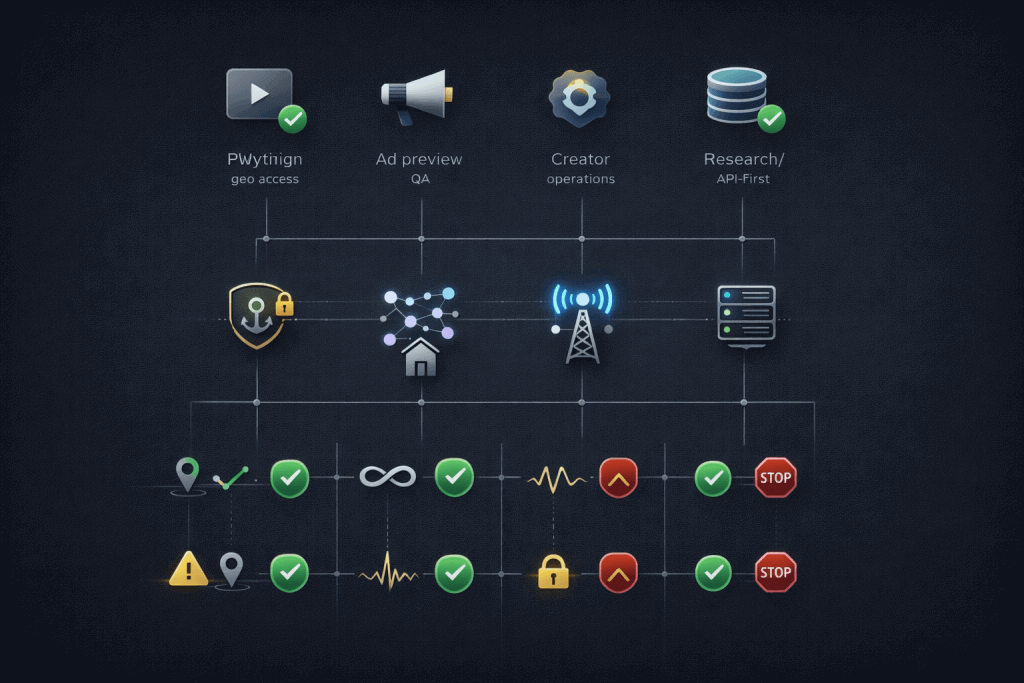
Decision Framework by Intent
The fastest way to waste time is to validate the wrong proxy type for your intent. Use this operator-grade decision frame:
Intent A: Watching and geo-unblocking
Priorities:
- Geo accuracy and consistency
- Low jitter for stable playback
- Minimal friction events
Default approach:
- Start with a stable geo-targeted exit.
- Prefer continuity over aggressive rotation unless the exit is degraded.
Intent B: Ad preview and localized QA
Priorities:
- Deterministic region targeting
- Session continuity during a test window
- Evidence capture (screenshots, timestamps, exit metadata)
Default approach:
- Use a small set of clean exits per region.
- Repeat tests across time windows to detect drift.
Intent C: Creator and brand operations
Priorities:
- Sticky sessions and continuity
- Low verification pressure over hours/days
- Controlled fallbacks if an exit degrades
This is where static lanes can be the best engineering trade-off. Many teams begin with a small number of stable exits and only rotate when a measured gate fails; that’s the logic behind using something like Static Residential Proxies as the default lane for session-heavy workflows.
Intent D: Research and analysis
Priorities:
- API-first access
- Quota planning and caching
- Rate discipline and operational safety
Default approach:
- Use the YouTube Data API wherever it covers the data you need.
- Only collect what you can store and explain (auditable behavior).
A practical note: some operators run these workflows with MaskProxy by separating lanes for “stable sessions” and “geo QA,” then applying the same validation gates to each lane so the choice stays evidence-based.
Validation and Metrics: Test Like a Reliability Engineer
A proxy trial “works” if it survives your real traffic shape, not a single happy-path click.
Metrics that matter
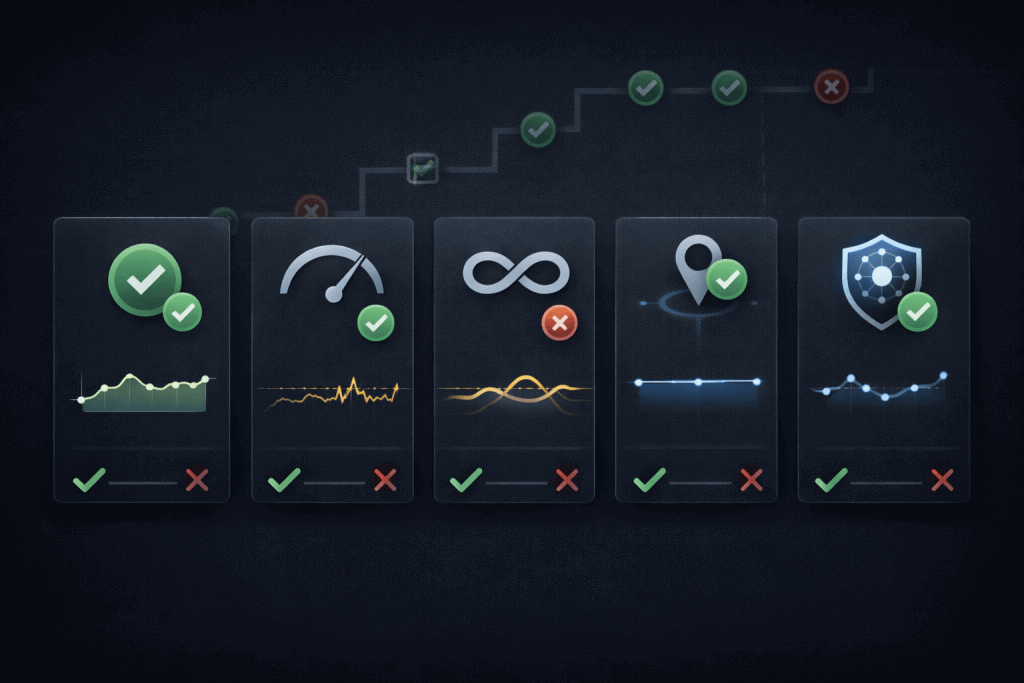
Track these as first-class numbers:
- Success rate by workflow (playback start, page load, ad preview, login path)
- p95 latency and jitter (buffering correlates with tail performance)
- Session stability (how often an identity breaks mid-session)
- Geo accuracy (match rate for the intended country/region)
- IP/ASN quality (does the provider keep you on the expected network class?)
A concrete test plan you can run in one afternoon
- Define the workflow (watching, ad preview, creator session, research via API)
- Pick a target region set (e.g., 3–5 countries you actually care about)
- Sample exits (at least 20 per region for pooled products; fewer for static lanes)
- Ramp and soak
- Ramp: step up requests gradually (avoid “instant spike” tests)
- Soak: hold steady long enough to observe drift and throttling
- Repeat across at least two time windows (peak vs off-peak)
Keep a simple evidence bundle: timestamps, chosen region, observed IP/ASN, result code patterns, and a note on playback/verification outcomes.
Pass/Fail gates
Use gates to make decisions defensible:
- Gate 1: Geo correctness (no point testing speed if the region is wrong)
- Gate 2: Session continuity (identity should survive your session length)
- Gate 3: Ramp stability (no collapse when concurrency rises modestly)
- Gate 4: Operability (logs, failure visibility, and support response path)
This is where provider differentiation becomes obvious. If you run the same gates, you can compare products without guesswork.
Setup: Browser Extension, OS-Level Settings, and Verification
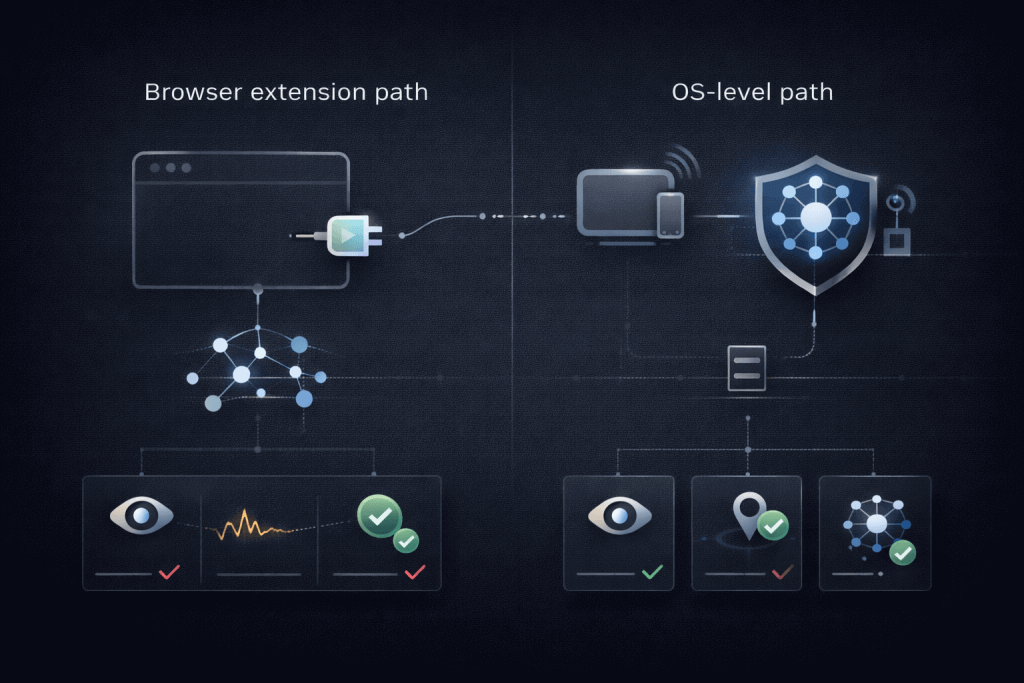
Browser extension approach
Best for “single browser” routing and quick QA. Chrome-based extensions can manage proxy configuration using the chrome.proxy API. Chrome proxy API reference.
Operational advice:
- Treat your proxy config like an environment toggle.
- Keep a “baseline profile” with no proxy so you can A/B quickly.
OS-level proxy settings
Use system-wide proxy routing when your workflow includes:
- Multiple apps (browser + QA tools)
- System-level traffic shaping or monitoring
- Repeatable lab setups across machines
Chromium’s networking stack behavior and proxy resolution details are worth understanding if you debug odd routing outcomes. Proxy support in Chrome. You can also review how Chromium uses system network settings at a high level. Chromium network settings.
Verify the proxy is actually in use
Do not stop at “my IP changed.” Verify routing and consistency:
- Public IP consistency across multiple requests
- Geo match (country/region aligns with intent)
- DNS behavior (avoid surprises where DNS leaks reveal a different region)
- ASN/ISP expectation matches your product class (datacenter vs residential)
If you need to choose between HTTP(S) and SOCKS5 for compatibility, anchor your decision in protocol behavior and tool support. A quick protocol primer helps teams avoid subtle mismatches; internal references like Proxy Protocols keep the configuration vocabulary consistent.
Troubleshooting Map: Symptom to Cause to First Fix
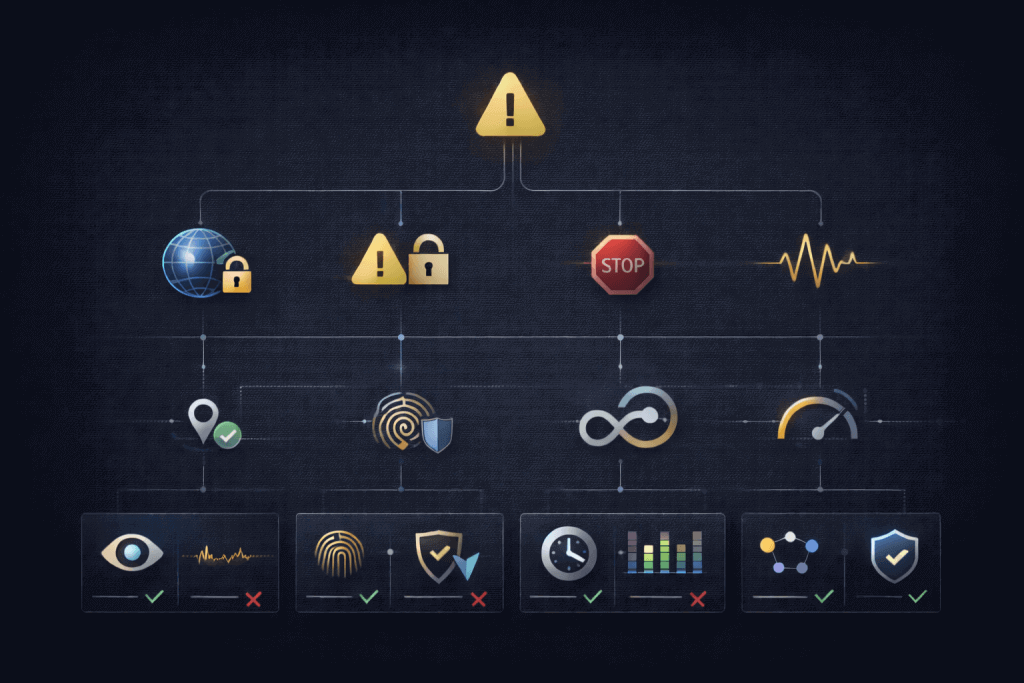
Below is an operator-friendly map you can scan during incidents.
Symptom: “This video isn’t available in your country”
- Likely cause: geo mismatch, stale geo routing, region targeting not enforced
- First fix: switch exits, re-check region match, keep a small known-good exit set
Symptom: “Unusual traffic” or repeated verification prompts
- Likely cause: IP reputation pressure, shared pool behavior, abrupt identity changes
- First fix: stabilize the session, reduce concurrency, move to a cleaner lane
Many teams discover that a “high-churn rotating pool” is fine for short geo checks but unstable for session-heavy workflows. That’s why operators sometimes keep a stable lane in MaskProxy for creator sessions while using separate exits for short-lived QA.
Symptom: 429 or sudden 403 spikes during testing
- Likely cause: ramp too steep, retry storms, rate shaping by the service
- First fix: cap concurrency, add backoff, slow ramp and measure p95 again
Symptom: Buffering or degraded quality only when proxied
- Likely cause: route quality, congestion, far exits, high jitter
- First fix: change exit ASN/region, measure jitter and tail latency, avoid overloaded nodes
Symptom: Works on day 1, degrades on day 3
- Likely cause: pool drift, reputation accumulation, time-of-day load variance
- First fix: run the same gate suite at consistent times, compare evidence, then adjust lane type
Compliance and Boundaries You Should Put in Writing
If you manage a team, write your boundaries down. It improves safety and reduces “shadow automation.”
- YouTube’s Terms restrict automated access via bots/scrapers except limited cases and explicit permission. YouTube Terms of Service
- If you need scalable metadata access, prefer official APIs and follow policies.
Practical boundary framing:
- Appropriate: human viewing, lawful geo access while traveling, ad preview QA for owned/authorized campaigns, controlled testing on your own content
- Avoid: brittle scraping approaches that violate terms or create operational risk
- Best practice for research: API-first designs with quotas, caching, and auditability
What to Look for in a YouTube Proxy Service
Use this checklist to compare providers in a way that survives procurement and incident reviews:
- Region targeting fidelity: country and city targeting that matches your QA needs
- Session controls: sticky session support and predictable rotation controls
- Protocol support: HTTP(S) and SOCKS5 for tool compatibility
- Observability: per-request logs, exportable failure evidence, clear error taxonomy
- Traffic controls: rate limiting, concurrency caps, and safe retry patterns
- Support realities: response time and clarity when your validation gates fail
The goal is not “a proxy that works once.” The goal is a service you can validate, operate, and explain.
Closing: A Practical Next Step
If you’re trying to unblock YouTube reliably, the fastest path is to pick the proxy type by intent, run a gate-based validation (geo correctness → session continuity → ramp stability), and keep a troubleshooting map you can execute under pressure. When compatibility across tools matters, aligning on a consistent protocol stack—such as a SOCKS5-compatible lane via SOCKS5 Proxies—helps keep setup and debugging predictable across environments.

Daniel Harris is a Content Manager and Full-Stack SEO Specialist with 7+ years of hands-on experience across content strategy and technical SEO. He writes about proxy usage in everyday workflows, including SEO checks, ad previews, pricing scans, and multi-account work. He’s drawn to systems that stay consistent over time and writing that stays calm, concrete, and readable. Outside work, Daniel is usually exploring new tools, outlining future pieces, or getting lost in a long book.
FAQ
1.What is a YouTube proxy?
A YouTube proxy routes your YouTube traffic through a different egress IP, which can change geo and network access behavior.
2.When should I use a proxy for YouTube?
Use it for legitimate needs like geo access while traveling, controlled regional QA, or privacy on untrusted networks—when you need a specific exit location or lane stability.
3.Which proxy type should I start with for geo access and streaming?
Start with a stable, region-accurate exit with low jitter. Over-rotating can break playback continuity.
4.Why do I see verification or “unusual traffic” warnings?
Common causes include IP reputation pressure, shared pool contamination, abrupt identity changes, or aggressive concurrency and retries
5.Will a proxy reduce video quality or cause buffering?
It can if the route has high jitter or poor tail latency. Measure p95 latency and jitter during real playback, not just a speed test.
6.What metrics should I use to compare providers?
Track success rate by workflow, p95 latency, session stability, geo accuracy, and ASN/IP quality consistency.