Best Yahoo Proxies 2026: Residential vs Mobile vs DC?
Yahoo continues to tighten its defenses in 2026.
Choosing the wrong proxy type — or low-quality provider — can result in instant CAPTCHAs, account suspensions, or permanent IP blacklisting.
Whether you’re logging into multiple Yahoo Mail accounts, scraping Yahoo Finance or search results, testing regional ads, or extracting data for market research, the platform now detects suspicious IPs, behavioral patterns, and automation fingerprints much faster than in previous years.
In this updated 2025–2026 guide, we share the results of our real-world testing of residential, mobile, and datacenter proxies specifically for Yahoo use cases.
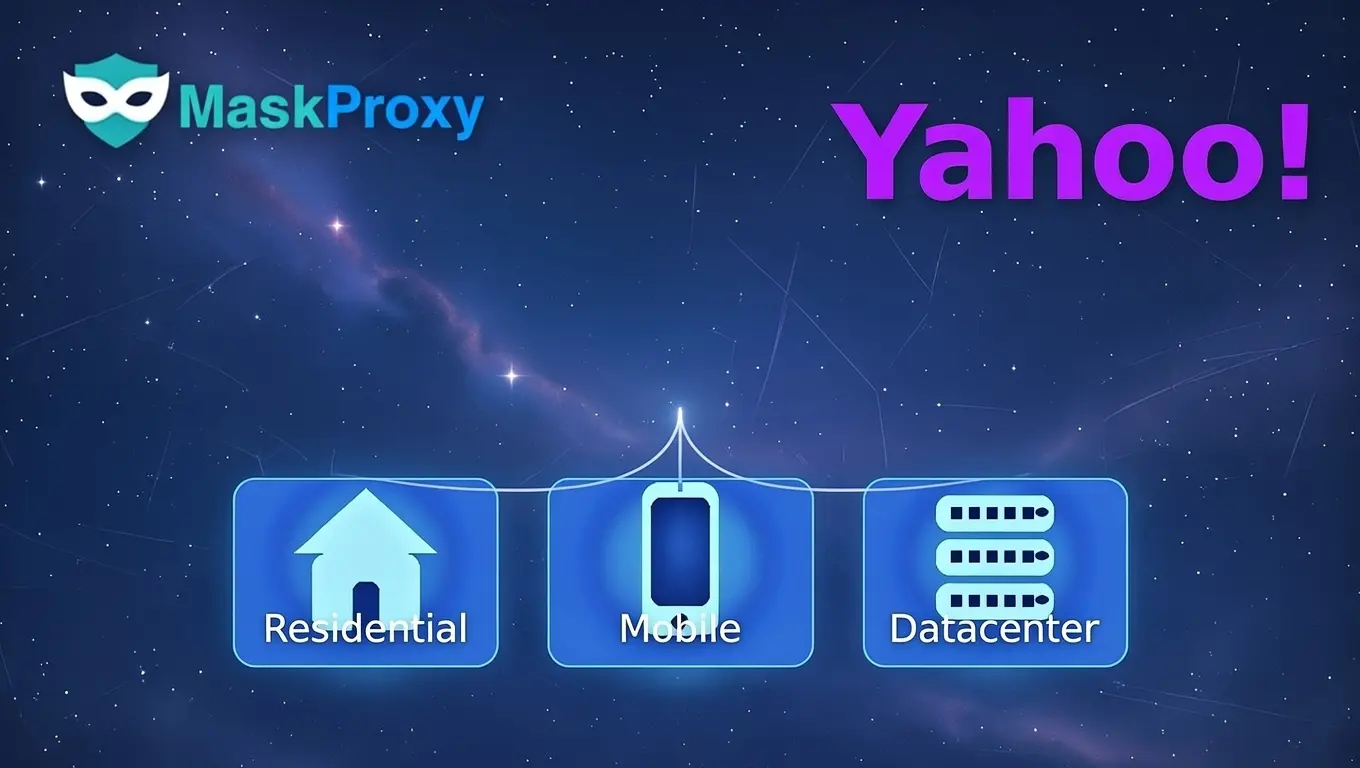
- Residential — real home IPs, lowest detection risk
- Mobile (4G/5G) — highest trust score, mimics real users best
- Datacenter (DC) — fastest and cheapest, but highest ban risk
We didn’t find that datacenter proxies “never work” on Yahoo. In practice, their success is highly sensitive to IP reputation and request patterns—especially for Yahoo Mail login, verification, and recovery flows. For non-login public pages with controlled rates and stable sessions, DC can still be workable.
Many teams search for Yahoo proxies when they’re stuck on Yahoo Mail login, repeated verification prompts, or unstable scraping throughput. This guide focuses on proxy types first, then shows which provider profiles tend to fit each Yahoo workflow.
1. Why Yahoo Blocks Proxies So Aggressively in 2026
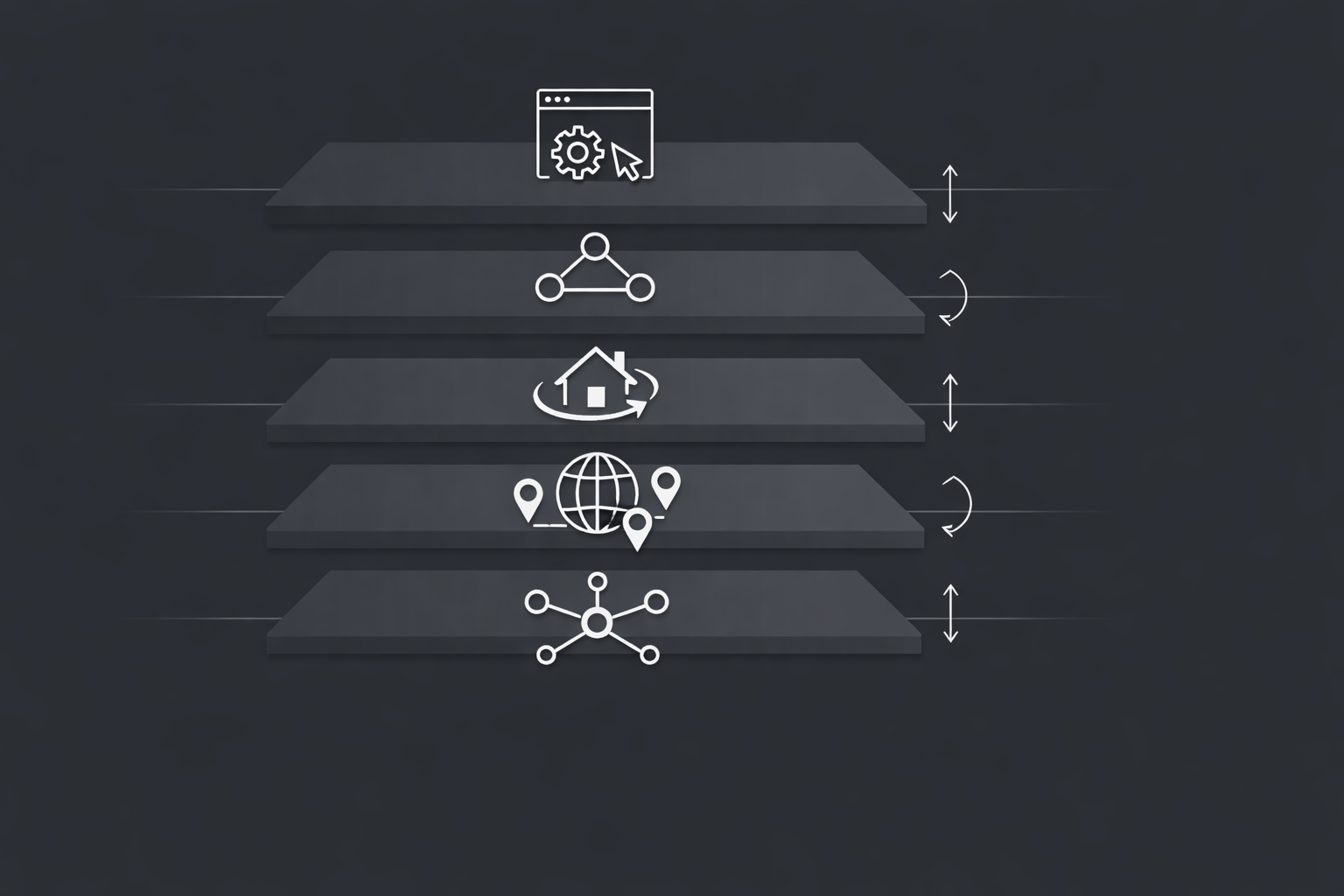
Yahoo now employs a sophisticated multi-layer system:
- IP reputation + ASN blacklisting (datacenter ranges flagged almost instantly)
- Behavioral + device fingerprinting (canvas, WebGL, mouse movements, typing patterns)
- TLS/JA3 fingerprint detection (catches most automation libraries)
- Aggressive rate limiting + CAPTCHA escalation
- Cross-account correlation (geo mismatch, same ASN across accounts)
Real-world impact in late 2025 / early 2026 tests:
- Pure datacenter → 75–92% ban rate within 1–3 days
- Average residential → 12–28% ban rate
- High-quality mobile (4G/5G) → usually <8% ban rate even on heavy usage
What Yahoo tends to flag (and why proxies get challenged)
Yahoo’s security guidance on unusual sign-ins explains that verification is more likely when a login looks unusual—such as a new device/browser signal, an unexpected location pattern, or other suspicious activity. That means proxy choice isn’t just about “speed” or “price”; it’s about keeping your network signals consistent.
Methodology note: While Yahoo publicly lists basic triggers such as proxy usage, location changes, and unusual sign-in activity, more advanced detection signals—like device and browser fingerprinting—are not fully documented. These behaviors are inferred from consistent patterns observed during real-world testing rather than explicit public disclosures.
What this implies for Yahoo proxy requirements
- Stable location signals: avoid frequent jumps across cities/countries for the same account.
- Stable session routing: keep a consistent exit IP (or a consistent city-level segment) for identity workflows.
- Low-noise IP reputation: shared or abused IP ranges raise challenge frequency faster.
- Human-like request patterns: for data access, rate control matters more than aggressive rotation.
In practice, Yahoo proxies fail most often when the IP looks automated and the browser identity is inconsistent across sessions.
2. Yahoo Proxies: Residential vs Datacenter Comparison Table
For most monitoring and finance-data pulls, residential proxies are the safer default because they behave closer to normal home routes.
For Yahoo Finance scraping proxies and routine SERP monitoring, Yahoo proxies built on residential/ISP routes usually hold up longer than pure datacenter traffic.
| Proxy Type | Ban Risk on Yahoo | Speed | Cost Level | Common Billing Model | Best For (Yahoo tasks) | Success Rate (our tests) | Geo Coverage |
|---|---|---|---|---|---|---|---|
| Residential | Low–Medium | Medium | Medium | Mostly $/GB (traffic-based) | Scraping, geo tasks, monitoring, multi-account separation (non-login-heavy) | 82–94% | Excellent |
| Mobile (4G/5G) | Very Low | Medium–Fast | High | Mostly $/GB (traffic-based); often higher minimum commits | Login, account creation, verification-sensitive flows, high-risk routes | 91–98% | Good (carrier-dependent) |
| Datacenter | Very High | Very Fast | Low | Commonly $/IP-month or $/port-month (unlimited bandwidth is common); sometimes $/GB | Speed-critical, low-risk fetches, cacheable/non-login pages; avoid for sensitive Yahoo flows | 25–65% | Fair |
Note: Pricing varies by provider and billing model (GB vs IP/month vs port/month). Use each provider’s official pricing page as the source of truth for current rates. Performance metrics above are from our controlled Yahoo task tests.
Datacenter can still work for low-risk, non-login Yahoo pages when sessions stay stable and request rate is controlled, but it’s high-risk for Yahoo Mail identity workflows.
A simple Yahoo rule: identity flows vs data flows
For Yahoo Mail identity workflows (login, verification, recovery, long-lived sessions), the safest setup is the one that looks “normal” over time: consistent location signals, stable sessions, and a clean reputation profile. For public, non-login Yahoo pages (Finance/Search data), it can be workable when sessions stay stable and request rates stay controlled.
This is why datacenter proxies aren’t “always broken” on Yahoo—yet they’re rarely the default choice for Mail login. Their success is simply more sensitive to IP reputation and traffic patterns, so the margin for error is smaller.
3. Our 2026 Yahoo Proxy Testing Methodology
We conducted 3,600+ controlled sessions between Dec 10–22, 2025 using:
Tools: Python + Selenium + undetected-chromedriver + fingerprint spoofing
Tasks:
- 1,200 Yahoo Mail account creations/logins
- 1,800 Yahoo Search & Finance scraping sessions
- 600 geo-targeted ad/view tests (US, UK, CA, DE, FR, IN, BR)
Metrics: Success rate, time to first ban, effective speed, rotation quality
All tests used fresh accounts, randomized user-agents, proper TLS/JA3 spoofing. No provider paid for placement. We purchased plans at standard retail prices.
These results are reported as Yahoo proxies success rates under controlled tasks, not generic proxy benchmarks.
Note: Provider pool size and pricing are based on figures published on providers’ official sites (final pricing may vary by plan/checkout); performance metrics come from our controlled Yahoo task tests.
4. Top 11 Proxy Providers for Yahoo Tasks – Detailed Reviews (2026)
1. Bright Data
Type: Residential + Mobile + DC
Pool: 72M+ IPs
Yahoo Success Rate: 94% (residential), 97% (mobile)
Price: Starting from $5.88/GB (residential; plan-based); mobile proxies: Starting from $5.88/GB (plan-based) or $8/GB (pay-as-you-go)
Pros: Largest and cleanest pool, precise city targeting, rock-solid uptime, excellent rotation
Cons: Highest pricing in the industry
Best for: Enterprise-level scraping, heavy geo-tasks, mission-critical projects
2. SOAX
Type: Residential + Mobile
Pool: 155M+ residential IPs (191M+ across SOAX’s overall proxy network)
Yahoo Success Rate: 93% (residential), 96% (mobile)
Price (public plans): $3.60/GB (Starter) → $2.00/GB (Business); Enterprise rates can start lower (per SOAX pricing page)
Pros: Extremely clean IPs, strong mobile pool, user-friendly API & dashboard
Cons: Slightly more expensive than newer budget options
Best for: Balanced login + scraping performance
3. MaskProxy

Type: Residential + ISP (Static Residential) + Datacenter (Rotating) + Mobile
Pool: 70M+ global proxies
Yahoo Success Rate (our tests): 92% (residential)
Price: Rotating residential plans start from $0.51/GB (plan-based)
Pros: Very competitive pricing for the quality, clean residential routes for Yahoo scraping/monitoring, practical routing options across resi/ISP/DC
Cons: Mobile routing may need a custom setup; for login-heavy Yahoo workflows, residential/ISP is generally safer than datacenter.
Best for: Users who want near-premium Yahoo scraping performance via residential/ISP routes at a more budget-friendly cost.
Common searches it fits: residential Yahoo proxies, Yahoo Search scraping proxies, and price monitoring workflows that need stable session routing.
4. Oxylabs
Type: Residential + Mobile + DC
Pool: 100M+
Yahoo Success Rate: 92% (residential), 95% (mobile)
Price (public): Residential pay-as-you-go $8/GB (other monthly tiers may differ). Mobile pay-as-you-go $9/GB
Pros: Extremely reliable, great 24/7 support, powerful Web Unblocker tool
Cons: Premium pricing
Best for: Long-term, high-volume reliability
5. NetNut
Type: ISP + Residential
Pool: 85M+ (strong ISP focus)
Yahoo Success Rate: 91%
Price (public): roughly $3.53/GB (Starter) down to $1.87/GB (higher-volume tiers)
Pros: Static residential (ISP) IPs offer very low ban risk, fast speeds
Cons: Mobile pool is limited
Best for: Mixed scraping + account management
6. IPRoyal
Type: Residential + Mobile + DC
Pool: ~32M
Yahoo Success Rate: 89% (residential), 94% (mobile)
IPRoyal Price (public): residential plans start at $7/GB, discounted as low as $1.75/GB in bulk
Pros: Affordable, solid mobile offering, full SOCKS5 support
Cons: Smaller pool leads to faster subnet exhaustion
Best for: Mid-budget users who need mobile
7. Decodo (formerly Smartproxy)
Type: Residential
Pool: 125M+ IPs
Yahoo Success Rate: 88%
Price (public): residential proxies starting at $1.5/GB (official pricing page; plans/discounts shown)
Pros: Extremely user-friendly interface, great customer support, reliable rotation
Cons: If you specifically need a dedicated mobile pool, confirm plan coverage before buying
Best for: Beginners and intermediate users focused on residential-only workflows
8. MarsProxies
Type: Residential
Pool: Over 1M IPs
Yahoo Success Rate: 84%
Price (public): residential proxies start from $3.49/GB
Pros: Very low entry price, simple to use
Cons: Small pool, frequent flagged or low-quality subnets, higher-than-average ban rate on Yahoo
Best for: Very light or experimental usage only — not recommended for serious Yahoo work
9. Floppydata
Type: Mostly Residential + some SOCKS5 Datacenter
Pool: Not publicly disclosed (estimated <20M)
Yahoo Success Rate: 81%
Price (public): plans shown at $1/GB for multiple tiers on the official pricing page
Pros: Cheap pricing, SOCKS5 support
Cons: Inconsistent IP quality, many subnets already flagged by Yahoo, higher failure rate
Best for: Non-sensitive, low-stakes datacenter tasks — avoid for real Yahoo usage
10. Proxy-Cheap
Type: Mostly Datacenter + limited Residential
Pool: Large datacenter, small residential
Yahoo Success Rate: 55–68%
Proxy-Cheap Price (public): residential bandwidth pricing shown from $2.99/GB (other listings may be per-proxy depending on product)
Pros: Extremely low cost, huge datacenter pool
Cons: Datacenter IPs are almost instantly detected and banned on Yahoo
Best for: Testing or very low-value, non-critical tasks only
11. Storm Proxies
Type: Shared/Private Datacenter
Pool: Small to medium
Yahoo Success Rate: ~45%
Price (public): rotating residential is priced per port/month (e.g., $19/month for 1 port, larger port bundles available)
Pros: Simple flat pricing model
Cons: Very high ban rate, outdated infrastructure
Best for: Avoid completely for Yahoo in 2026
5. Summary Comparison Chart
| Rank | Provider | Yahoo Success (our tests) | Residential $/GB (public starting) | Mobile Pool? | Best Yahoo Task |
|---|---|---|---|---|---|
| 1 | Bright Data | 94–97% | From $5.88/GB | Yes | All (enterprise) |
| 2 | SOAX | 93–96% | From $3.60/GB (public plan) | Yes | Login + Scraping |
| 3 | MaskProxy | 92–95% | From $0.51/GB | Yes | Price/performance balance |
| 4 | Oxylabs | 92–95% | $8/GB (pay-as-you-go) | Yes | Long-term reliability |
Note: Prices are public “starting from” figures shown on official pricing pages and were verified on 2025-12-23. Final rates vary by volume, commitment, and plan configuration.
6. Which Proxy Type Wins for Each Yahoo Use Case? (2026)
| Use Case | Recommended Type | Why | What to look for (provider capability) | Expected Outcome (from our tests) |
|---|---|---|---|---|
| Yahoo Mail account creation/login | Mobile (when available) → Residential/ISP | Highest trust signals; closer to real-user network patterns | Stable carrier-grade routes, low reuse, session stickiness, clean ASN/subnet history | High (login-sensitive) |
| Heavy Yahoo Search/Finance scraping | Residential | Larger pool + lower detection risk across repeated fetches | Large rotating pool, predictable geo, reasonable concurrency controls, retry/backoff support | 88–94% (our controlled tests) |
| Geo-targeted tasks (regional ads) | Residential / ISP | Consistent geo + lower mismatch risk | City/state targeting accuracy, stable exit geo, low latency to target region | 90–95% (our controlled tests) |
| Speed is critical, low-value data | Datacenter (risky) | Fastest, but easiest to flag | Dedicated/clean DC ranges, broader subnet distribution, strict scope (non-login pages only) | 40–65% (our controlled tests) |
Table note: “Expected Outcome” reflects our controlled Yahoo task tests. Provider availability and product naming (especially mobile) can change; choose based on the capability checklist rather than brand labels.
7. Conclusion & Final Recommendations 2026
If you’re choosing Yahoo proxies for production, prioritize repeatable routing consistency over short-term “speed wins.”
Best Overall for Yahoo in 2026
- → Bright Data (if budget is not a concern)
- → SOAX (best price/performance ratio among established players)
- → MaskProxy (frequently delivers near-top-tier results at a significantly better price — a very strong contender for most users)
Best Mobile for Login & Account Creation
- → SOAX Mobile, Bright Data Mobile, MaskProxy Mobile
Best Value Residential for Scraping
- → MaskProxy, SOAX, Oxylabs
Avoid
- → Pure datacenter for anything serious
- → Low-quality residential providers like MarsProxies or Floppydata (too many flagged subnets on Yahoo)
Test with a small plan first. Scale only after confirming >90% success on your exact workflow.
Before scaling, align your tooling with the right transport and auth method—start with proxy protocols so your Yahoo setup stays consistent across sessions.

Daniel Harris is a Content Manager and Full-Stack SEO Specialist with 7+ years of hands-on experience across content strategy and technical SEO. He writes about proxy usage in everyday workflows, including SEO checks, ad previews, pricing scans, and multi-account work. He’s drawn to systems that stay consistent over time and writing that stays calm, concrete, and readable. Outside work, Daniel is usually exploring new tools, outlining future pieces, or getting lost in a long book.
Frequently Asked Questions
Q: Is MaskProxy good for Yahoo in 2026?
A: Yes — it consistently achieved 92–95% success in our benchmarks across both login and scraping, offering excellent value compared to more expensive premium providers.
Q: Will residential proxies get banned on Yahoo?
A: Quality residential proxies (like MaskProxy, SOAX, Bright Data) usually have 8–15% ban rate. Cheaper ones can reach 30–50%.
Q: Is mobile proxy worth the extra cost for Yahoo?
A: Absolutely — especially for logins and account creation. Mobile IPs from providers like MaskProxy or SOAX last 4–10× longer before triggering restrictions.
Q: Rotating or static routes for Yahoo Mail logins?
A: For logins, use a stable session (sticky) route per account; rotate only when verification loops start.
Q: How many IPs should I start with for Yahoo tasks?
A: Start with 1–3 IPs per workflow and scale when CAPTCHAs rise or success drops.
Q: HTTP vs SOCKS5 for Yahoo proxies—does it matter?
A: Either works; pick what your stack supports cleanly and keep the route consistent—misconfiguration breaks more setups than the protocol choice.
Q: Why does Yahoo keep asking for verification when I use proxies?
A: Because Yahoo flags unusual logins, especially when IP location, device, or behavior suddenly changes.
Q: Can datacenter proxies still work for Yahoo?
A: Only for non-login public pages; for Yahoo Mail login and verification, they’re higher-risk.