Proxy Rotation Schedule: When to Keep, Rotate, or Retire an IP
Proxy rotation sounds simple until a workflow depends on continuity. Change routes too often, and sessions lose context. Keep a weak route too long, and errors repeat. Retire an IP too late, and the team keeps troubleshooting symptoms instead of replacing the route.
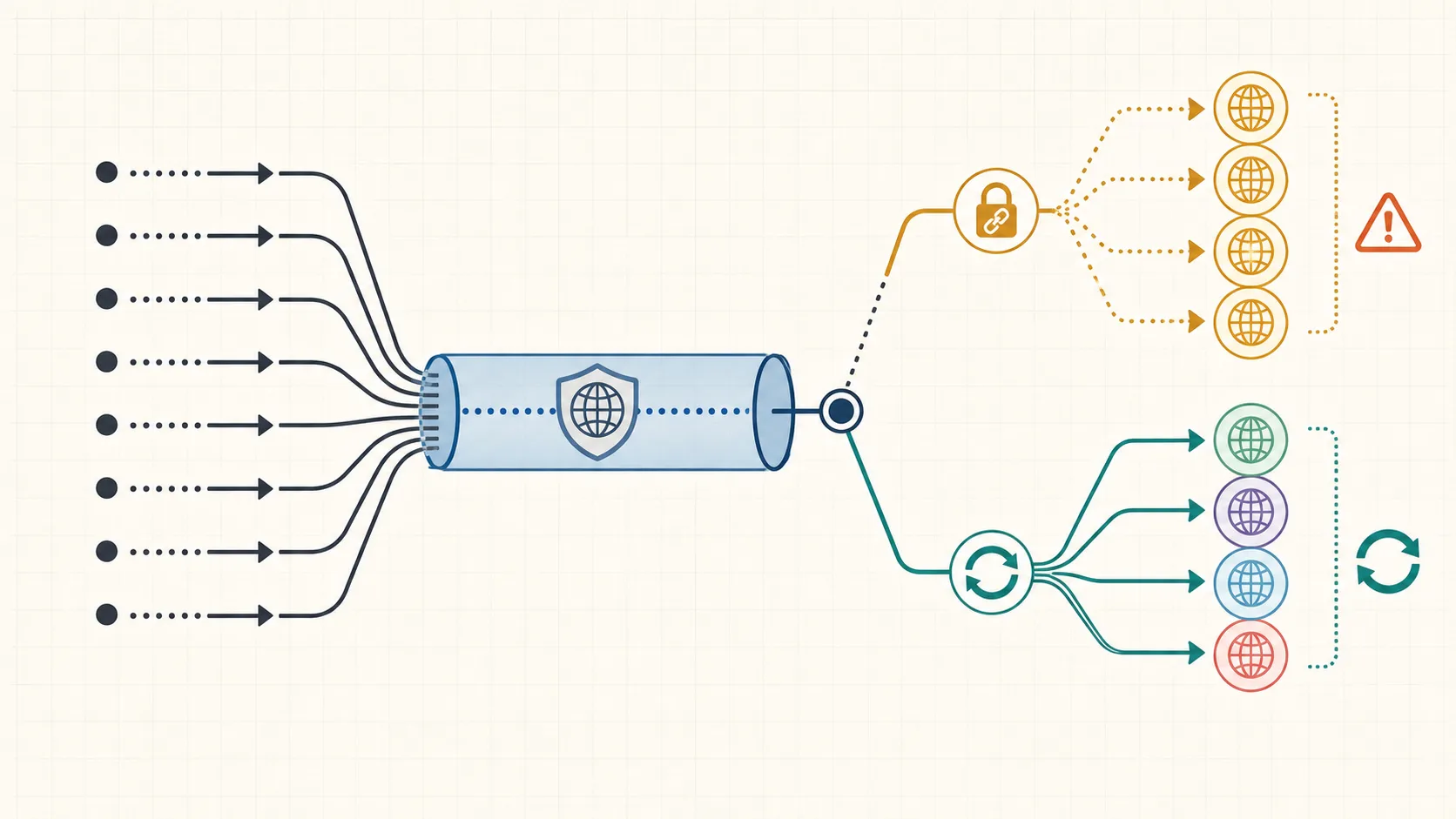
A useful proxy rotation schedule is not a timer that changes IPs at random. It is an operating rule: keep the route when it is stable, rotate it when the next task needs a fresh network context, and retire it when the route keeps producing the same failure pattern.
This guide gives you a practical decision table for proxy rotation. It is written for legitimate access workflows, QA checks, data collection, price monitoring, account operations, and other cases where route quality and session stability matter. It does not promise anonymity, guaranteed access, or risk-free outcomes.
What a proxy rotation schedule should control
A proxy rotation schedule controls when a workflow changes from one exit route to another. That route may be tied to an IP, port, provider pool, region, protocol, or session rule.
The goal is not to rotate as often as possible. The goal is to keep the network context stable enough for the task while avoiding routes that are slow, mismatched, overloaded, or repeatedly rejected by the target environment.
Before setting any schedule, define four things:
- Task type: one login session, one crawl batch, one QA run, one price check, or one account workflow.
- Session boundary: the point where changing IP would break continuity.
- Route quality signals: latency, timeout rate, DNS behavior, location match, and error patterns.
- Stop rule: the condition that tells the team to retire a route instead of retrying it.
If those boundaries are unclear, start with a proxy health scorecard before scaling rotation.
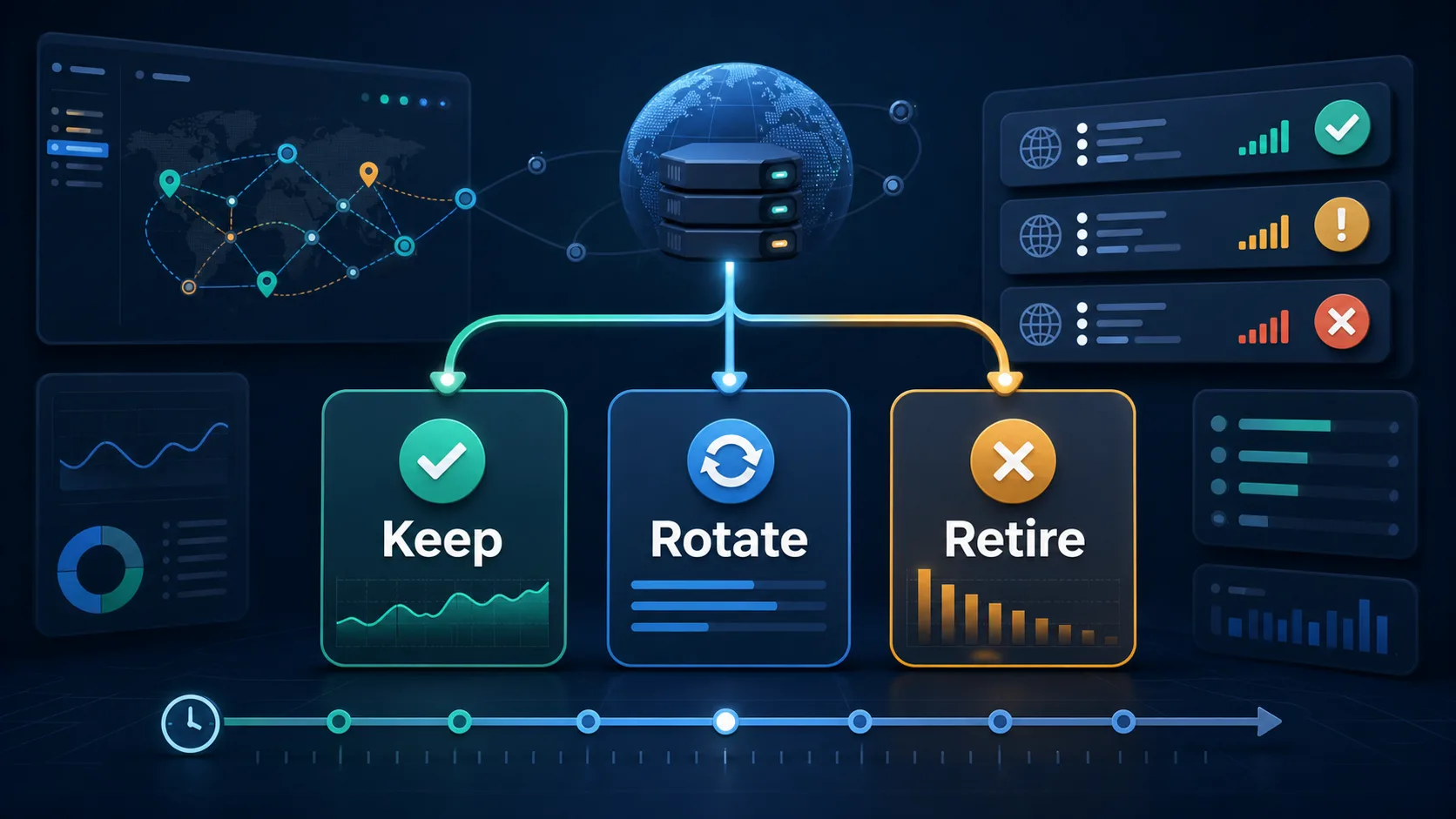
Keep, rotate, or retire: the decision table
| Decision | Use it when | Do not use it when | What to record |
|---|---|---|---|
| Keep the IP | The route is stable, region and DNS match, latency is acceptable, and the session still needs continuity. | The next task requires a separate network context or the current route has repeated errors. | IP or port, session ID, task stage, last successful check, and expected end time. |
| Rotate the IP | A new task starts, a batch ends, a region changes, or a soft error suggests the route should be refreshed. | A login or transaction-like session is in progress and continuity matters. | Reason for rotation, previous route, new route, region, protocol, and first validation result. |
| Retire the IP | The same route repeatedly times out, fails DNS checks, mismatches location, or triggers the same access error after validation. | A single temporary timeout appears and other health signals are normal. | Failure pattern, number of attempts, timestamps, affected workflow, and replacement route. |
This table keeps rotation from becoming guesswork. It also helps teams separate three different events: normal refresh, degraded route, and route retirement.
Do not rotate through an active session boundary
The most common rotation mistake is changing IPs in the middle of a session that expects continuity. A route may be healthy in isolation but still wrong for the current task if the session is already established.
For account access workflows, keep the route stable while the workflow depends on the same session state. If a task must change route, stop at a clean boundary: after logout, after a batch completes, after a QA step ends, or before the next account context begins.
When a workflow needs longer continuity, use sticky session route stability as the baseline. Rotation should happen around the session, not through the middle of it.
Rotate when the next task needs a separate route
Rotation is useful when the workflow changes context. For example, a team may rotate before starting a new region check, a new crawl batch, a new QA scenario, or a new account workflow that should not share the previous route.
In these cases, the rotation schedule should be tied to the task boundary, not a fixed minute counter. A simple rule works better:
- Finish the current task or session boundary.
- Record the current route and result.
- Assign the next route based on region, protocol, and pool rules.
- Validate DNS, location, and connection behavior before running the next task.
If the route appears to rotate but the visible IP does not change, check rotation and connection reuse checks before assuming the provider pool is broken.
Retire a route when the same failure repeats
Retiring an IP is different from rotating it. Rotation is a normal change. Retirement removes a route from the active workflow because it no longer meets your quality threshold.
Retire a route when the same pattern repeats after basic validation:
- Repeated connection timeouts from the same route.
- DNS behavior does not match the intended setup.
- Location, language, or routing signals no longer fit the task.
- The route fails the same target check after a controlled retry.
- Performance drops below the workflow threshold for multiple runs.
When a route degrades suddenly, compare your notes with a proxy failover checklist. A route may need retirement, but the issue may also be a port, protocol, DNS, or provider-side change.
Run a pre-rotation checklist before changing routes
Before rotating, confirm that the route is actually the variable you want to change. Otherwise the team may rotate IPs while the real problem is DNS, browser locale, request pacing, credentials, or target-side behavior.
| Check | Question to answer | Why it matters |
|---|---|---|
| Session state | Is an active session still expecting the same route? | Prevents continuity loss during account or task workflows. |
| Region match | Does the route match the intended country or city? | Prevents false conclusions caused by location drift. |
| DNS behavior | Where is DNS resolving? | Detects route leaks or local resolver mismatches. |
| Protocol and port | Is the client using the intended proxy protocol and port? | A bad client setting can look like a bad IP. |
| Error pattern | Is this a one-time timeout or a repeated failure? | Separates temporary instability from retirement criteria. |
| Next task | Does the next task require the same context or a fresh route? | Connects rotation timing to workflow design. |
For region-sensitive workflows, include location mismatch checks in the same review. Region drift is one of the easiest ways to misread a proxy problem.
A simple rotation policy for teams
Teams do not need a complex policy to start. A practical version can fit on one page:
- Keep: keep the route during an active session or task stage when health signals are normal.
- Rotate: rotate at clean task boundaries, after a batch completes, before a new region, or after a soft failure that passes retirement checks.
- Retire: retire the route after repeated validation failures, repeated timeouts, location mismatch, DNS mismatch, or performance below threshold.
- Record: log route, time, task, reason, result, and replacement route.
This policy works best when the proxy layer supports clear route selection and consistent context. MaskProxy can fit into that role when teams need structured proxy access for private browsing routes, account isolation workflows, and IP-quality checks without turning rotation into random changes.
Conclusion
A proxy rotation schedule should answer one question: should this route stay, change, or leave the workflow?
If the current route is stable and the session needs continuity, keep it. If a new task needs a separate route, rotate at a clean boundary. If the same route keeps failing validation, retire it and record why. That discipline is more useful than rotating on a fixed timer without understanding the workflow.