SOCKS5 Proxy Not Working? Fix DNS Leaks, Auth Errors, and Timeouts
If your SOCKS5 proxy looks connected but the target still behaves like nothing changed, stop treating it like one vague network problem. In most cases, the failure is one of six things:
- the client is not actually using the proxy
- DNS is leaking outside the proxy path
- credentials are wrong or incomplete
- only part of the workflow is routed
- the target is timing out for reasons unrelated to the proxy itself
- SOCKS5 is the wrong protocol for that tool or workload
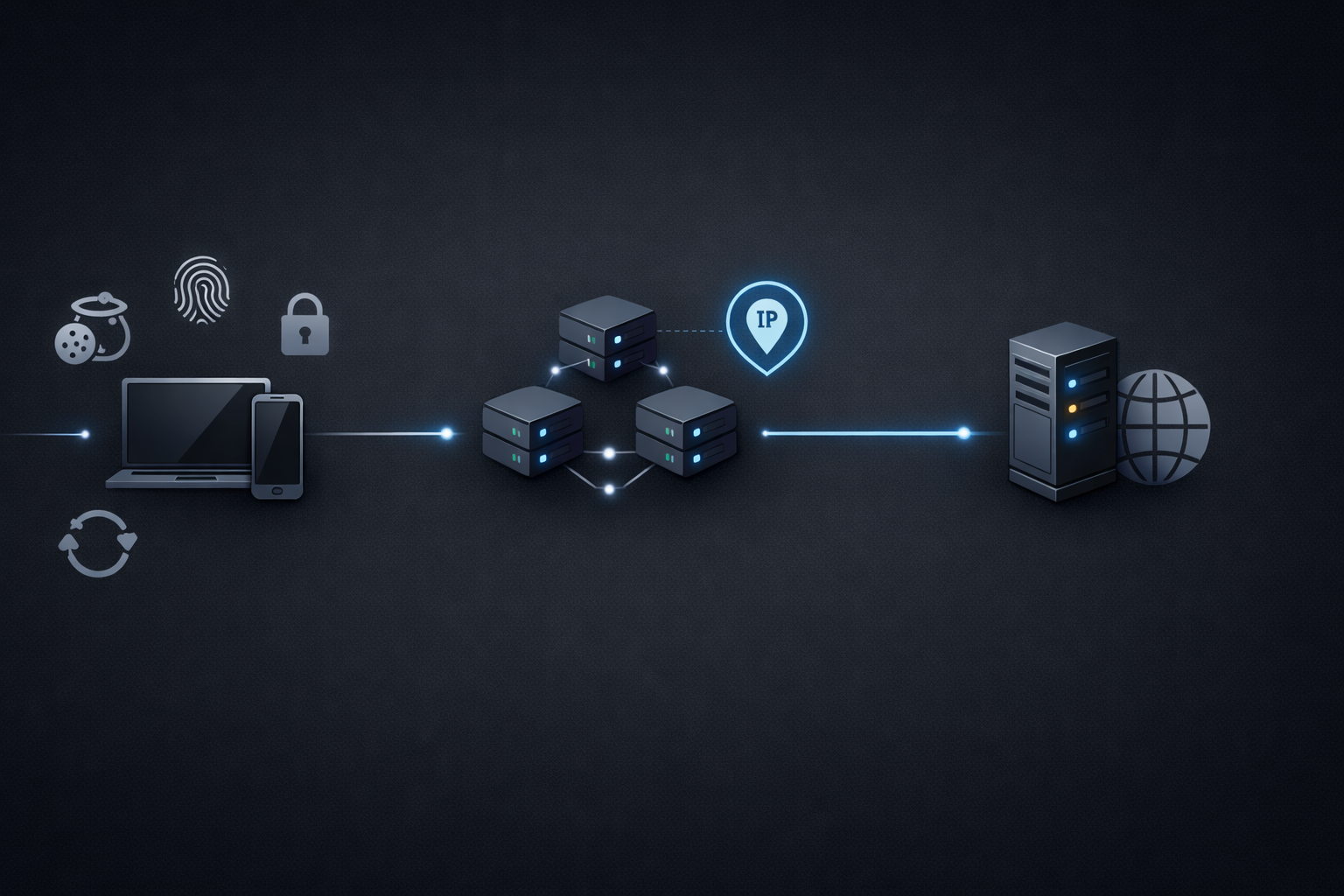
That is why these failures get misread so often. Your public IP can change while DNS still resolves locally. A browser tab can use the proxy while extensions or helper processes do not. A timeout can look like a bad proxy when the real issue is target-side blocking, protocol mismatch, or a bad session model.
Use this order:
- confirm the client is really using SOCKS5
- confirm the public IP changed
- verify whether DNS is leaking locally
- isolate auth failures from connection failures
- detect app-level bypass
- decide whether SOCKS5 is even the right fit for the job
Quick diagnosis: which failure do you actually have?
Before changing settings, classify the symptom.
- The public IP never changes → the client is probably not using the proxy at all.
- The IP changes, but the country or ASN is wrong → you are likely looking at endpoint selection, geo-targeting, or provider-side mismatch.
- The IP changes, but some sites still act as if you are local → suspect DNS leaks, split routing, or app bypass.
- The failure is immediate and auth-related → verify username, password, and any session or zone token before touching retries or timing.
- It works in one tool but fails in another → compare client support, DNS behavior, and credential handling before blaming the proxy.
- Neutral sites work, but one sensitive target still times out or blocks → the proxy may be fine; the issue may be target-side filtering, TLS behavior, fingerprinting, or session instability.
Step 1: prove that traffic is actually leaving through the SOCKS5 proxy
Before touching concurrency, backoff, or anti-bot logic, verify the route itself.
SOCKS5 is a transport-layer proxy protocol designed to forward TCP and UDP traffic between the client and destination, as described in RFC 1928. That broad compatibility is useful, but it does not guarantee that every app uses the proxy correctly or that DNS follows the same path.
Start with the smallest possible validation:
- one client
- one proxy endpoint
- one neutral IP-check target
- no extensions, fallback rules, or extra routing layers
What to test first
- Configure the client with only the SOCKS5 proxy you want to test.
- Open a neutral IP-check endpoint.
- Confirm the public IP changed.
- Repeat once or twice.
- Compare the visible geography or ASN with what you expected.
How to read the result
- IP did not change → the client is not using the proxy correctly.
- IP changed, but geography is wrong → likely endpoint or geo-target mismatch.
- IP changes inconsistently → suspect fallback behavior, multiple proxy settings, or split routing.
Do not move on until this first check is clean.
Step 2: verify DNS behavior instead of assuming it
DNS leaks are one of the most common reasons SOCKS5 looks half-broken.
Some clients resolve hostnames locally first and only send the final connection through the proxy. When that happens, your visible IP may look correct while your DNS path still exposes your real network or creates inconsistent behavior on geo-sensitive targets.
That often looks like this:
- the IP-check page shows the proxy IP, but some sites still behave as if you are in the wrong region
- one domain works while another repeatedly fails
- region-sensitive sites return unexpected localizations
- login, fraud, or reputation checks trigger even though the exit IP looks fine
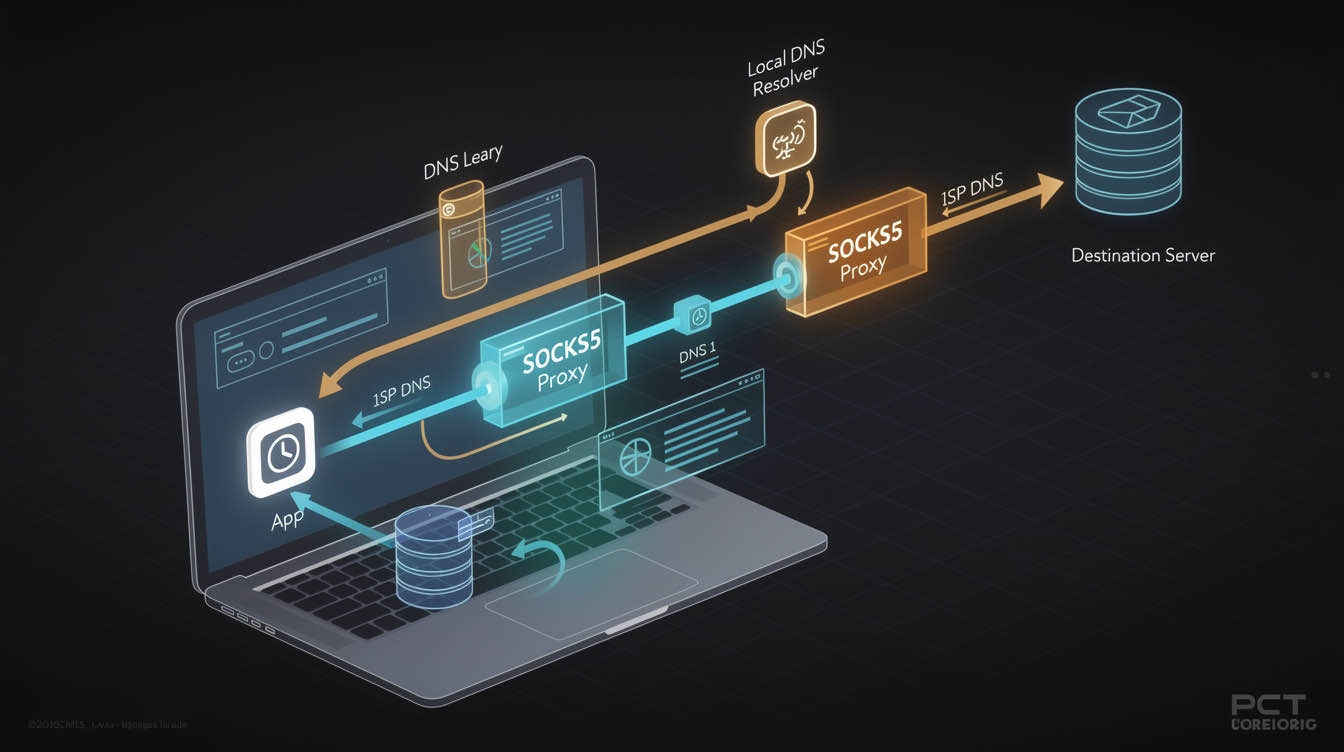
The practical DNS test
Compare two things:
- whether your visible public IP changed
- whether hostname resolution also follows the proxy path
For command-line validation, use a client mode that resolves DNS through the SOCKS path rather than locally.
# DNS may resolve locally first
curl --socks5 127.0.0.1:1080 https://example.com -I -v

# Hostname resolution is pushed through the SOCKS path
curl --socks5-hostname 127.0.0.1:1080 https://example.com -I -v
If the second command behaves differently from the first, you are not looking at a generic proxy failure. You are looking at DNS-path behavior.
If your tooling cannot force remote DNS through SOCKS5, treat that as a real client limitation. In web-heavy workflows, that may be a sign that an HTTP proxy path is easier to validate and operate.
Step 3: check whether only part of the app is using the proxy
A large share of “SOCKS5 not working” reports come from partial routing.
Some tools support SOCKS5 natively. Some only support HTTP proxies. Some appear to support SOCKS5 but still resolve DNS locally. Others proxy the main process but let extensions, helper services, subprocesses, or update traffic use the normal network path.
That is why “the page loaded” is weak evidence.
A working setup should answer these questions clearly:
- did the public IP change?
- did DNS resolve through the expected path?
- did all relevant requests use the same route?
- did authentication succeed consistently?
If you cannot answer those directly, you do not have routing proof yet.
Step 4: figure out why one tool works and another fails
The same proxy credentials may work in curl, fail in a browser, behave differently in Playwright, and become inconsistent again inside a desktop app. Usually that means the clients are handling routing differently.
Browsers
Browsers can support SOCKS5 and still introduce noise through:
- extensions
- background services
- cached sessions
- DNS behavior
- OS-level network assumptions
Browser success is useful, but it is not enough unless the exact traffic you care about is using the same route.
Command-line clients
CLI tools are useful for clean validation because they reduce noise. But they can still mislead you if one flag resolves DNS locally and another resolves it through the proxy path. A passing curl test is useful only if it matches the network behavior of the real workload.
Playwright and browser automation
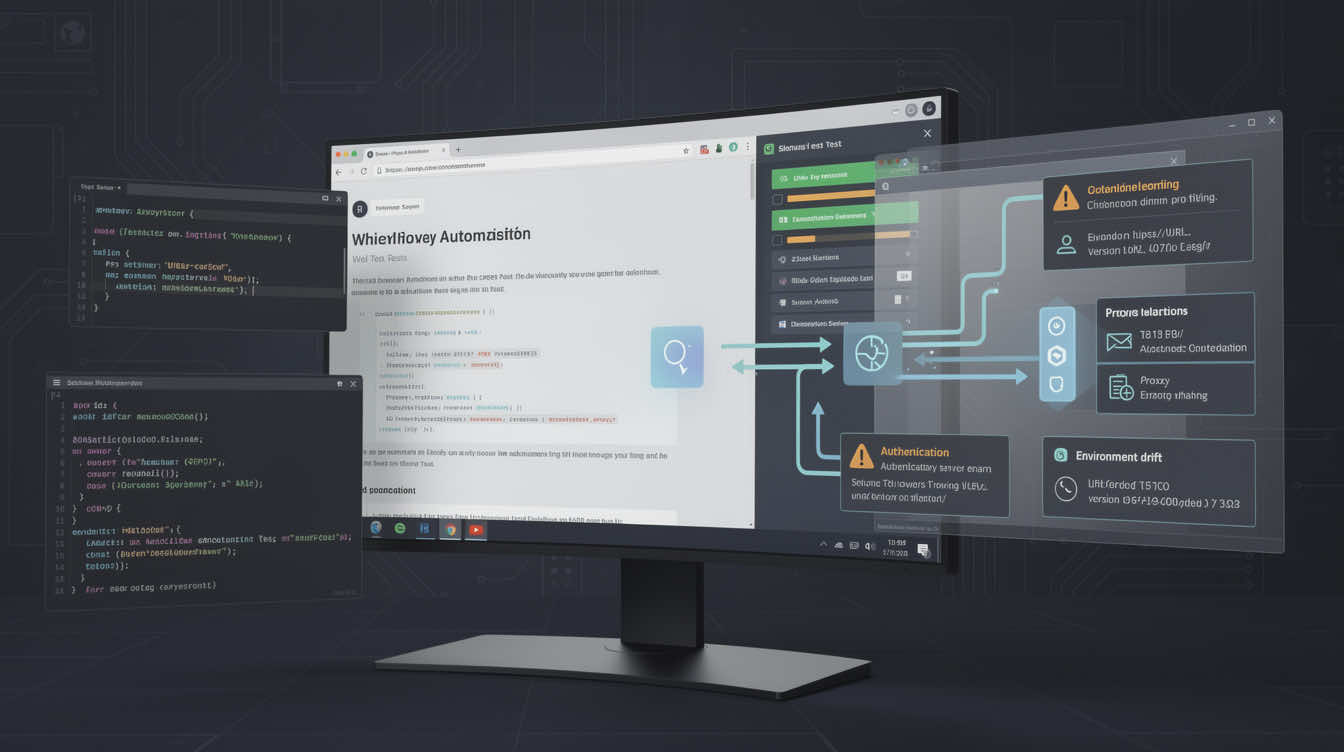
Playwright’s network documentation confirms support for both HTTP(S) proxy and SOCKSv5, globally or per browser context. That is useful, but support in the docs is not routing proof.
A minimal Playwright validation should look like this:
import { chromium } from 'playwright';

const browser = await chromium.launch({
  proxy: {
    server: 'socks5://proxy-host:port',
    username: process.env.PROXY_USER,
    password: process.env.PROXY_PASS,
  },
});

const page = await browser.newPage();
await page.goto('https://api.ipify.org?format=json');
console.log(await page.textContent('body'));
await browser.close();
That proves something meaningful: whether the browser session is actually exiting through the route you configured.
OS-level proxy vs app-level proxy
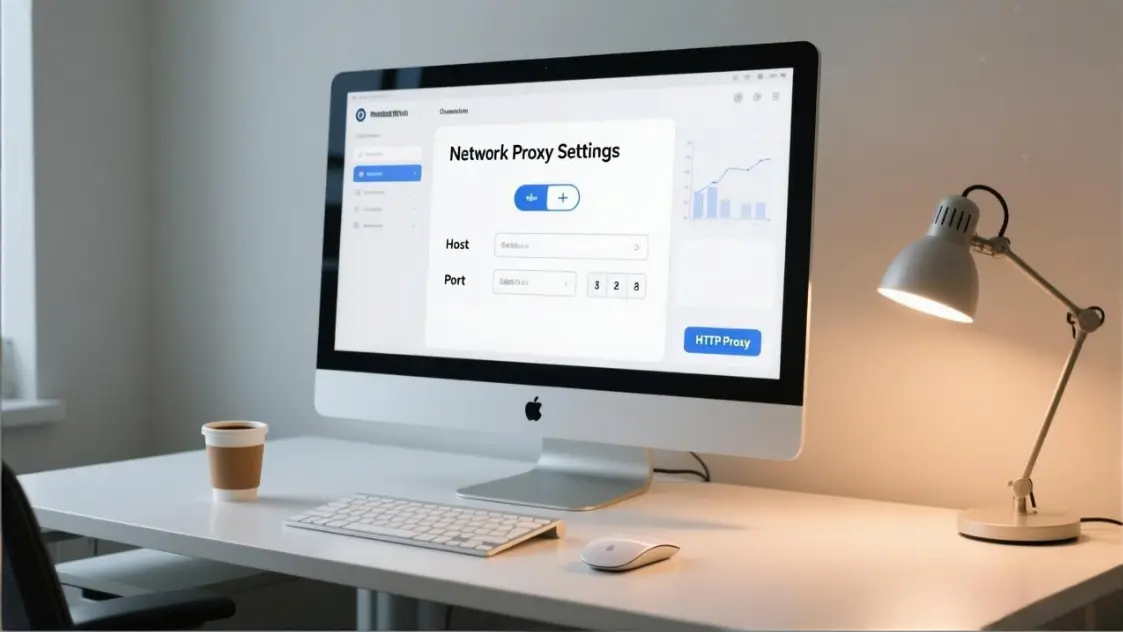
Some applications ignore OS-level proxy settings. Others inherit them only partly. Some require their own proxy config even if the system is already configured.
When one tool works and another fails, compare:
- whether both really support SOCKS5
- whether both send DNS through the same path
- whether both pass credentials the same way
- whether one of them silently falls back to direct traffic
Step 5: classify auth failures correctly
Authentication problems are often easier to fix than they look, but only if you classify them early.
A true 407 response means the client reached a proxy layer but did not provide valid credentials for that proxy. MDN’s 407 reference is useful here because it makes the boundary explicit: the request reached the proxy, but the proxy did not accept the credentials.
Check these in order
- confirm the username and password exactly as issued
- check whether the tool expects credentials in separate fields or in a proxy URL
- confirm any session, zone, region, or routing token is complete and not truncated
- remove hidden whitespace and copied formatting damage
- test the same credentials against a plain IP-check request before going back to the target
If the same credentials:
- fail immediately everywhere → suspect bad credentials or wrong format
- work in one client but fail in another → suspect tool-specific credential handling
- work against a neutral target but fail only on the real target → the auth problem may already be solved
If auth fails immediately and consistently, do not waste time changing concurrency or retry policy.
Step 6: separate auth failures from connection failures
This distinction saves time.
Auth-like symptoms:
- explicit authentication required errors
- consistent rejection with the same credentials
- immediate failure after the request reaches the proxy layer
Connection-like symptoms:
- timeouts before any useful response
- connection refused
- handshake failures
- intermittent failures across only some ports or destinations
If the failure looks like connection setup rather than auth, check these in order:
- host
- port
- whether the client really supports SOCKS5
- local firewall or container egress restrictions
- provider endpoint health
Do not rotate passwords when the real issue is the wrong host, wrong port, or a client that does not support SOCKS5 the way you assumed.
Step 7: treat timeouts as a classification problem, not a verdict
Timeout is one of the least specific proxy errors.
A timeout can mean:
- the proxy endpoint is unreachable
- the destination is slow or blocked
- DNS is resolving the wrong way
- the app is sending unsupported traffic through the proxy
- the request is hitting anti-bot friction and stalling
- your local environment is blocking outbound connections
A safer timeout workflow is:
- test the SOCKS5 route against a plain IP-check or geo-check endpoint
- test a normal public site
- return to the target that originally failed
If neutral endpoints work but the sensitive target still times out, the proxy is no longer your first suspect. You are more likely dealing with target-side filtering, TLS issues, pacing, fingerprinting, or a poor session model.
Step 8: look for bypass and split routing
Some “SOCKS5 not working” cases are really split-routing problems.
The main app may use the proxy while:
- background services bypass it
- browser extensions connect directly
- subprocesses inherit different network settings
- only some contexts or profiles are proxied
- OS-level traffic still resolves or connects outside the proxy path
Signs of bypass include:
- the IP-check page looks correct, but target behavior is inconsistent
- some requests are geo-correct while others are not
- login or session continuity breaks unexpectedly
- behavior changes between local runs, containers, and CI
The fix is usually to strip the test down to one client, one clean profile, one proxy config, and one neutral validation target.
When SOCKS5 is the wrong protocol for the job
Sometimes the cleanest fix is not to troubleshoot SOCKS5 harder. It is to switch to the protocol that better fits the workload.
SOCKS5 is a transport-layer proxy approach with broad compatibility for TCP and UDP-aware workflows. That makes it useful for apps, bots, messaging tools, some automation stacks, and some non-HTTP traffic.
HTTP proxies sit at the application layer and often fit better when the workload is mostly web requests, browser automation, API traffic, or tooling that already expects explicit HTTP(S) proxy behavior.
Use SOCKS5 when
- the client clearly supports SOCKS5
- you need broader protocol compatibility
- you want minimal application-layer interference
- your workflow includes non-HTTP traffic or clients that behave better over SOCKS
Use HTTP proxies when
- the client is mainly browser or HTTP-based
- the docs describe HTTP(S) proxy support more clearly than SOCKS5
- you want simpler integration in standard web tooling
- your debugging shows HTTP proxy auth and routing are more reliable in that stack
If your workload is mostly web traffic, compare your current setup with an HTTP proxy. If your workflow needs broader application compatibility or transport-level routing, a properly validated SOCKS5 proxy setup can still be the better choice.
When session mode is the real issue
A SOCKS5 proxy can be working correctly while the session model is wrong.
If your task needs continuity, such as:
- login workflows
- multi-step automation
- account management
- form completion
- repeated actions under one identity
then aggressive rotation can make the setup look broken even when routing is fine.
If your task is broad and stateless, rotation may help. If your task depends on one stable identity, sticky sessions or static proxies are usually the better fit. For those cases, the real decision is often less about SOCKS5 itself and more about session behavior, rotation windows, and whether you need a stable identity path.
A validation checklist that is hard to fake
Before calling the issue fixed, confirm all of the following:
- the public IP changed as expected
- the location or ASN matches the selected endpoint
- DNS is resolving through the intended path
- credentials succeed consistently
- the client is not bypassing the proxy on some requests
- the session mode matches the workflow
- neutral targets work before sensitive targets are tested
If you can prove all seven, you have real evidence that the proxy path is working.
FAQ
Why is my SOCKS5 proxy connected but not changing my IP?
Usually because the client is not actually using the proxy for the traffic you are testing.
Does SOCKS5 hide DNS automatically?
Not always. Some clients still resolve hostnames locally.
Why does SOCKS5 work in curl but not in my browser?
Because the two clients may handle DNS, credentials, and fallback behavior differently.
What usually causes SOCKS5 timeouts?
Wrong ports, bad routing, DNS behavior, target-side blocking, or local network restrictions.
Should I use SOCKS5 or HTTP proxy for scraping?
Use the one that fits the client and workflow best; web-heavy stacks are often easier with HTTP proxies.
Can authentication problems cause 407 errors?
Yes. A 407 means the request reached the proxy but the credentials were not accepted.
Final takeaway
Most SOCKS5 proxy problems are not mysterious. They usually come down to a few narrow failures: traffic never used the proxy, DNS leaked locally, credentials failed, only part of the workflow was routed, or SOCKS5 was the wrong protocol for that client.
The fastest fix is to verify each layer in order instead of changing random settings and hoping the timeout disappears.
Do not assume the proxy is working because the app launched. Prove the route. Prove the DNS path. Prove the auth. Then test the real target.