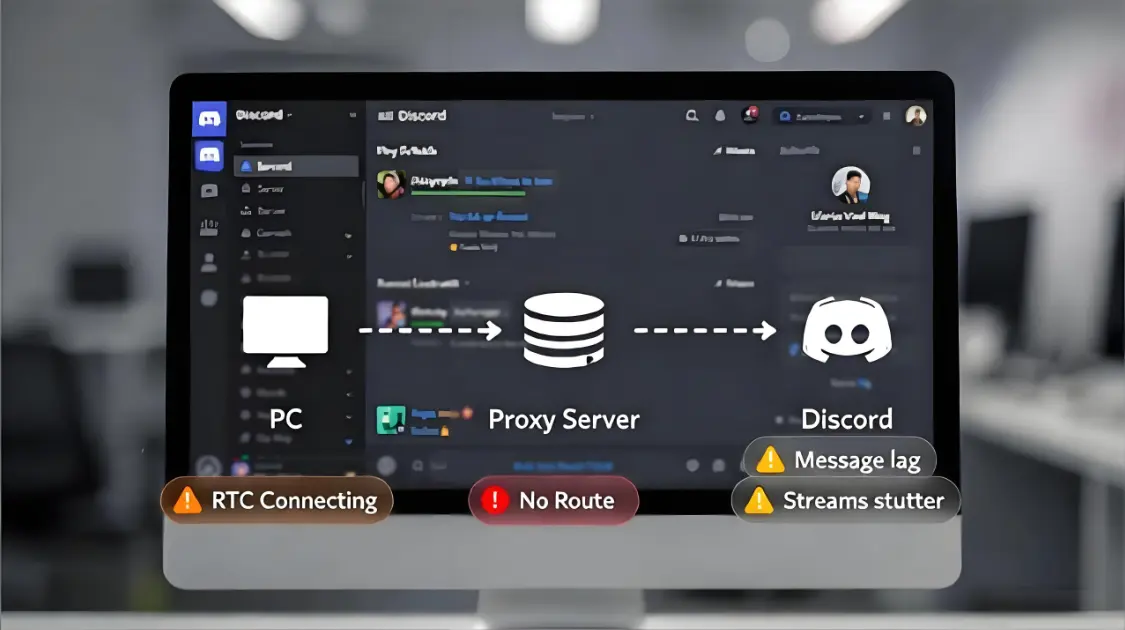
Tinder Proxies: A Stable, Safe Setup Guide 2026

If you searched “Tinder proxy,” you probably aren’t trying to do anything clever. You’re trying to make Tinder feel normal again:
- You keep getting verification prompts
- SMS codes arrive late (or never)
- The app logs you out when you switch networks
- Swipes lag, matches don’t load, messages stall
- You’re traveling (or stuck on restrictive Wi-Fi) and everything becomes unreliable
A proxy can help in a few of these situations—but it can also create new problems if you pick the wrong proxy type or change too many variables at once.
This guide is written from a network engineering + risk-control perspective: stability first, privacy second, and always within platform rules and local law. If you’re unsure where the boundaries are, start with the Tinder Terms of Use.
If you’re landing here as the “main hub” for this topic, keep this page bookmarked: Tinder Proxies.
Quick answer: when a Tinder proxy helps
A Tinder proxy helps most when your issue is network-level, such as:
- Your school/work/hotel Wi-Fi blocks Tinder traffic or related endpoints
- Your ISP routing is unstable (packet loss, jitter) causing session resets
- You want a consistent network exit while traveling, so your sessions don’t feel “new” every hour
- You want less exposure of your home IP on untrusted networks
A proxy usually doesn’t help when your issue is account-level or carrier/SMS-level, such as:
- You can’t receive verification codes because of SMS filtering or number issues
- You’re failing verification repeatedly due to carrier delivery problems
- Your device/app environment is inconsistent (time, OS updates, unstable network switching)
- You’re attempting usage patterns that violate platform rules
Think of a proxy as one variable (network exit), not a magic “remove all friction” button.
If you want a stable baseline to troubleshoot against, treat it like a connectivity upgrade: one clean exit, one region, one device, then measure what changes. MaskProxy is often used as the fixed network variable so you can stop guessing what’s coming from the transport layer versus device or carrier behavior.
The “why”: what Tinder is trying to protect
Tinder (like most large consumer apps) has to defend against spam, impersonation, account takeovers, and abusive patterns. That means it relies on signals that answer one basic question:
“Does this look like a real person on a plausible device and network?”
Two practical implications:
- Verification prompts are a safety control, not a random punishment.
- Your experience can change when the app sees “environment churn”—a shifting network, unstable routing, or conflicting location signals.
If you want an official baseline for how Tinder expects users to handle issues (without speculation), the Tinder Help Center is the cleanest reference.

Signals that commonly correlate with more friction
Without getting into “how to bypass” (we won’t), these are categories that often correlate with more checks:
- IP reputation / IP type: shared exits tend to be noisier
- Geo consistency: sudden location jumps across regions
- Session stability: reconnect storms, timeouts, repeated retries
- Device/session churn: too many “new sessions” in a short window
- Abnormal retry behavior: repeated login attempts after failures
A useful mental model is how challenge systems increase friction when risk rises. Cloudflare’s explanation of bot management is a good general reference for reputation + behavior + challenge workflows: What is bot management?
Proxy types compared: Datacenter vs Residential vs ISP/Static vs Mobile vs VPN
Most “Tinder proxy” articles gloss over this. The proxy type matters more than the brand name.
| Option | What it is | Best for | Pros | Cons / Risk | Stability (typical) | Cost (typical) |
|---|---|---|---|---|---|---|
| Datacenter proxy | Cloud/data center IPs | Non-sensitive web tasks | Fast, cheap | Often noisier on sensitive apps | Medium | Low |
| Residential proxy | IPs from consumer ISPs | Consumer-like routing, privacy | Looks like regular users | Pool quality varies; rotation can break sessions | Medium–High | Medium–High |
| Static residential (ISP-style) | Stable consumer-like IP | Long sessions, fewer resets | Predictable exits; better continuity | Inventory varies by region | High | Medium–High |
| Mobile proxy | Cellular carrier IP | When mobile realism matters | Blends into carrier traffic | Slower; costly; CGNAT quirks | Medium | High |
| VPN | Encrypted tunnel to shared exit | Basic privacy on Wi-Fi | Easy to use | Shared exits can be noisy | Medium | Low–Medium |
Practical default: If your goal is fewer logouts and fewer “start over” sessions, static residential is often the simplest baseline.
To understand the residential category properly before you pick “static vs rotating,” start here: Residential Proxies.
Decision tree: which Tinder proxy should you choose?
Here’s the shortest decision tree that stays grounded in stability (not hacks).
START → define your real goal
1) Are you fixing reliability?
- Yes → continue
- No → stop and reassess (platform restrictions apply; don’t use proxies for prohibited activity)
2) Does Tinder fail on Wi-Fi but work on mobile data?
- Yes → the Wi-Fi is likely filtering or unstable. Switch networks first.
- No → continue
3) Are you traveling and seeing prompts after crossing regions?
- Yes → keep one stable “home base” exit for continuity, or use an official location feature
- No → continue
4) Do you need stable sessions
- Yes → static residential > high-quality residential with consistency > mobile
- No → residential can be enough, but avoid constant rotation
If your primary requirement is session continuity, begin with Static Residential Proxies.
Where rotating fits (and where it breaks things): Rotation is great for certain web data tasks, but it can be counterproductive for session-based consumer apps because you’re changing identity midstream. If you’re choosing a rotating pool for other workloads, this is the correct reference: Rotating Residential Proxies.
MaskProxy generally works best for Tinder-like stability goals when you use a small set of consistent exits and stop flipping variables every few minutes.
Setup in 60 seconds: stable, normal configuration
This section is intentionally simple: your goal is just a clean, consistent network path. Don’t stack tools. Don’t “tune” ten knobs at once.
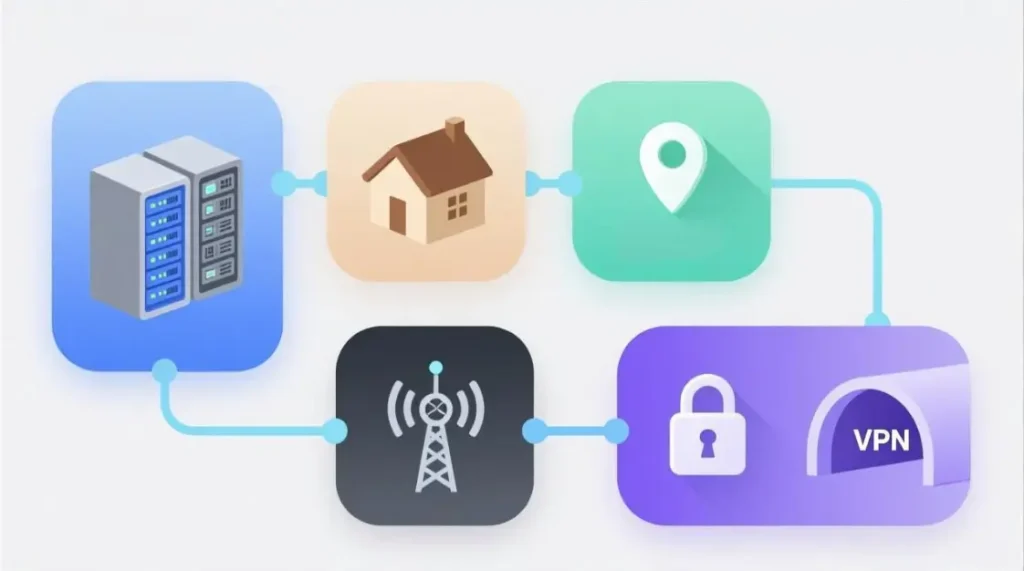
iOS (Wi-Fi proxy)
- Connect to Wi-Fi → tap the (i) next to the network
- Scroll to HTTP Proxy
- Choose Manual and enter host/port (and credentials if required)
- Save, then restart Tinder
Tip: For verification/SMS moments, it’s often more reliable to use cellular (carrier delivery) and then stabilize your network afterward.
Android (Wi-Fi proxy)
- Wi-Fi settings → long-press the connected network
- Modify network → Advanced options
- Set Proxy to Manual → enter host/port
- Save, then restart Tinder
Windows (system proxy)
- Settings → Network & Internet → Proxy
- Set manual proxy configuration
- Apply, then reopen the app/browser you use for Tinder web
macOS (system proxy)
- System Settings → Network → your connection
- Details → Proxies
- Enable the relevant proxy type and enter host/port
- Apply, then restart the app/browser
One rule that saves hours: after you set a proxy, keep everything else the same for at least a few sessions. Most “it got worse” stories come from changing proxy + location + device + network within the same hour.
How to test whether your proxy is helping
Don’t only ask “did it work once?” Ask “did it become more stable?”

Step 1: Confirm the exit is actually stable
- Check that your IP doesn’t change during a single session
- If it changes while you’re active, you’re not in a stable mode (or your network is failing over)
Step 2: Measure the network quality
Track these for a day (even in a notes app):
- Typical latency range (consistent vs spiky)
- Any packet loss/jitter (symptoms: partial loads, stalls, repeated retries)
- Session duration before you get logged out or prompted again
Step 3: Classify failure types
Instead of “Tinder didn’t work,” label what happened:
- verification loop
- SMS delay/retry
- forced logout/session reset
- feed/matches/messages not loading
- “works on mobile data but not Wi-Fi”
This approach makes troubleshooting predictable—and avoids buying random proxy types until you’re out of patience.
Our methodology: how we evaluate proxy stability for Tinder-like apps
This is the engineering core. It’s how you avoid “proxy shopping” and choose based on measurable stability.

Metrics we care about
1) Latency (RTT)
Consistent latency beats “fast sometimes.” Spikes create timeouts and retries that look messy.
2) Packet loss + jitter
Loss/jitter produce partial loads and reconnect patterns that ruin sessions.
3) Session stability
Can you keep a session alive without surprise disconnects? That’s what you actually feel as “stable.”
4) ASN / ISP consistency
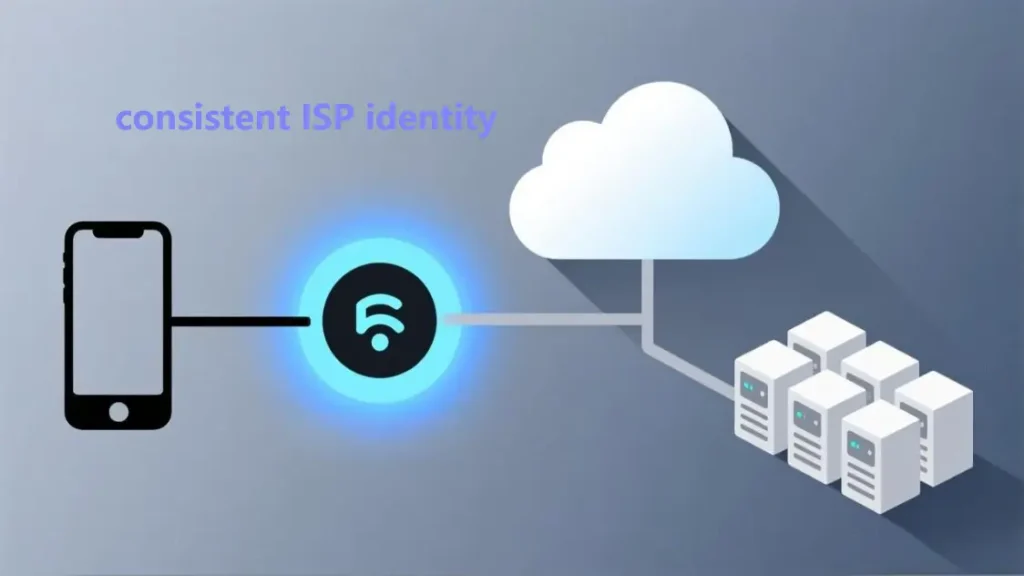
This is a network identity indicator: the autonomous system and ISP labeling often affects how “consumer-like” an exit looks. Cloudflare’s ASN explainer is a clean primer: What is an autonomous system (ASN)?
5) Reputation (high level)
Shared exits inherit problems you didn’t create. The practical fix is not “more rotation,” it’s “less noise and more consistency.”
Minimal viable setup (MVS) for stability
If you only remember one rule: change fewer variables at a time.
Beginner MVS
- One device you normally use
- One stable region
- One stable exit (don’t rotate mid-session)
- Keep system time/timezone correct
- Update the app
Team MVS
First, align with platform expectations. It’s worth reading the Tinder Community Guidelines once because it clarifies what normal usage should look like.
If your use case is legitimate (privacy, travel support, approved testing), stability usually comes from:
- strict isolation per account (separate devices/profiles)
- consistent exit per account (not constantly rotated)
- session discipline (avoid repeated logins after failures)
- basic logging (region, network, outcome)
- stop conditions (if prompts increase, stabilize—don’t escalate)
MaskProxy tends to be most useful for teams when you want stable exits you can assign consistently, then audit outcomes with simple logging.
Protocol choice
Many “proxy for Tinder” posts throw terms around without explaining. If you’re choosing between HTTP(S) and SOCKS5 or trying to understand what your app supports, use this single reference: Proxy Protocols.
Troubleshooting playbooks
This is where most guides fail. They either hand-wave or push “try more IPs.” Here’s the clean way to troubleshoot without doing anything sketchy.
1) Captcha / verification loop
Likely causes
- Noisy shared exit reputation
- Rapid environment churn (Wi-Fi ↔ cellular ↔ proxy switching)
- Unstable connection causing repeated retries/timeouts
Safe fixes
- Stop changing variables: stabilize one network for a while
- Use a consistent exit (static rather than rotating)
- Test on mobile data to isolate Wi-Fi filtering
- Update the app and restart the device (clears stale states often)
2) SMS verification repeats or code never arrives
This is often not a proxy problem. If code delivery is delayed, Tinder’s official troubleshooting is the best baseline: Can’t verify my email or phone number
Safe fixes
- Use cellular signal during verification (avoid flaky Wi-Fi)
- Check carrier SMS filtering/spam controls
- Avoid rapid repeated code requests
- If persistent, contact support instead of brute-forcing retries
3) Login drops / session resets
Likely causes
- IP changes mid-session
- Packet loss/jitter
- Captive portal behavior on public Wi-Fi
Safe fixes
- Use a stable exit and keep the session steady
- Avoid stacking tools (VPN + proxy + extra tunneling)
- Switch networks to isolate captive portal issues
4) Swipes lag, matches/messages not loading
Likely causes
- Latency spikes or partial filtering
- DNS filtering on restrictive networks
Safe fixes
- Try a different network as a control test
- Reduce hops and keep one clean route
- Keep the exit region sensible (don’t jump unnecessarily)
5) Works on mobile data but fails on Wi-Fi
This almost always points to Wi-Fi filtering, captive portals, or network policies.
Fix: Use mobile data for the session, or use a reputable VPN on that Wi-Fi, then keep the environment steady.

Safer alternatives
If your goal is location rather than connectivity, official features are often the simplest route. Tinder documents location tools like Passport here: Passport™ Mode
If verification issues persist even after you stabilize your environment, don’t spiral into endless retries—contact support: Submit a request – Tinder
What we don’t recommend
- Free proxies for sensitive apps (security and stability are unpredictable)
- Constant IP rotation while expecting long sessions
- Stacking multiple tunneling tools without a clear purpose
- Any usage patterns that violate platform rules or local law
Conclusion: a practical checklist you can run today
- Rule out SMS/carrier issues first (use cellular during verification moments)
- Stabilize your environment (stop hopping networks every few minutes)
- Pick stability over novelty (one region, one exit, no mid-session rotation)
- Measure outcomes (latency consistency, session length, failure type)
- Use official location tools if location is your actual goal
If you want this as a repeatable baseline, start with a small set of consistent exits and keep sessions steady. MaskProxy is typically used here when you want predictable exits you can assign and measure against, instead of chasing random IP changes.

Daniel Harris is a Content Manager and Full-Stack SEO Specialist with 7+ years of hands-on experience across content strategy and technical SEO. He writes about proxy usage in everyday workflows, including SEO checks, ad previews, pricing scans, and multi-account work. He’s drawn to systems that stay consistent over time and writing that stays calm, concrete, and readable. Outside work, Daniel is usually exploring new tools, outlining future pieces, or getting lost in a long book.
FAQ
1. What is a Tinder proxy?
A Tinder proxy routes your connection through another IP address to change your network exit for privacy or connectivity.
2. Which proxy type is best for Tinder?
For stability, a static residential proxy is usually the best starting point because the exit IP stays consistent.
3. Is a proxy better than a VPN for Tinder?
A VPN is great for encryption on public Wi-Fi, but a stable proxy exit can be better for long sessions and fewer session resets.
4. Why does Tinder keep asking me to verify?
It often happens when your environment changes too much—network, location signals, or repeated session resets.
5. My Tinder SMS code isn’t arriving—what should I do first?
Use a strong cellular signal, wait for delayed delivery, and avoid requesting codes repeatedly in a short time.
6. Can rotating residential proxies make Tinder less stable?
Yes. Rotation can change your IP mid-session, which often increases logouts or repeated prompts.
7. Do mobile proxies work better for Tinder?
Sometimes, but they’re usually slower and more expensive; most users get better results from stable residential exits.
8. Do datacenter proxies work for Tinder?
They can work for basic browsing, but they’re more likely to trigger friction on sensitive consumer apps.
9. Why does Tinder work on mobile data but not on Wi-Fi?
Wi-Fi networks can block or filter traffic; mobile networks often have cleaner routing for consumer apps.
10. How can I test if the proxy is actually helping?
Check whether the IP stays consistent during a session and whether latency and disconnects become more stable over time.