Snapchat Proxies in 2026: A Decision and Validation Playbook for Reliable Access
Snapchat is large enough that “it worked once” is not evidence. In its Q3 2025 investor letter, Snap reported 477 million daily active users, which is exactly the scale where abuse prevention and reputation systems are continuously tuned. Snap Q3 2025 Investor Letter.
So if you’re evaluating snapchat proxies for a small-to-mid-scale workflow, you need a repeatable way to choose proxy types, protect account safety, and validate stability under real traffic shape. This playbook does that, with decision logic, measurable gates, and a failure symptom map. MaskProxy is one example you can benchmark against for proxy fundamentals and transport choices like Proxy protocol basics.
Why Snapchat proxy stability is harder than setup
Setup guides tend to stop at “configure proxy, log in, done.” In production reality, reliability problems show up after the first hour: retries compound, sessions churn, and identity signals drift. Snapchat explicitly states that seeing a “network is blocked” message can be tied to suspicious activity from an IP address or the use of a VPN. I can’t log into Snapchat because my network is blocked.
A proxy decision should therefore be treated like any other dependency decision:
- define your workflow and risk boundary
- pick the least risky proxy type that can satisfy it
- validate using pass/fail gates
- roll out slowly with stop conditions
Define the workflow and success criteria before you buy anything
Before comparing providers, write down four lines:
The workflow
Examples:
- geo verification for ad previews and regional content checks
- research and monitoring of public endpoints at controlled rate
- multi-account operations where each account must remain isolated
The success criteria
Use measurable outcomes:
- successful login rate over 24 hours
- median and p95 time-to-first-successful-session
- session survival time without re-auth
- error budget for lockouts or network blocks
The failure budget
One “temporarily locked” event might be tolerable in an experiment. A repeated lock pattern is a hard stop.
The change control rule
One change at a time. Proxy type, geo, rotation interval, fingerprint profile, and retry policy should never be changed in the same test window.
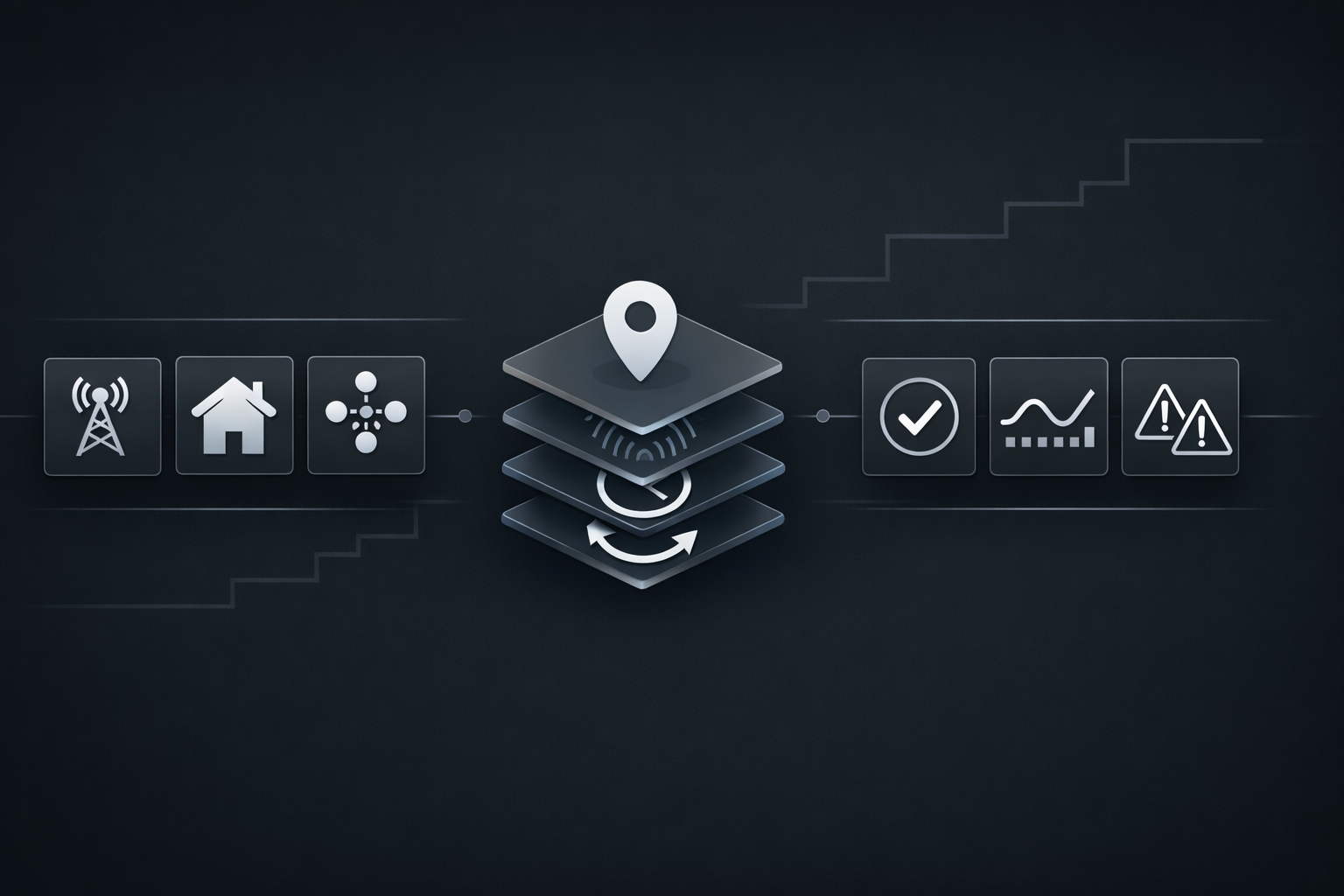
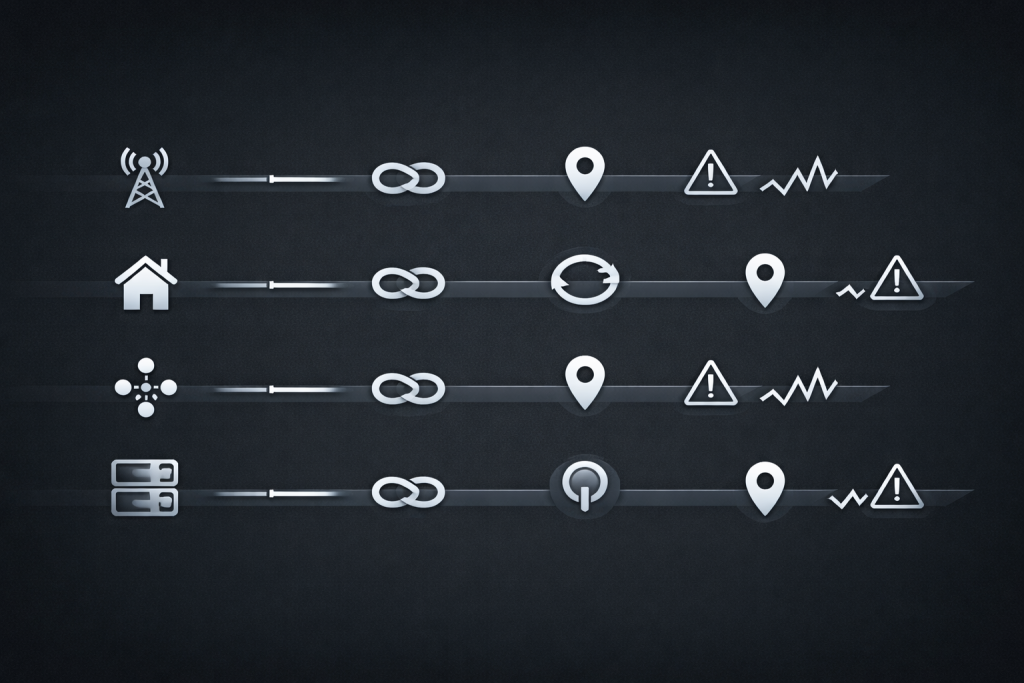
Choose the proxy type by risk, not by marketing
You will see “best snapchat proxies 2026” lists with a single success-rate number. The real differentiator is how the proxy type behaves during login-heavy flows and long-lived sessions.
Mobile proxies
Mobile exits can be resilient for mobile-like traffic patterns, but they are expensive and often constrained in geo supply. If your workflow needs long sticky sessions and realistic carrier geo, mobile can be a fit. If your workflow needs broad country coverage at low cost, mobile can be overkill.
Residential proxies
Residential is attractive for geo breadth, but it can fail in ways that are hard to debug: exit inconsistency, pool contamination, and sudden friction escalation during session creation. If you use residential for Snapchat, treat session stability as the primary KPI and avoid excessive rotation during authenticated activity. For a concrete baseline of what “rotation” really means operationally, compare your requirements against a rotating pool model like rotating residential proxy pool.
ISP static proxies
ISP static is often the “boring but stable” choice for login-heavy workflows. You give up some geo breadth, but you gain consistency: fewer identity flips, fewer unexpected session resets, and easier incident triage.
Datacenter proxies
Datacenter is fast and cheap, and may work for low-risk web access. But for login-heavy Snapchat flows, datacenter reputation can be a frequent cause of friction, especially when retry storms make your traffic look automated.
The identity isolation model that prevents cross-account correlation
Most proxy articles treat the IP as the identity. In practice, the identity presented to Snapchat is a bundle of signals. Stability comes from keeping that bundle consistent.
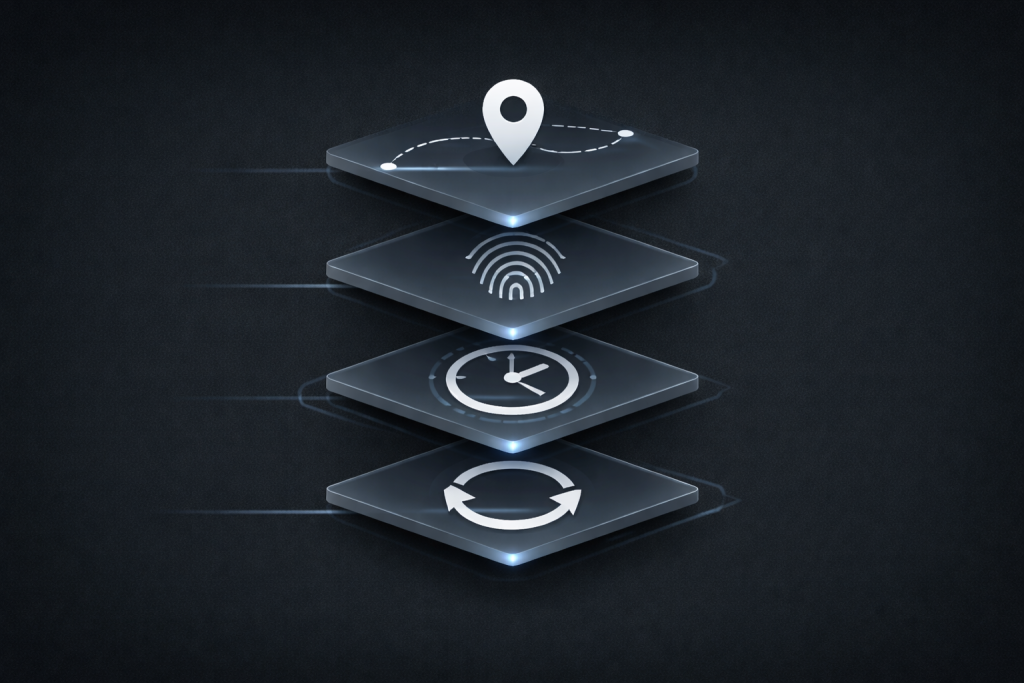
The four surfaces you must keep aligned
- IP and geo: country and city should not drift inside a session.
- Fingerprint and device profile: browser or device traits should not change between logins.
- Timezone and locale: align system timezone and language to the IP’s expected region.
- Session continuity: keep the same exit during authenticated usage.
Practical isolation rules for multi-account workflows
- One account per isolated profile, by default.
- Avoid sharing the same exit across multiple accounts in the same time window.
- Prefer stable sessions over frequent rotation for login-heavy flows.
If your workflow needs predictable session behavior, a static residential baseline is often easier to operate than “rotate until it works.” Here’s the practical reference point for what a stable session product looks like: static residential sessions.
Validation gates with
The goal is not to “get in once.” The goal is to prove reliability under your traffic shape without thrashing identity signals.
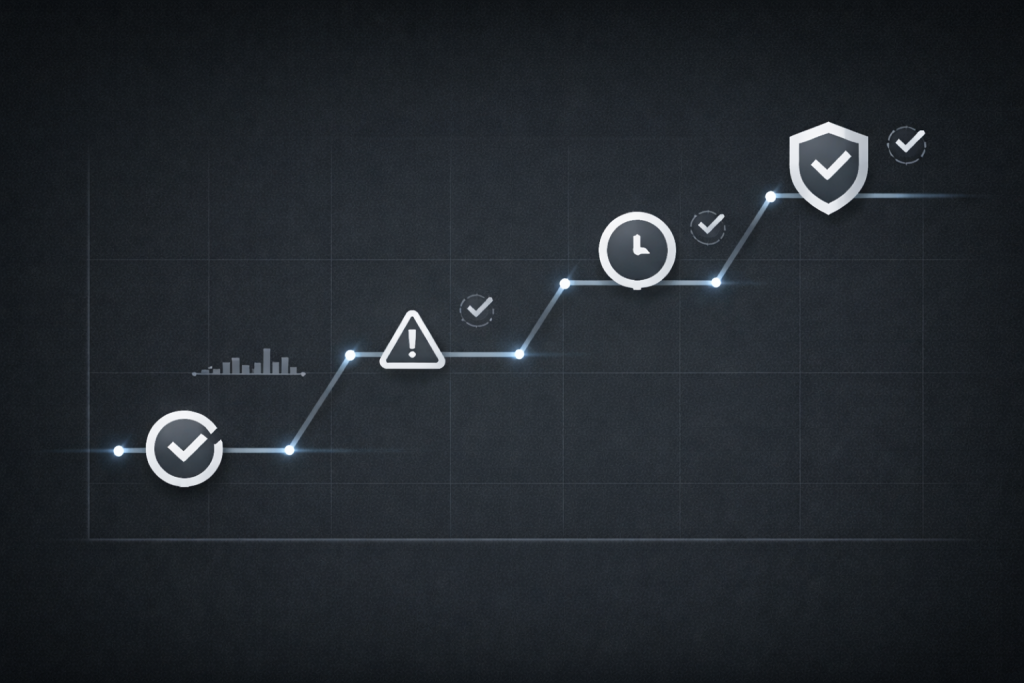
Gate 1 Baseline login sanity
Pass signals
- stable login success over multiple attempts spaced out over time
- no sudden shift in friction after the first success
Fail signals
- repeated login failures in short windows
- immediate lock or block symptoms after minor retries
If you see specific login error codes, Snapchat’s guidance groups common causes and encourages you to follow the error message rather than brute forcing retries. I get an error message logging in to Snapchat.
Gate 2 Session stability and re-auth behavior
Run a 2–4 hour session test with human-like pacing.
Measure
- session survival time
- re-auth frequency
- unexpected logout events
Fail fast if
- sessions collapse after brief success
- re-auth loops emerge after minor navigation
Gate 3 Ramp test with request shaping
Ramp slowly. Do not jump from 1 to 200 concurrent actions.
Pass signals
- error rate stays within budget as concurrency steps up
- retries remain low because backoff is enforced
Fail signals
- retry storms
- sudden bursts of “network blocked” or access denial
Gate 4 Soak test for drift
Run 12–48 hours depending on your use case.
Look for
- geo drift
- exit reuse collisions
- rising friction signals over time
Gate 5 Operability and cost signals
Define cost in operational units:
- cost per successful session hour
- cost per successful login
- human time per incident
Transport matters too. If your tooling benefits from SOCKS for certain clients or routing constraints, standardize it early and verify consistently across the stack using a clear transport baseline like SOCKS5 proxy transport.
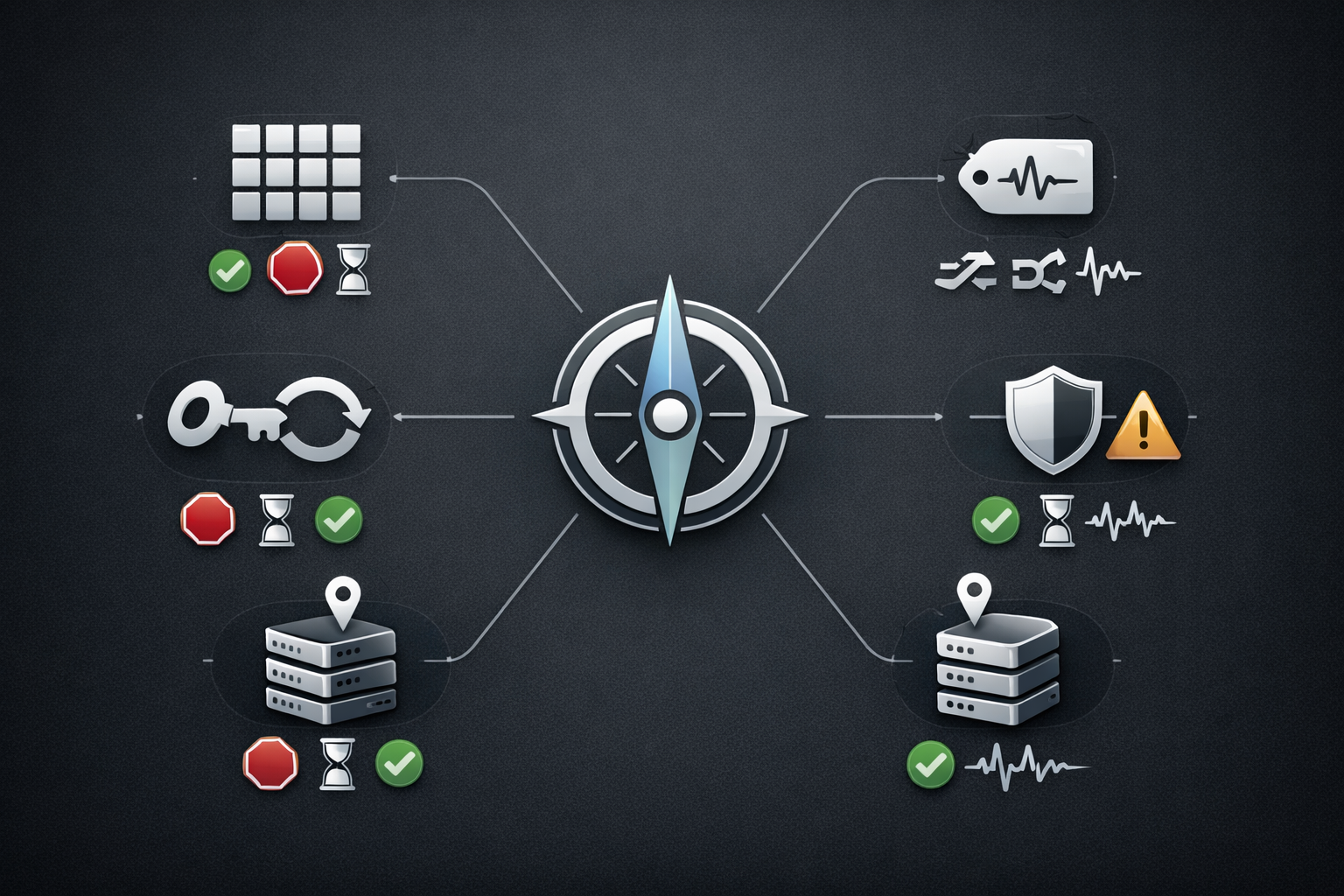
Symptom map for fast diagnosis without making it worse
The common failure mode is panic: users change IP, geo, device profile, and retry policy all at once. That creates a new identity every minute, which is the opposite of stability.
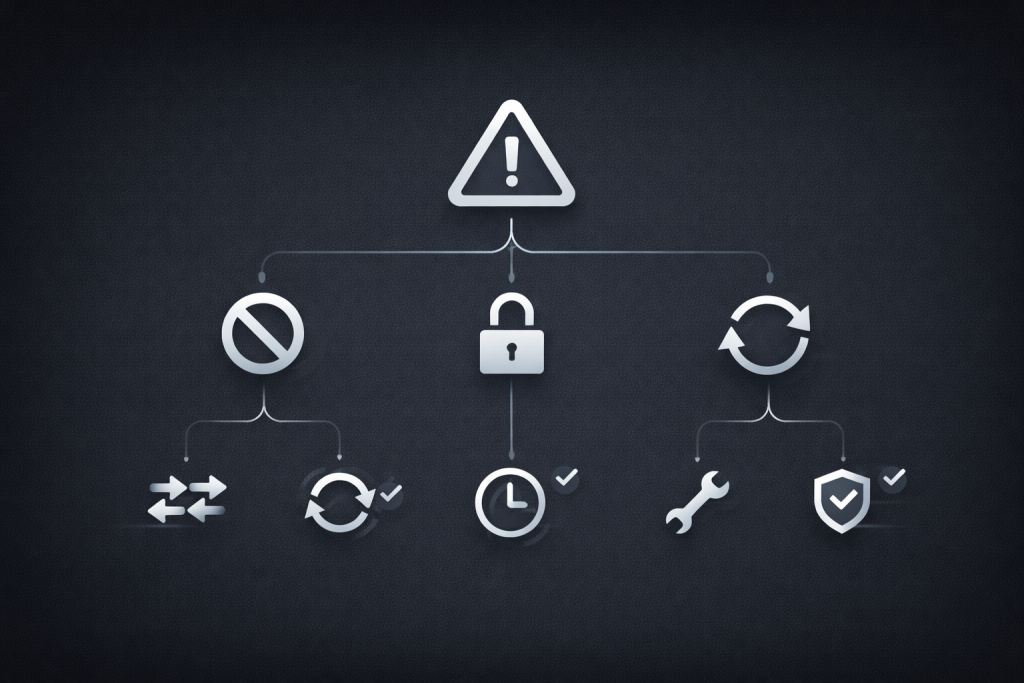
Symptom Network blocked during login
Likely causes
- suspicious network reputation
- VPN usage patterns
- repeated failed login attempts from changing networks
First fixes
- stop repeated retries
- switch to a known clean network
- disable VPN usage if present
Snapchat’s own “network blocked” article explicitly recommends switching networks and disabling VPN usage as a troubleshooting step.
Symptom Account temporarily locked or access blocked
Likely causes
- suspicious activity patterns
- repeated failed logins
- policy violations or abnormal usage
First fixes
- stop automation-like behavior
- use legitimate unlock paths only
- reduce account density per profile and slow down login cadence
Snapchat’s help center explains eligibility and basic steps when an account is locked, including how appeals work when available. My Snapchat account is locked.
If an appeal option is shown in-app, Snapchat documents the official steps. How to Submit a Locked Account Appeal
Symptom Login loops and repeated challenges
Likely causes
- session churn caused by rotation
- mismatched timezone or locale versus IP
- unstable exit behavior
First fixes
- make exits sticky during authenticated sessions
- align timezone and locale to the exit region
- run Gate 2 again before scaling
Provider evaluation rubric that beats top lists
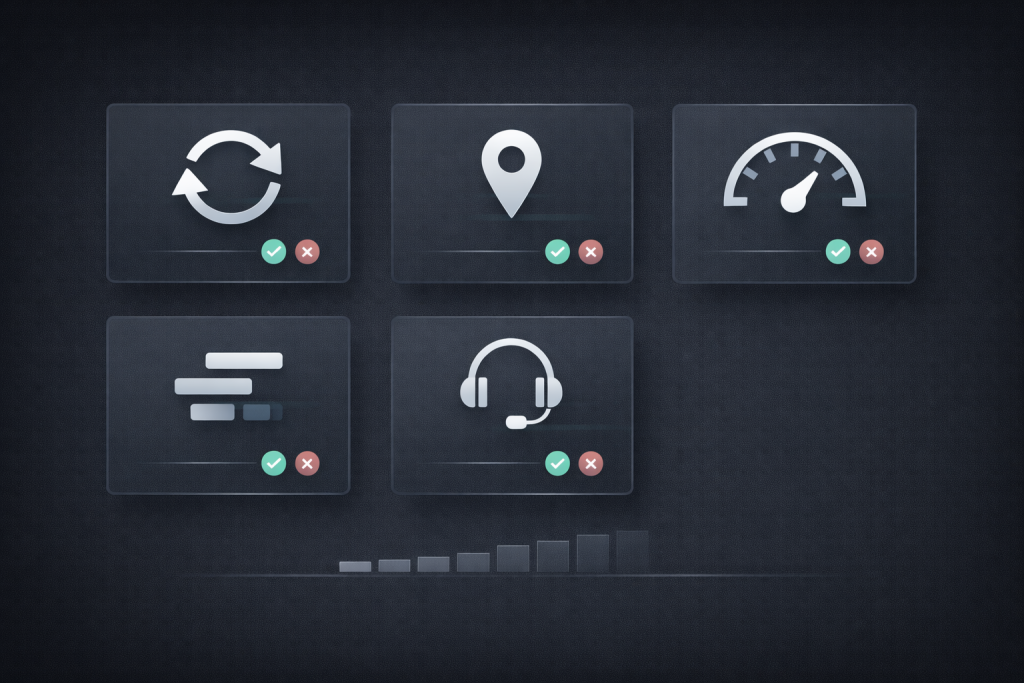
Instead of “who has the biggest pool,” score what matters for Snapchat stability.
Score categories
- Session persistence: can you keep a stable exit through a session?
- Geo accuracy over time: does city-level targeting drift during soak?
- Rotation controls: can you control TTL and stickiness per workflow?
- Observability: can you log exit IP, region, and failure reasons reliably?
- Support quality: can you get actionable help during an incident window?
Rubric outcome buckets
- Best for login-heavy stable sessions
- Best for broad geo experiments with strict controls
- Best budget option for low-risk access workflows
When you benchmark providers, keep your methodology consistent and document every change. If you’re shortlisting options, MaskProxy can be evaluated through the same gates and rubric without changing the process or the pass/fail bar.
Compliance and safe-use boundary
This guide is for legitimate reliability testing and operational stability, not evasion. Snapchat’s own documentation ties blocks and access issues to suspicious patterns, and it warns users not to rely on unofficial “unlock” routes. My account was locked for violating Snap’s Community Guidelines.
Treat repeated blocks and lockouts as a signal to stop, roll back changes, and reassess whether the workflow itself is compliant and sustainable.
A safe rollout plan for small to mid scale teams
Phase 1 One workflow, one region, one profile
- Prove Gate 1 and Gate 2 before any scaling
- Set dashboards for login rate, session survival time, and friction events
Phase 2 Add profiles slowly with strict isolation
- introduce new accounts only after soak stability holds
- keep one account per profile until you have evidence to justify consolidation
Phase 3 Incident playbook and stop conditions
- define rollback triggers such as repeated blocks in a short window
- apply a “change freeze” after an incident to prevent thrash-driven escalation
Conclusion
A Snapchat proxy decision that wins in 2026 is not “which provider claims the highest success rate.” It’s whether your chosen proxy type and provider can keep identity signals stable, pass validation gates under your real traffic shape, and recover cleanly when something breaks. If you want a baseline page to anchor your shortlist and align stakeholders on requirements, keep a single reference for Snapchat-specific options like Snapchat proxy options.

Daniel Harris is a Content Manager and Full-Stack SEO Specialist with 7+ years of hands-on experience across content strategy and technical SEO. He writes about proxy usage in everyday workflows, including SEO checks, ad previews, pricing scans, and multi-account work. He’s drawn to systems that stay consistent over time and writing that stays calm, concrete, and readable. Outside work, Daniel is usually exploring new tools, outlining future pieces, or getting lost in a long book.
FAQ
Do I need rotating proxies for Snapchat
Not by default. If your workflow is login-heavy, sticky sessions often reduce churn. Use rotation only when the workflow and risk model require it.
What should I do when I see network blocked
Stop repeated attempts, switch to a different network, and disable VPN usage if it is active. Then re-test with one controlled change.
What is the safest way to recover from an account lock
Use only legitimate unlock and appeal flows when eligible, and avoid repeated failed login loops that escalate risk.
How many accounts can I run per proxy
Treat it as an experiment. Start with one account per isolated profile and increase only when soak data shows stability.
What metrics matter most in the first week
Login success rate over time, session survival time, and the shape of failures under ramp and soak.