Proxy Isolation Checklist for Account Access Workflows

Proxy Isolation Checklist for Account Access Workflows
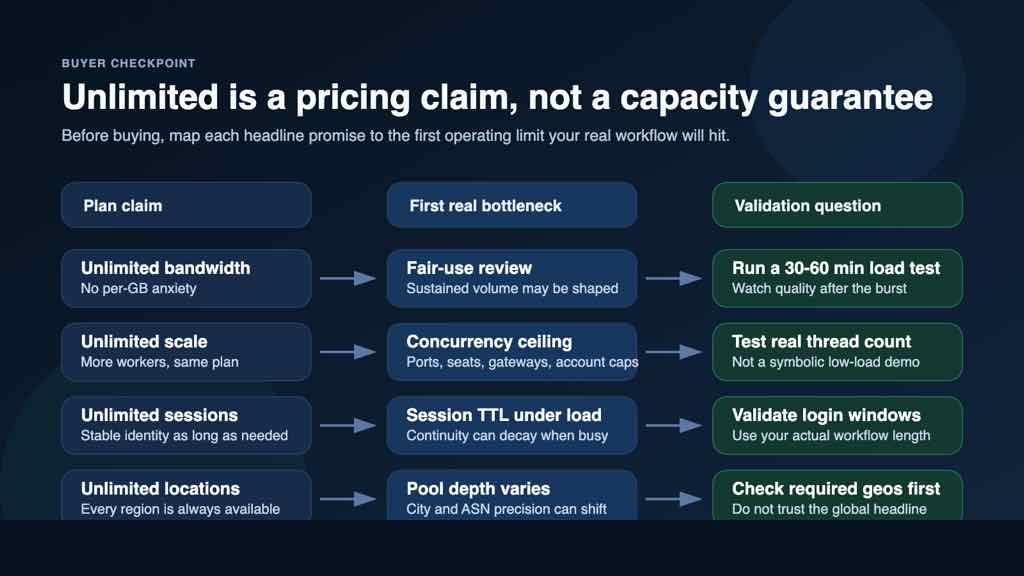
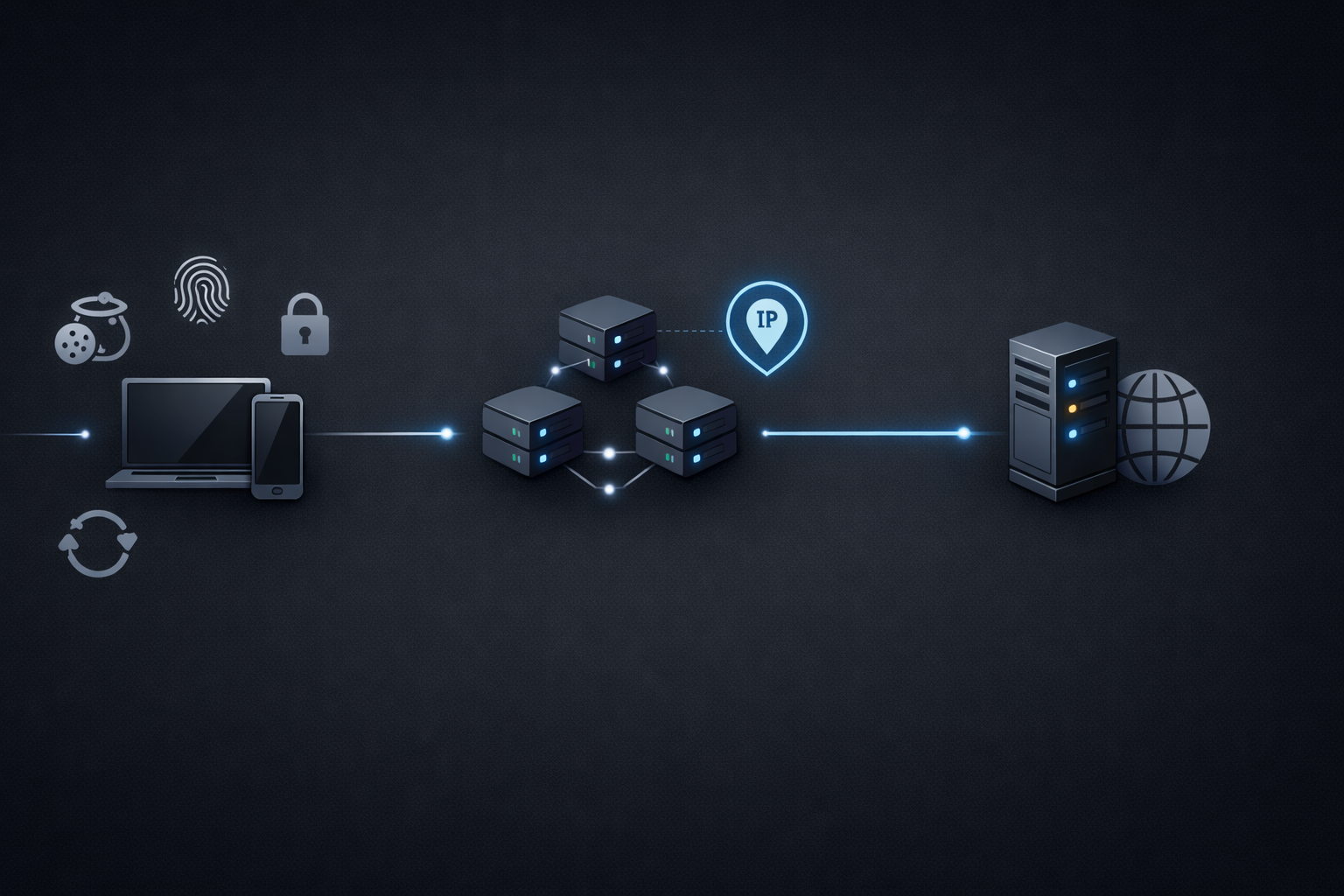
Proxy isolation is not only about putting a different IP address in front of a browser or app. For account access workflows, the practical question is whether the IP context, location, DNS behavior, authentication method, session length, and team process all point in the same direction.
If those pieces drift apart, a proxy can still connect while the account workflow becomes unstable. A login may trigger extra review, a session may expire sooner than expected, or two team members may accidentally reuse the wrong route for the wrong account.
This checklist gives a practical way to review proxy isolation before repeat logins, account maintenance, QA work, or private access tasks. It does not promise that a proxy makes every workflow risk-free. The goal is simpler: reduce avoidable mismatches before they become hard-to-debug access problems.
What proxy isolation means in practice
Proxy isolation means each account or workflow has a clear network context instead of sharing a loose pool of routes.
At minimum, that context should include:
- the proxy type and provider route
- the exit IP or rotation rule
- the country, city, or region expectation
- the authentication method
- the DNS resolution behavior
- the session duration
- the owner or team using that route
For a quick first pass, start with the basic route check. Verify the exit IP, ASN, DNS, and location before you rely on the proxy for important work. MaskProxy has a related guide on how to run a proxy exit IP check before buying or scaling a setup.
Start with one account, one route, one purpose
The safest operational pattern is simple: one account group should have one expected proxy route and one clear purpose.
That does not mean every account always needs a dedicated IP. It means the mapping should be intentional. A QA browser login, a monitoring task, a marketplace account, and a data collection workflow should not all be mixed into the same route just because the proxy technically works.
Before assigning a proxy, write down:
- which account or account group will use it
- whether the task is login, browsing, QA, monitoring, or collection
- whether the session needs to stay stable
- whether the location must remain consistent
- who is allowed to reuse or rotate that route
If this mapping only exists in someone's memory, the setup is not isolated enough for a team workflow.
Check location and ASN consistency
Location mismatch is one of the most common reasons a working proxy still creates access friction.
For example, a route may show the right country but an unexpected ASN, city, or DNS path. That does not automatically mean the proxy is unusable, but it does mean you should understand what the target service will see.
Check these details before logging in:
- Does the exit country match the account's normal access pattern?
- Does the city or region matter for this workflow?
- Does the ASN look like the route type you expected?
- Does DNS resolution happen locally or through a different path?
- Does the visible IP stay consistent during the session?
If you are troubleshooting access blocks, do not jump straight to changing every proxy. First separate IP reputation from request pacing, authentication, and session behavior. The MaskProxy article on proxy blacklist checks explains when IP reputation is likely to be the real driver.
Keep authentication boring
Proxy authentication should be predictable. If a team is switching between user:pass credentials, IP whitelisting, browser extensions, scripts, and app-level proxy settings, the chance of accidental route leakage goes up.
Use one authentication pattern per workflow when possible. Then document where it is configured.
Before publishing a workflow internally, confirm:
- the username and password are current
- IP whitelisting, if used, matches the actual operator or server
- the browser, script, or app is not silently falling back to a direct connection
- the same credentials are not being reused across unrelated tasks
- failed authentication returns a clear error instead of partial access
If 407 errors appear during setup, review credentials before assuming the route is bad. MaskProxy has a separate proxy authentication checklist for user:pass, whitelisting, and session persistence checks.
Match session length to the task
Proxy isolation breaks down when the session policy does not match the task.
A short rotating session can be useful for public page checks or collection work. It is usually a poor fit for repeat logins, form work, or account maintenance. A stable route can be better for account access, but it also needs pacing and ownership rules so the same route is not overloaded.
Use this simple split:
| Workflow | Better proxy behavior | Main risk if mismatched |
|---|---|---|
| Repeat login | Stable route | Unexpected location or IP changes |
| QA checkout | Stable country or city | Results vary across runs |
| Public monitoring | Controlled rotation | Blocks from pacing or repetition |
| Collection | Rotation with limits | Excessive retries or rate limits |
| Team account access | Assigned route ownership | Two users reuse the wrong context |
For broader selection, compare the tradeoffs in static vs rotating proxies before assigning routes to a workflow.
Separate route quality from user behavior
A proxy can be configured correctly and still run into trouble if the access behavior looks inconsistent.
Common examples:
- logging in from one region, then immediately acting from another
- rotating during a form submission or checkout
- using the same route for too many unrelated accounts
- retrying too aggressively after failures
- mixing browser, API, and automation traffic without labels
This is why a proxy isolation checklist should include behavior, not only network settings. If an access problem appears, review what happened before the error: login timing, retry count, pages visited, session age, and whether another teammate used the same route.
Choose shared, dedicated, static, or rotating routes deliberately
Proxy isolation does not always mean choosing the most expensive route. It means choosing the route that matches the workflow.
Dedicated or static routes may make sense when the same account needs a stable access pattern. Shared or rotating routes can be useful for lighter tasks where continuity is less important. The key is not to mix these assumptions inside the same workflow.
If your team is comparing options, start with the operational question:
- Does this task need continuity?
- Does it need location consistency?
- Does it need volume?
- Does it need lower cost?
- Does it need a clean handoff between team members?
The difference between shared and dedicated proxies matters most when account isolation and team ownership are part of the workflow.
A quick proxy isolation checklist
Before using a proxy for account access, run through this list:
- The account or workflow has a named route owner.
- The proxy type matches the task: static, rotating, residential, datacenter, shared, or dedicated.
- The exit IP, ASN, DNS, and location have been checked.
- The authentication method is documented and works without fallback.
- The session length matches the task.
- The route is not shared across unrelated account groups.
- Retry limits and pacing rules are clear.
- The team knows when to rotate, pause, or escalate.
- Links, logs, and screenshots stay inside the same account workflow.
- The setup has been tested before being scaled.
For a general starting point, MaskProxy's proxy services can fit different route and isolation needs, but the route still needs to be matched to the actual workflow.
The practical goal
Proxy isolation is not a magic switch. It is a way to make account access more consistent, easier to review, and easier to hand off.
If a workflow depends on repeat logins, stable sessions, or team coordination, do not treat the proxy as a disposable setting. Treat it as part of the operating context: route, location, authentication, session policy, owner, and task purpose.
When those pieces are clear, troubleshooting becomes much simpler. When they are mixed together, even a working proxy can leave the team guessing.