

Shortest path for affiliates: open Affiliate in console → copy referral link → invite users who register and purchase → check rebate records. Rates, credit timing, and withdrawal follow console rules.
1. Where to find it
- Sign in to the console.
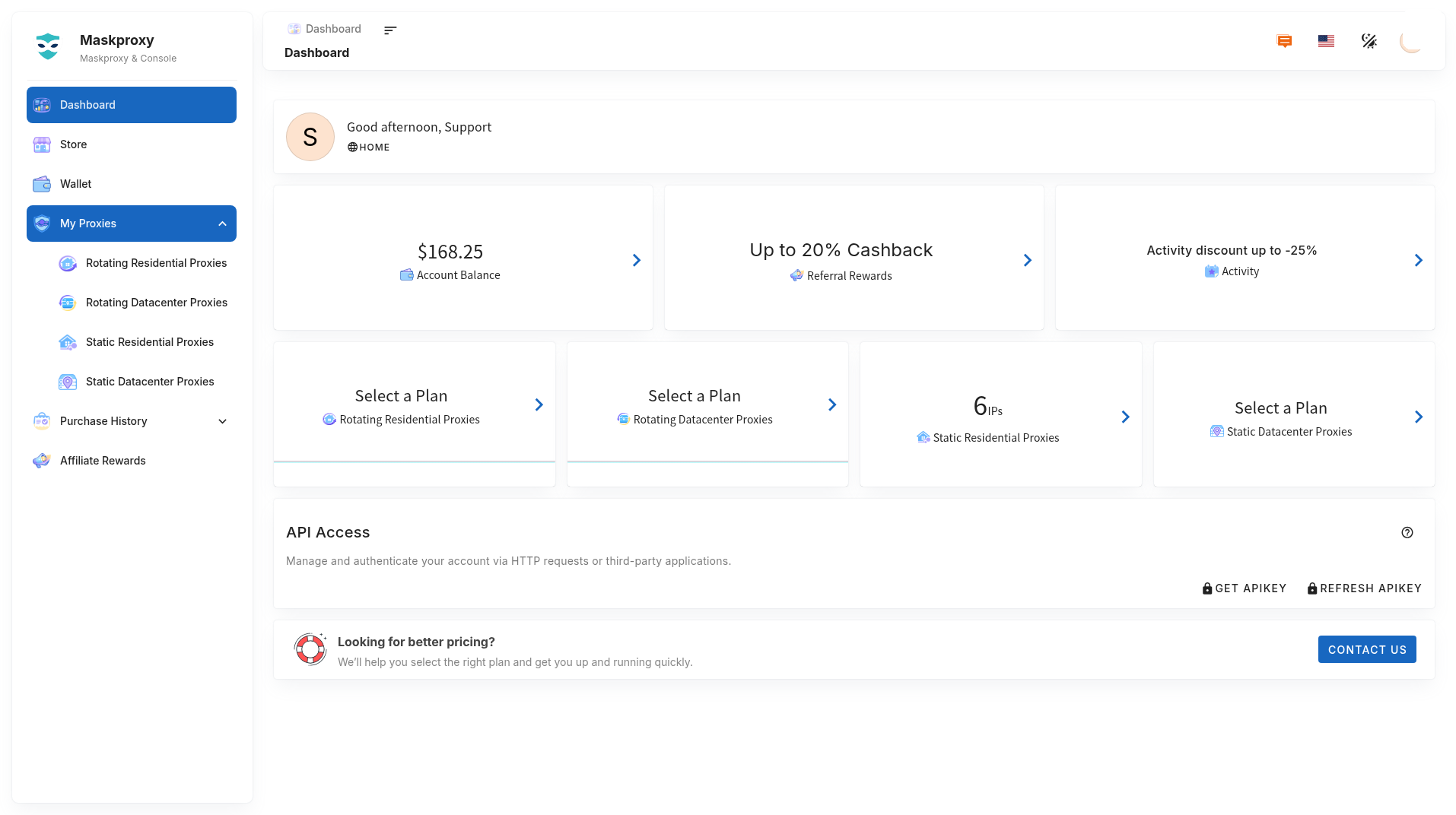
- Open Affiliate in the sidebar (or the dashboard shortcut).
- Copy your referral link; review referral records and rebate balance.
2. Rewards (summary)
- After an invited customer’s first purchase, rewards may apply per campaign rules.
- Later renewals may also earn renewal rewards per rules.
- Confirmation, credit, and withdrawal follow the console and support.
3. Tips
- Describe the four current proxy products accurately — do not promise features, regions, stock, or prices not shown in console.
- Missing reward: confirm the invitee completed a valid purchase, then contact support with referral screenshots.
Related: Getting started in 3 minutes · Wallet · Orders and payment history · Could not connect.