

MaskProxy sells four core lines (plus Unlimited Rotating Residential when listed): Rotating Residential – GB, Rotating Datacenter – GB, Static Residential – IP, and Static Datacenter – IP. Understanding residential vs datacenter and rotating vs static helps you pick faster.
Two dimensions
| Dimension | Meaning | Best for |
|---|---|---|
| Residential | Egress closer to a real-user network | Residential fingerprint, account-like tasks, natural access |
| Datacenter | Egress from datacenter pools | Speed, bandwidth, stable throughput, cost control |
| Rotating | Egress can change per request / session / job | Batch access, data collection, rotation needs |
| Static | Fixed egress IP for a purchased duration | Account logins, long jobs, monitoring, stable identity |
How to choose among the four
| Product | Billing | Core trait | Best for |
|---|---|---|---|
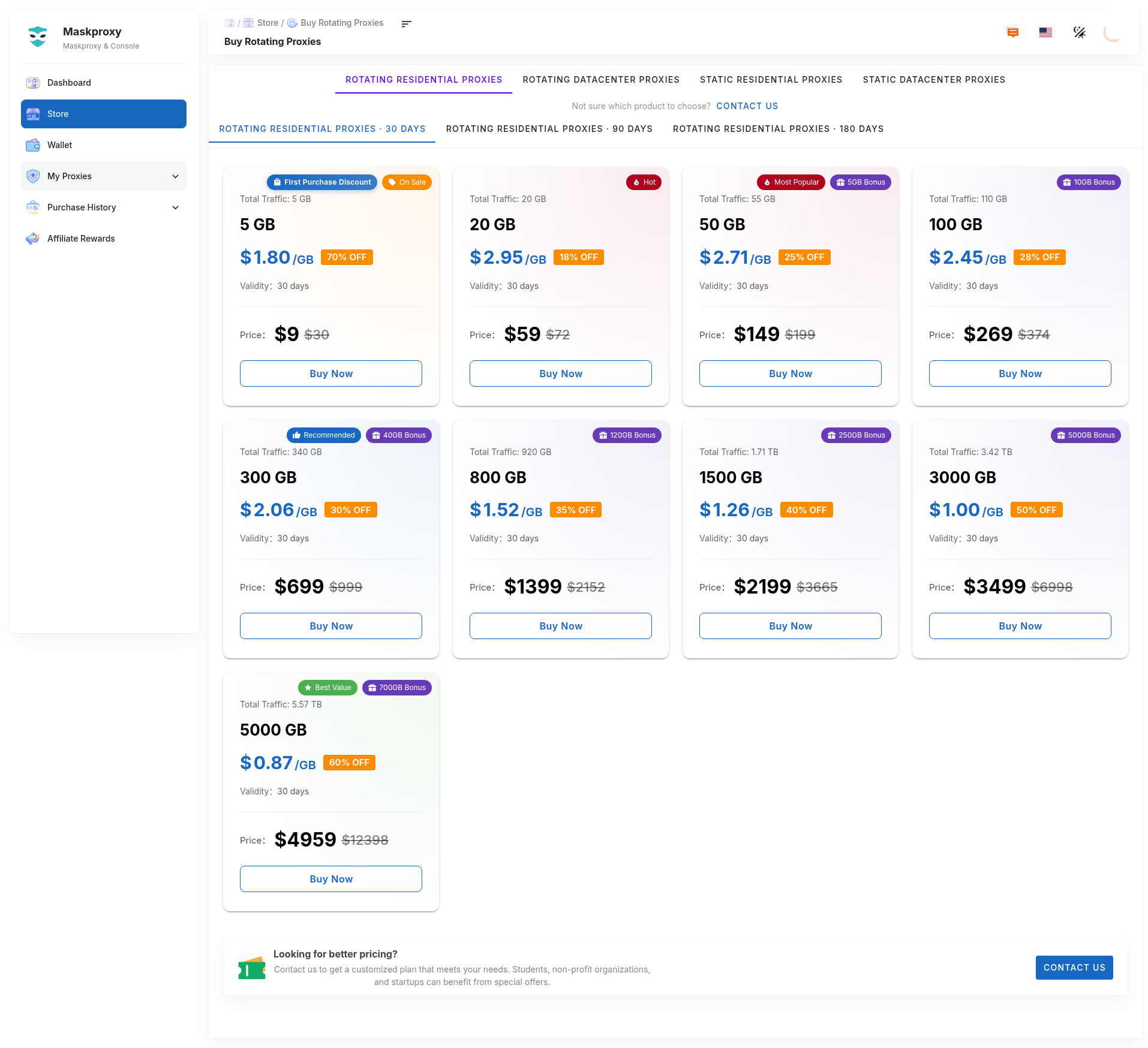
| Rotating Residential – GB | GB | Residential + rotation | Data collection, account-related access needing residential IPs |
| Rotating Datacenter – GB | GB | Fast, high bandwidth, cost-efficient | Large automation, price monitoring, connectivity tests |
| Static Residential – IP | Duration / IP | Stable ISP residential IP | Account management, fixed identity |
| Static Datacenter – IP | Duration / IP | Fixed DC egress, low latency | Monitoring, analytics, long automation |
Protocols
All products support HTTP and SOCKS5 when connecting. SOCKS5 is a protocol, not a separate product SKU.
Fast rules
- Residential fingerprint + usage-based cost → Rotating Residential – GB.
- High throughput / low latency / batch jobs → Rotating Datacenter – GB.
- Fixed residential IP → Static Residential – IP.
- Fixed datacenter IP → Static Datacenter – IP.
Related: Choosing a proxy type · Billing GB vs IP · Buy rotating residential.