

Shortest path: Sign in → Store → pay → verify in My Proxy. Rotating plans bill by GB; static plans bill by fixed-duration IP.
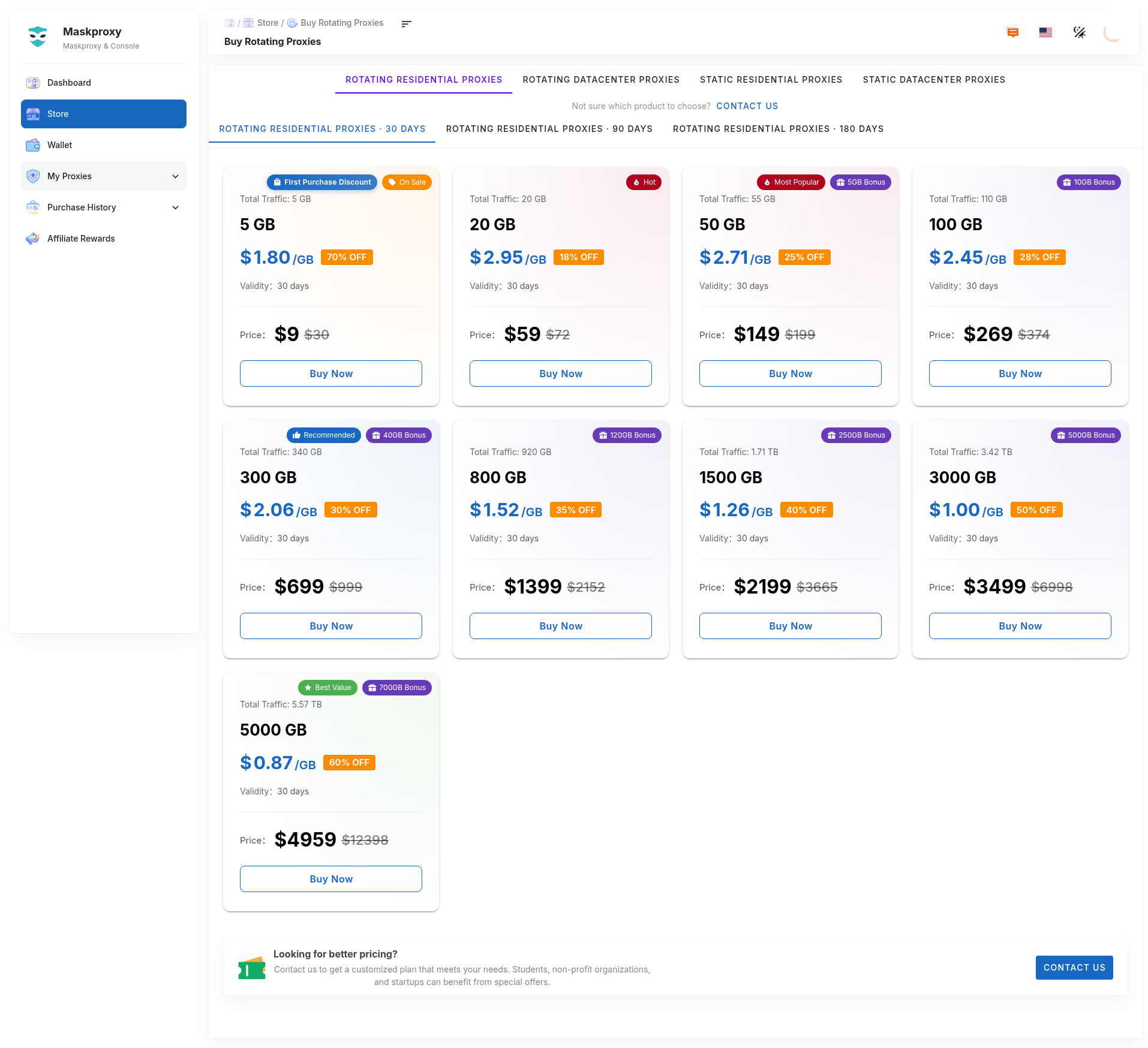
1. Pick a product in Store
- Sign in and open Store in the sidebar (about
#/store). - Choose rotating residential / rotating datacenter (GB) or static residential / static datacenter (IP · duration).
- Confirm plan size, validity, and price on the current page.
2. Pay
- Confirm product name and quantity in the order summary.
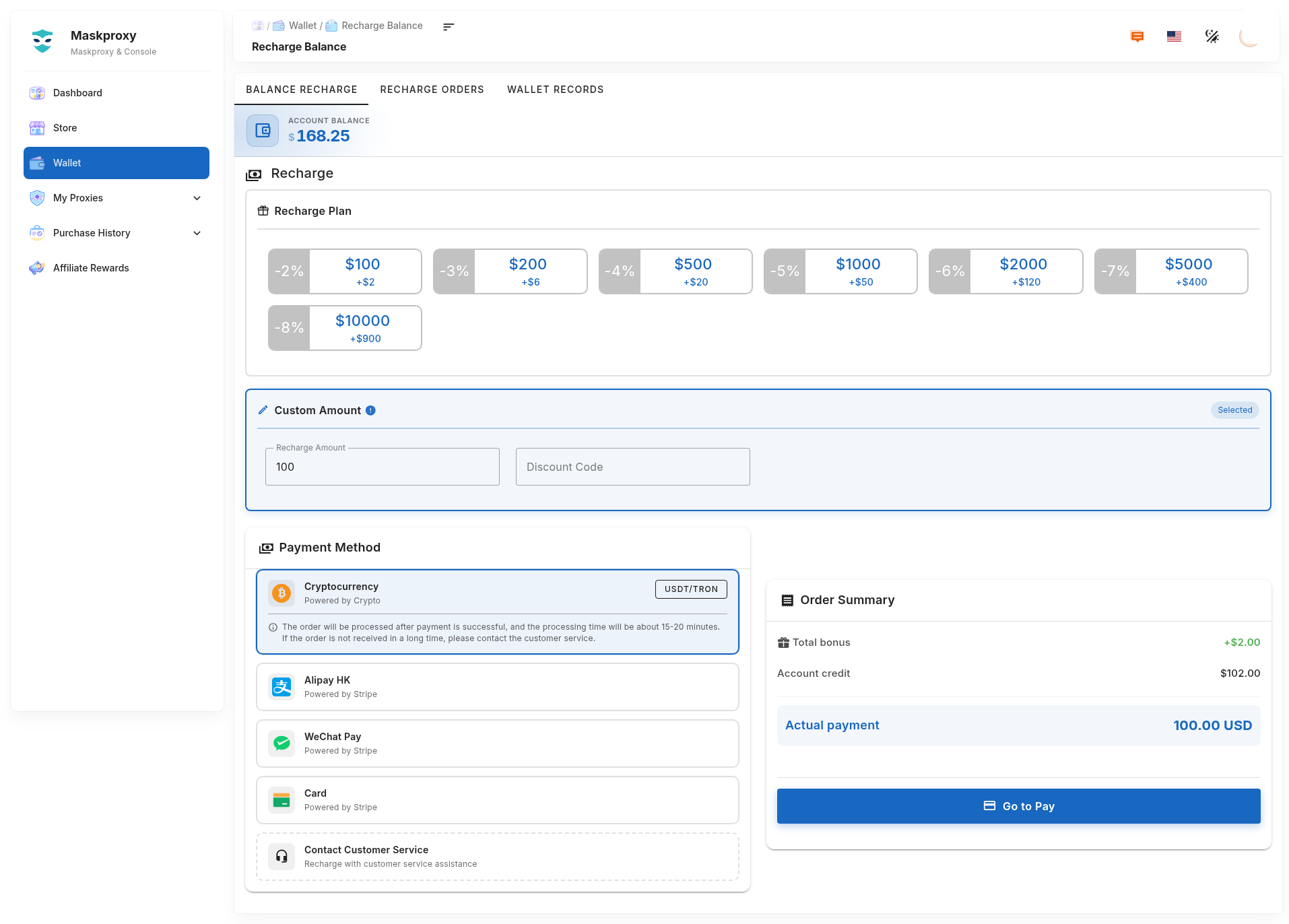
- Enter a promo code at checkout if you have one; top up in Wallet if balance is low.
- Complete payment with a method shown on the checkout page.
3. After purchase
- Open My Proxy and confirm remaining GB / IP list status updated.
- Copy host, port, username, password; sample host
gw.maskproxy.io/1288(follow your page). - Test with
curl -x username:password@host:port http://ipinfo.io/jsonbefore production tools.
Related: Buy & renew rotating residential · How do I purchase a proxy? · Extract rotating residential · Connection test.