

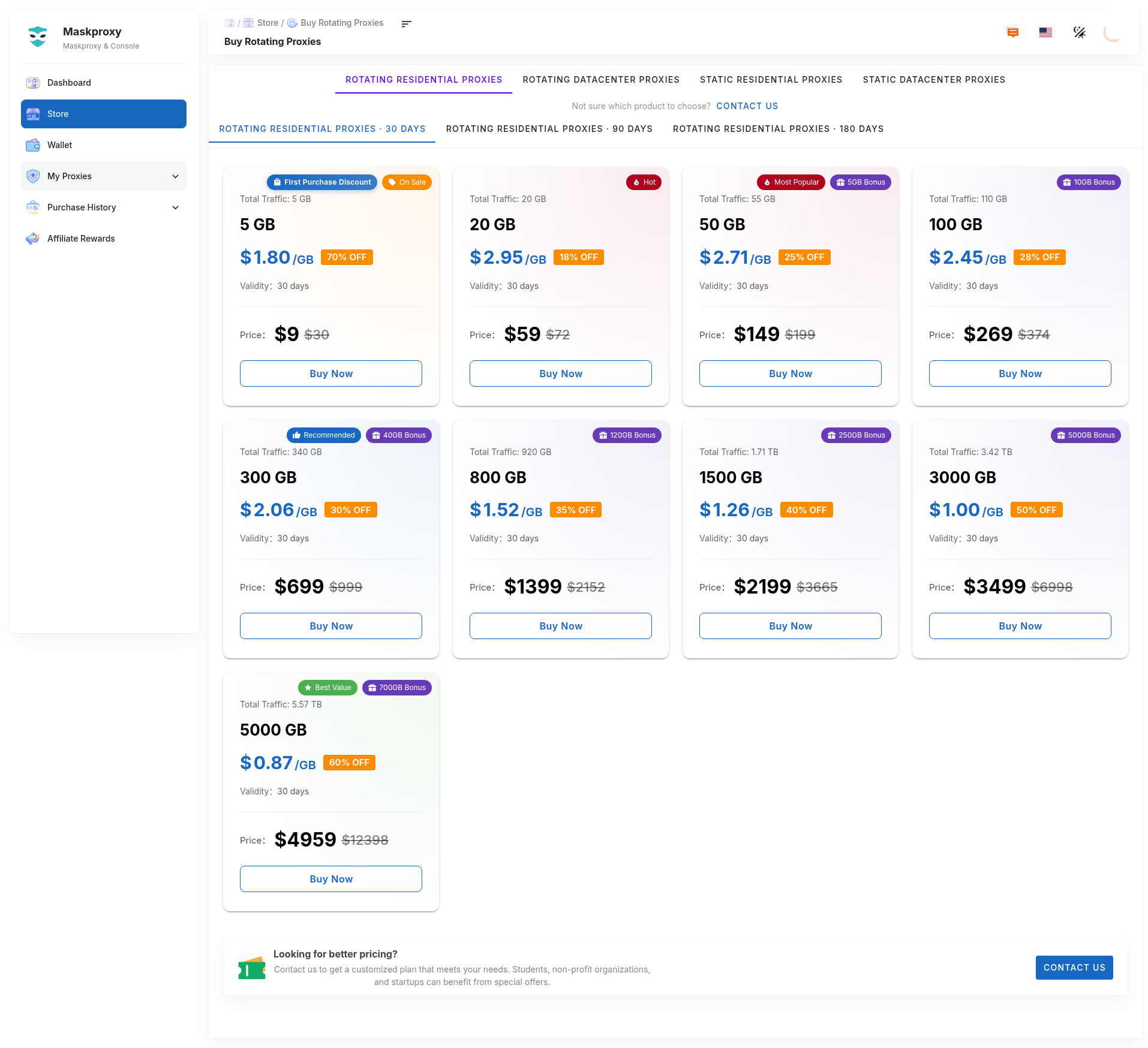
Shortest path: Sign in → Store → pick product & plan → pay → copy parameters in My Proxy.
- Open Store and choose rotating residential / rotating datacenter / static residential / static datacenter.
- Pick size, region, or duration; confirm and pay (wallet balance works when available).
- Open My Proxy and copy parameters; if nothing appears, check Purchase history first.
Related: Getting started · Wallet · Where to see purchased proxies.