

Shortest path: Copy credentials from MaskProxy → fill host/port/user/password in GoLogin → test the connection. Host, port, and account always follow your current My Proxy page.
1. Copy credentials from MaskProxy
- Sign in to the MaskProxy console and open My Proxy (Rotating Residential / Rotating Datacenter / Static Residential / Static Datacenter — pick the product you bought).
- Rotating products: use Quick Copy or Copy Full Proxy on the right for host, port, username, and password.
- Static products: select an IP in the list, then copy the same four fields.
- Connection format is usually:
username:password@host:port
Example host / port:gw.maskproxy.io/1288(always follow My Proxy).
Do not click Reset Credentials casually — old username/password will stop working. After a reset, update saved credentials in GoLogin.
2. Fill in the proxy in GoLogin
- Create or edit a browser profile in GoLogin.
- Open Proxy settings.
- Choose HTTP or SOCKS5.
- Fill host, port, username, and password.
- Test first, then save and start.
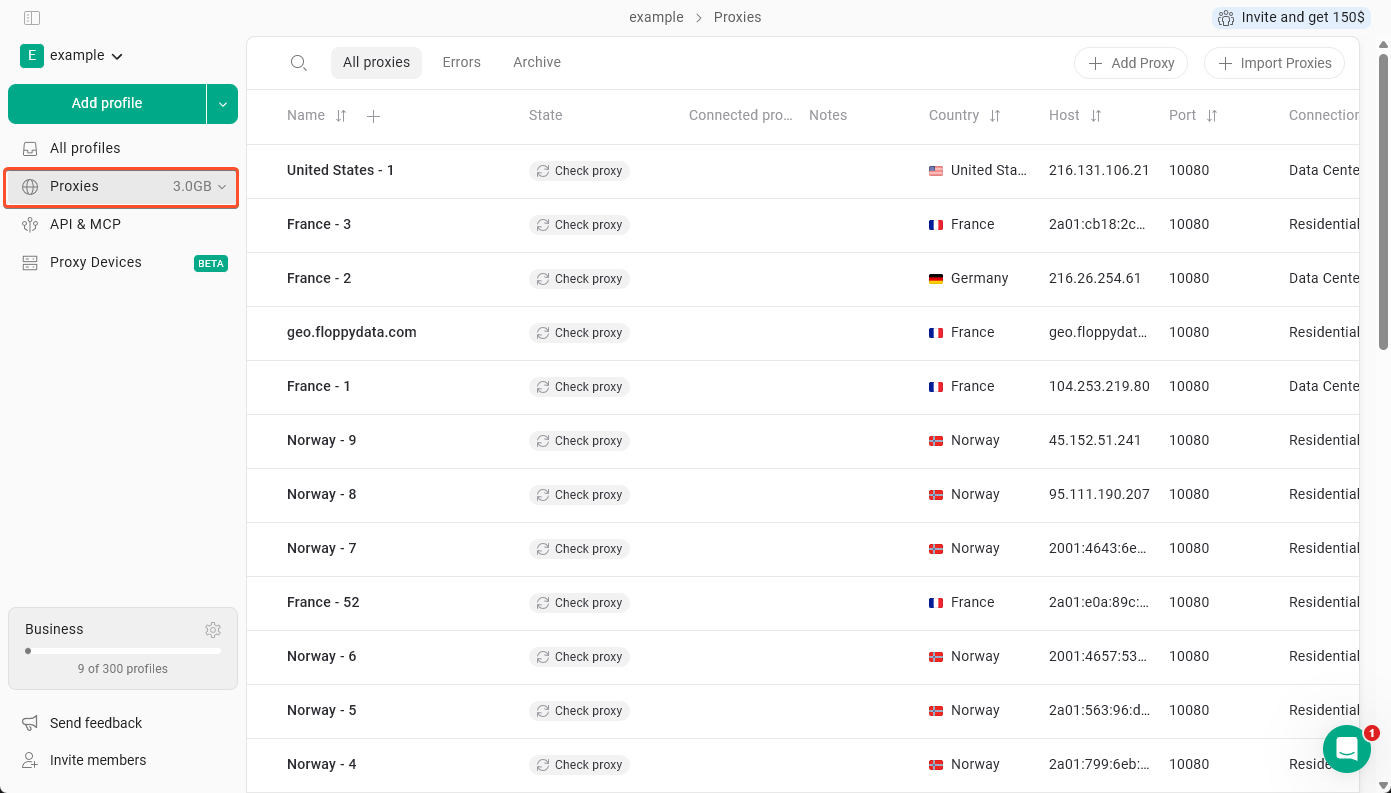
Third-party UI can change by app version; follow your current client.
Proxy password ≠ website login password. Paste console parameters and avoid extra spaces or newlines.
3. Test the connection
- Prefer the app’s built-in Check Proxy / Check Connection.
- After it passes, start the profile and open an IP-check page (e.g.
https://ipinfo.io). Confirm egress ≠ real IP and region roughly matches the console. - You can also run curl locally first to rule out MaskProxy-side issues:
curl -x username:password@host:port http://ipinfo.io/jsonExample shape (do not copy as-is):
curl -x YOUR_USER:[email protected]:1288 http://ipinfo.io/json4. FAQ
- Connection failed: verify host and port are complete; port is digits only.
- Auth failed: re-copy username/password; confirm you did not hit Reset Credentials.
- Protocol error: choose HTTP or SOCKS5 to match the extract page (SOCKS5 is a connection protocol, not a separate product).
- Rotating unavailable: check remaining GB; static unavailable: check IP status and expiry.
- Multi-profile: prefer static IPs for account login; use rotating for churn/short sessions. Use different parameters per profile when possible.