

Shortest path: Pick region / quantity / duration in Store → Pay → Confirm the IP list in My Proxy. Static Datacenter is billed by IP / duration.
1. Open Store
- Sign in to the MaskProxy console.
- Sidebar Store → the Static Datacenter IP product.
- Review countries, quantity, duration, and price (live page wins).
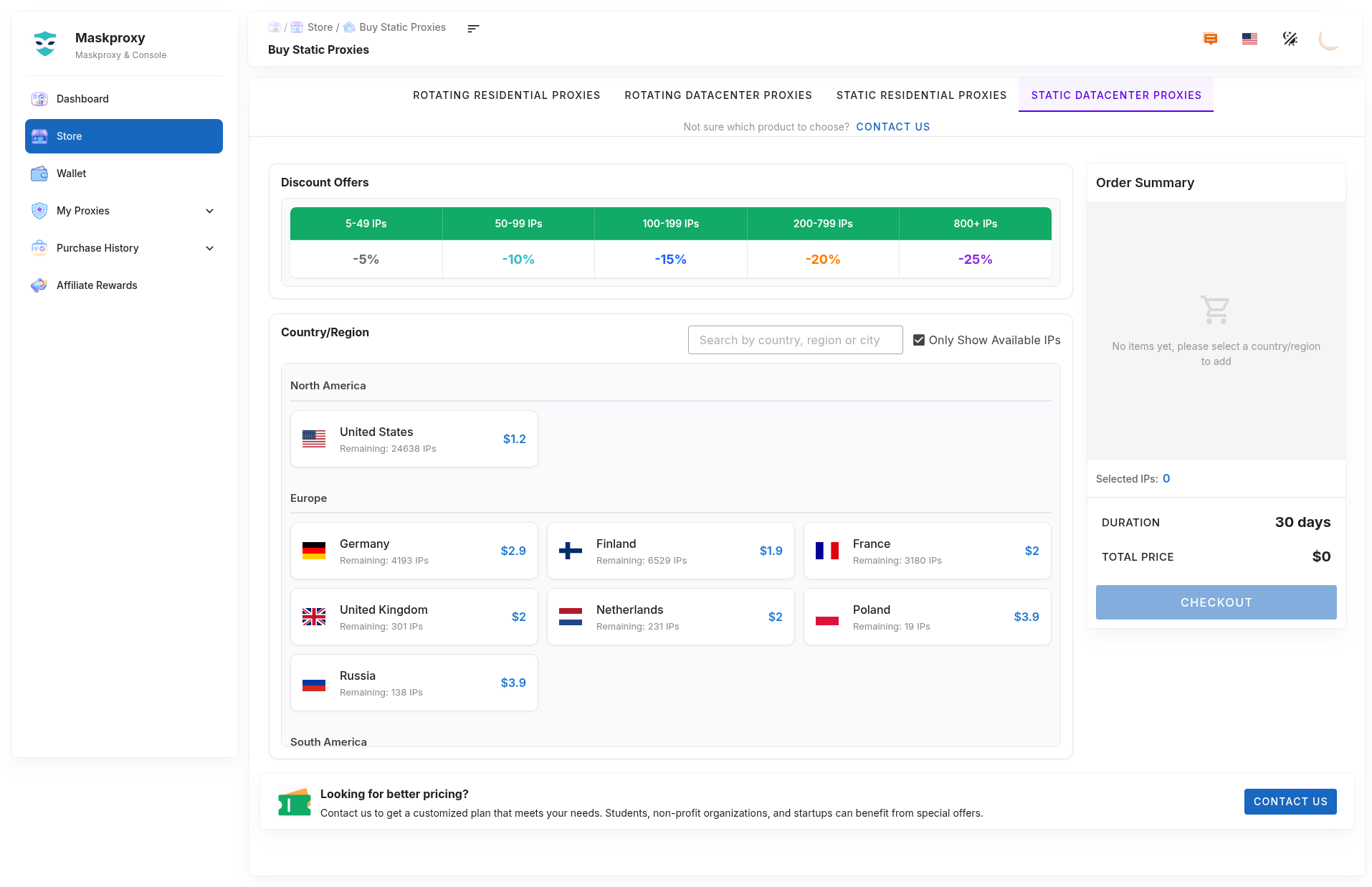
2. Choose specs and pay
- Region: match your business need.
- Quantity: plan by accounts / tasks.
- Duration: match your usage cycle.
- Confirm the order summary and pay with a method on the page.
If balance is low, top up in Wallet first.
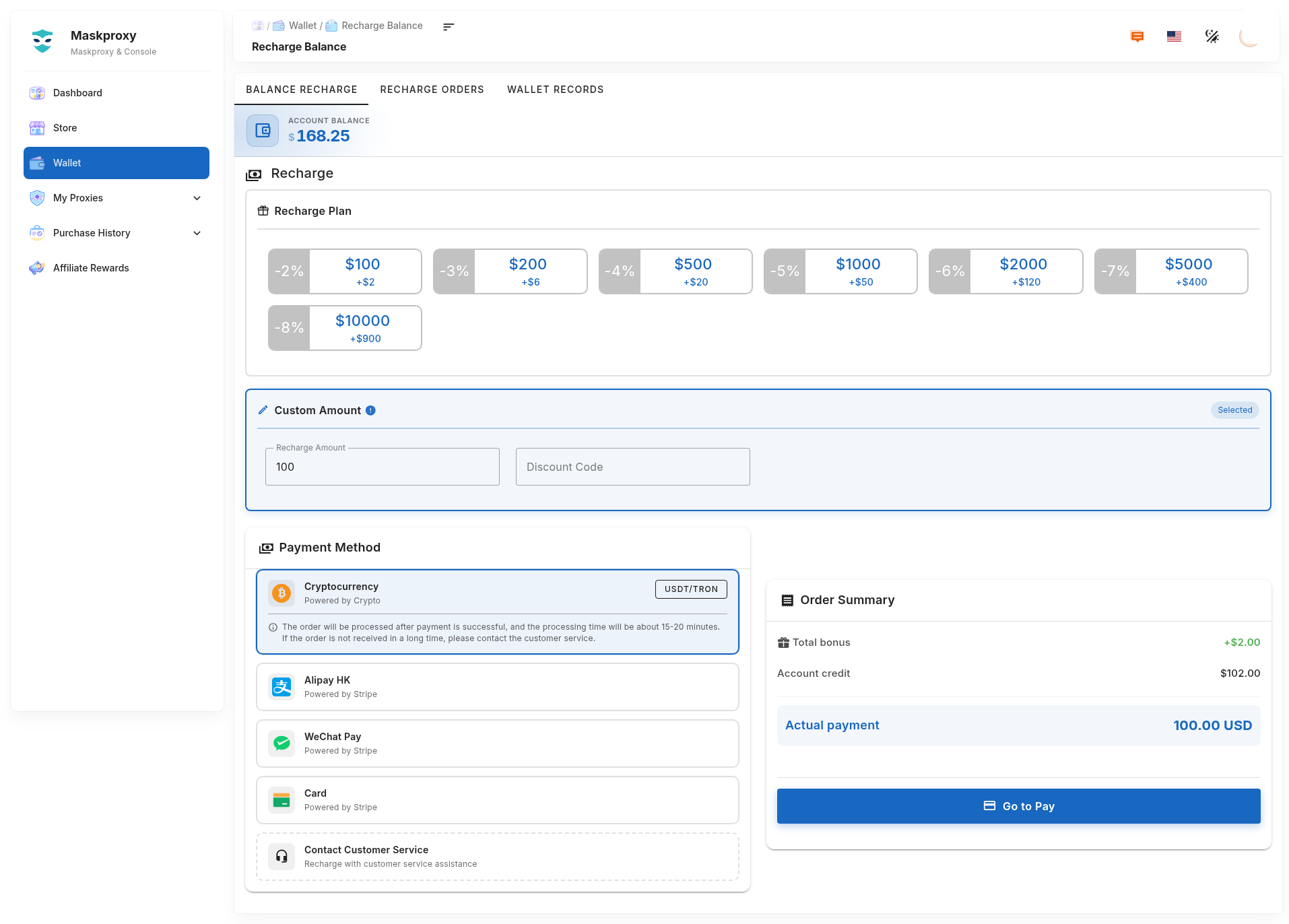
3. Post-purchase check
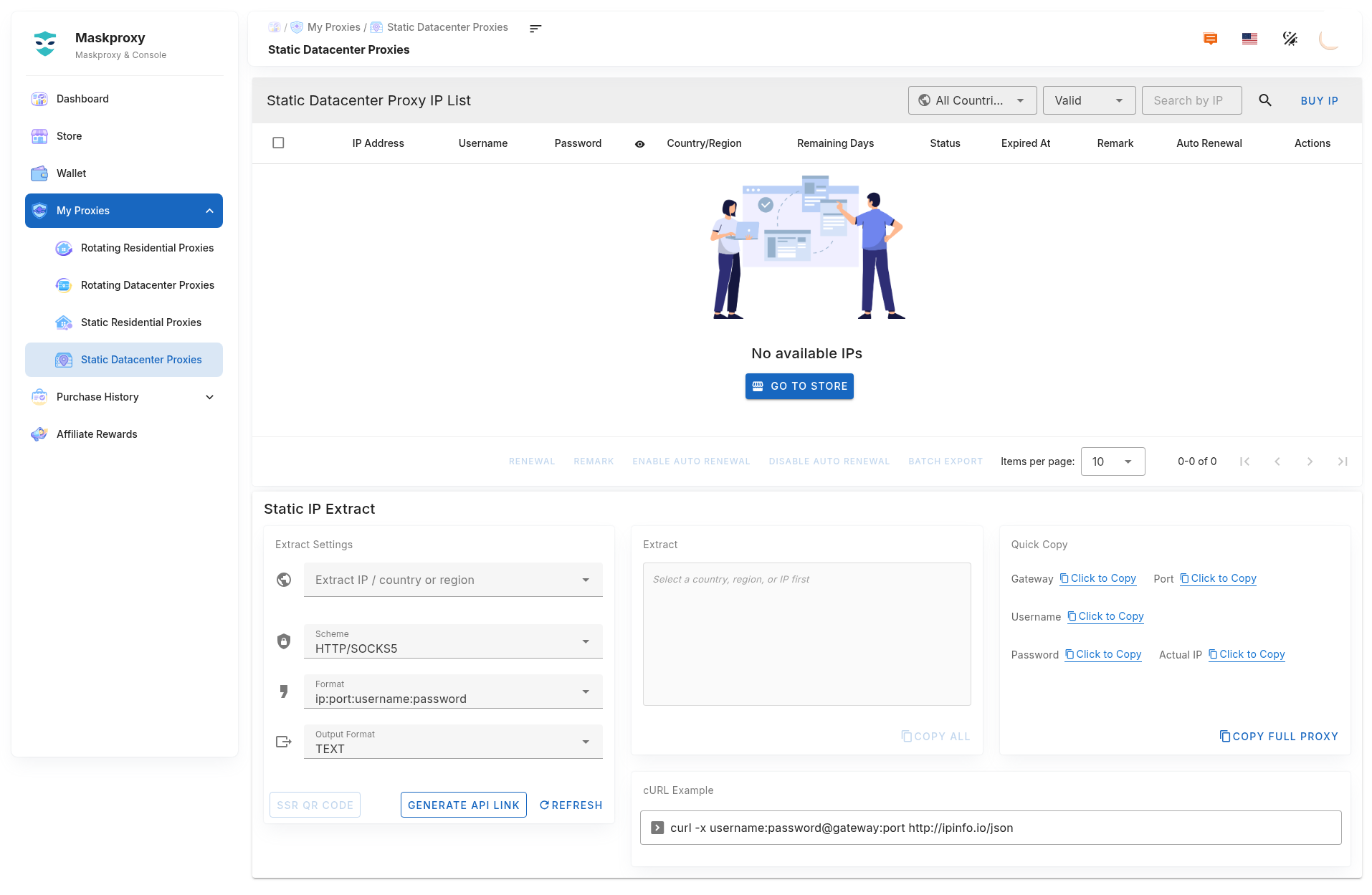
- Open My Proxy → Static Datacenter.
- Confirm new IPs appear with a healthy status.
- If missing, refresh; still wrong → contact support with the order id.
4. Renew
- Check remaining days and expiry in the IP list.
- Use on-page actions to renew manually or enable auto-renew (see auto-renew settings).
- Before expiry, verify Wallet balance and auto-renew status.
If an IP is expired or unhealthy, do not attach it to production; renew or buy again, then re-test.
5. Notes
- curl-test after purchase before long-lived workloads.
- Host/port/credentials follow the current My Proxy page; format
username:password@host:port. Example:gw.maskproxy.io:1288. - Do not casually Reset credentials.
Related: Extract & API · Connection test.