

Shortest path: Confirm IP status → Copy connection parameters → Fill your tool → curl test.
1. Confirm IP status
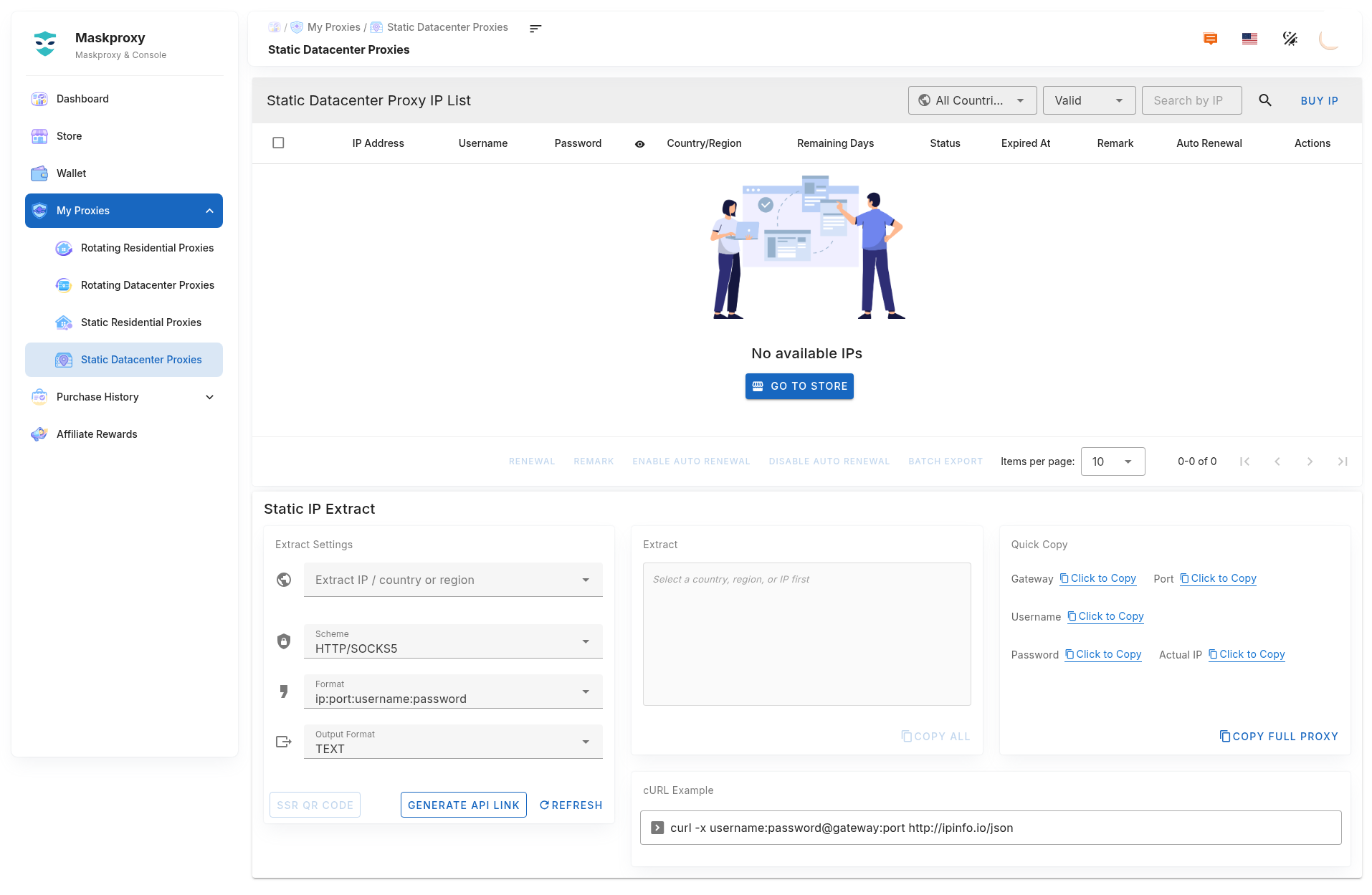
- Open My Proxy → Static Datacenter.
- Pick a healthy, non-expired IP. If none, buy or renew in Store.
2. Copy connection parameters
- Copy host, port, username, password, or the full proxy string.
- Format:
username:password@host:port. Example:gw.maskproxy.io:1288(use your page).
Do not click Reset credentials unless you mean to — old username/password will stop working.
3. Fill your tool
- Browser extension / antidetect browser / script: enter the four fields or the full string.
- Protocol: HTTP or SOCKS5 to match the console.
4. curl test
curl -x username:password@host:port http://ipinfo.io/jsonExample shape (do not copy as-is):
curl -x YOUR_USER:[email protected]:1288 http://ipinfo.io/jsonThe egress IP should match (or closely match) the static IP in your list.
5. Usage tips
- Keep the same IP for long sessions; before switching, confirm the target site allows a new egress.
- Do not post full proxy strings, passwords, or API links publicly.
Related: Extract · Connection test · Buy & renew.