Proxy Session Mismatch: Check Route Identity Before Account Access

A proxy session mismatch happens when the route used for an account session no longer matches the route identity you expected. Do not retry the login immediately. First confirm whether the exit IP, sticky-session rule, DNS path, and client connection state still describe the same route.
The fast diagnostic order is simple: identify the assigned route, test the current outbound path outside the browser, compare DNS and protocol behavior, close reused connections, then decide whether to continue, retry once, rotate, or stop. This prevents repeated attempts from hiding the real failure source.
Start With The Assigned Route, Not The Error Message
Record the route that should be active before you test anything else. The minimum record is proxy type, host, port, authentication method, expected country or city, expected ASN when available, sticky-session token or username suffix, assigned account or task, and the time the session started.
If that record is missing, pause the account workflow and rebuild the route note first. A mismatch cannot be diagnosed reliably when the expected state is unknown.
Check The Current Exit Before Retrying Access
Use a neutral IP check from the same client environment that will run the account session. Confirm the outbound IP, location, ASN, protocol, and timestamp. Then repeat the check through a second tool or command-line client. The result passes only when both checks show the same route identity you assigned.
Fail the check if the IP changed unexpectedly, the ASN no longer matches the assigned route, the location moved outside the expected scope, or the request bypasses the proxy path. If this happens, stop the account access attempt and inspect routing before changing passwords, cookies, or browser settings.
Separate Sticky Timing From Route Drift
Sticky residential routes can change when the session lifetime expires, when the client reconnects with a new token, or when the provider falls back to another endpoint. That is different from a random proxy failure. Compare the current test time with the session start time and the provider’s sticky-duration rule.
If the route changed after the sticky window ended, create a fresh route record before continuing. If it changed inside the promised window, treat it as route drift and follow an assigned exit route checklist before using the account again.
Verify DNS, Protocol, And Connection Reuse
A route can look correct at the IP layer while DNS or connection reuse still points at an older path. Check whether DNS resolves locally or through the proxy, whether the client uses HTTP, HTTPS CONNECT, SOCKS5, or SOCKS5 with remote DNS, and whether keep-alive connections are still open from a previous route.
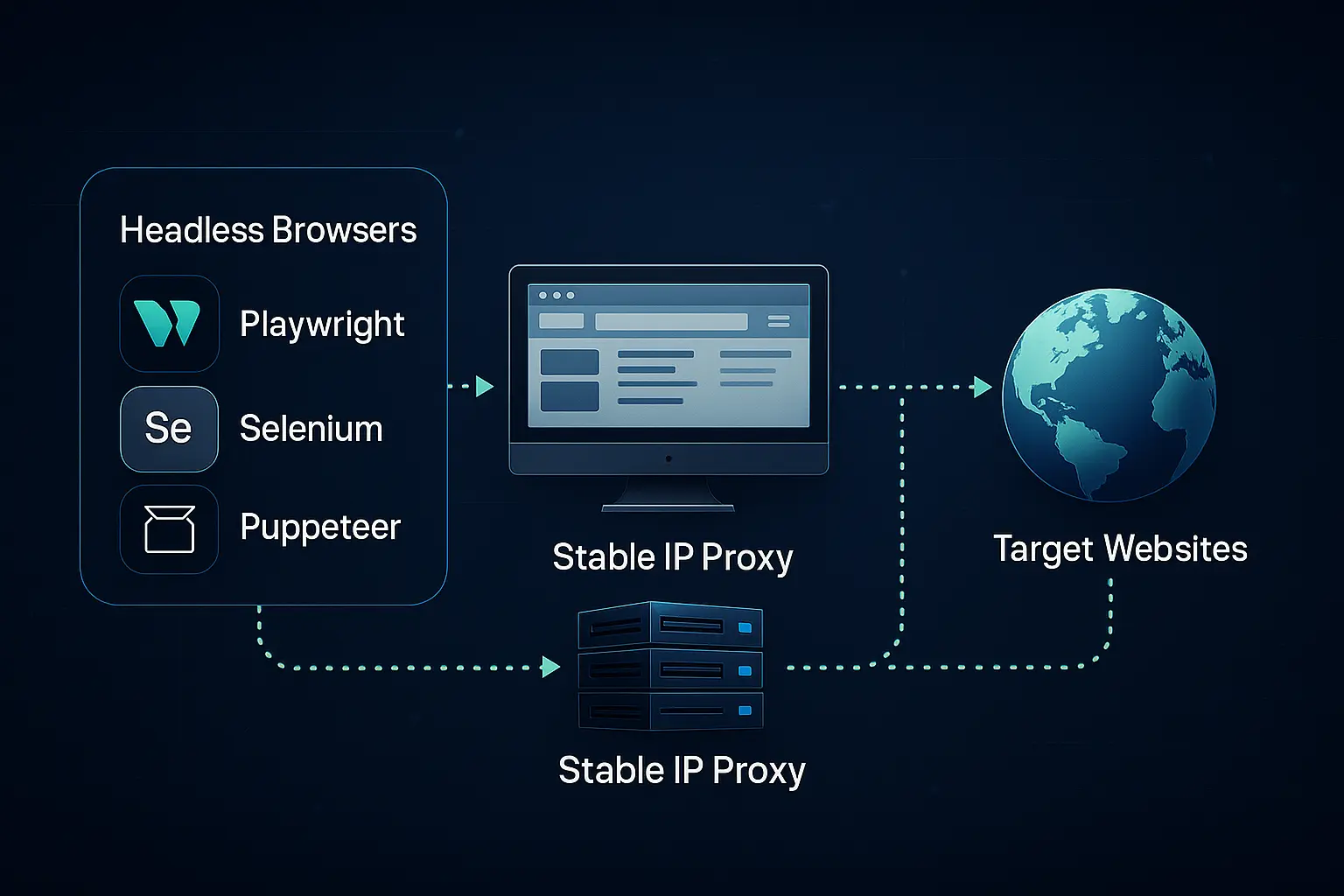
When testing browser or automation clients, close the old context, clear connection pools, and rerun the proxy check from a new process. If HTTP and SOCKS5 behave differently, use an HTTP and SOCKS5 protocol comparison to decide whether the mismatch is protocol-specific.
Use This Mismatch Decision Table
| Signal | Likely cause | Safe next action |
|---|---|---|
| Exit IP changed but DNS stayed consistent | Expired sticky route or provider fallback | Create a new route record, then retry once only after confirmation |
| Exit IP matches but DNS location differs | Local DNS, SOCKS mode, or resolver mismatch | Fix DNS behavior before account access continues |
| Command-line test passes but browser fails | Browser connection reuse, extension setting, or context-level proxy mismatch | Restart the client context and retest the browser path |
| Mismatch repeats inside the sticky window | Route drift or unstable provider endpoint | Pause the workflow and review a residential proxy stability checklist |
| All route checks pass but access still fails | Target rule, account state, or request pacing issue | Do not keep rotating; record evidence and review policy boundaries |
Record The Fields That Make The Result Reusable
A useful mismatch log should include expected route ID, observed IP, ASN, DNS result, protocol, sticky token, first-seen time, retry count, client name, browser or script context, and final decision. Without those fields, the next operator may repeat the same failed route change.
For recurring issues, keep a proxy troubleshooting log template beside the route assignment. The goal is not more paperwork; it is to prevent route changes from becoming guesswork.
Stop Conditions Before Account Access Continues
Stop the workflow when the expected route cannot be identified, the current exit does not match the assigned route, DNS behavior is ambiguous, the browser and command-line tests disagree, or the sticky window cannot be confirmed. Retrying account access while any of those conditions remain unresolved creates noisy evidence and makes recovery harder.
Continue only after the route identity is stable, the same result appears in two checks, reused connections have been cleared, and the operator has recorded the decision. For team workflows, define this threshold in a proxy access policy checklist so route mismatch handling is consistent across operators.
Where This Fits In A Proxy Workflow
Proxy session mismatch is not solved by changing IPs at random. It is solved by proving whether the account session, route assignment, DNS path, and client connection state still point to the same network context. If they do, continue with a controlled retry. If they do not, stop and repair the route before the account workflow resumes.